10
General Operation
DV526BT OPERATION
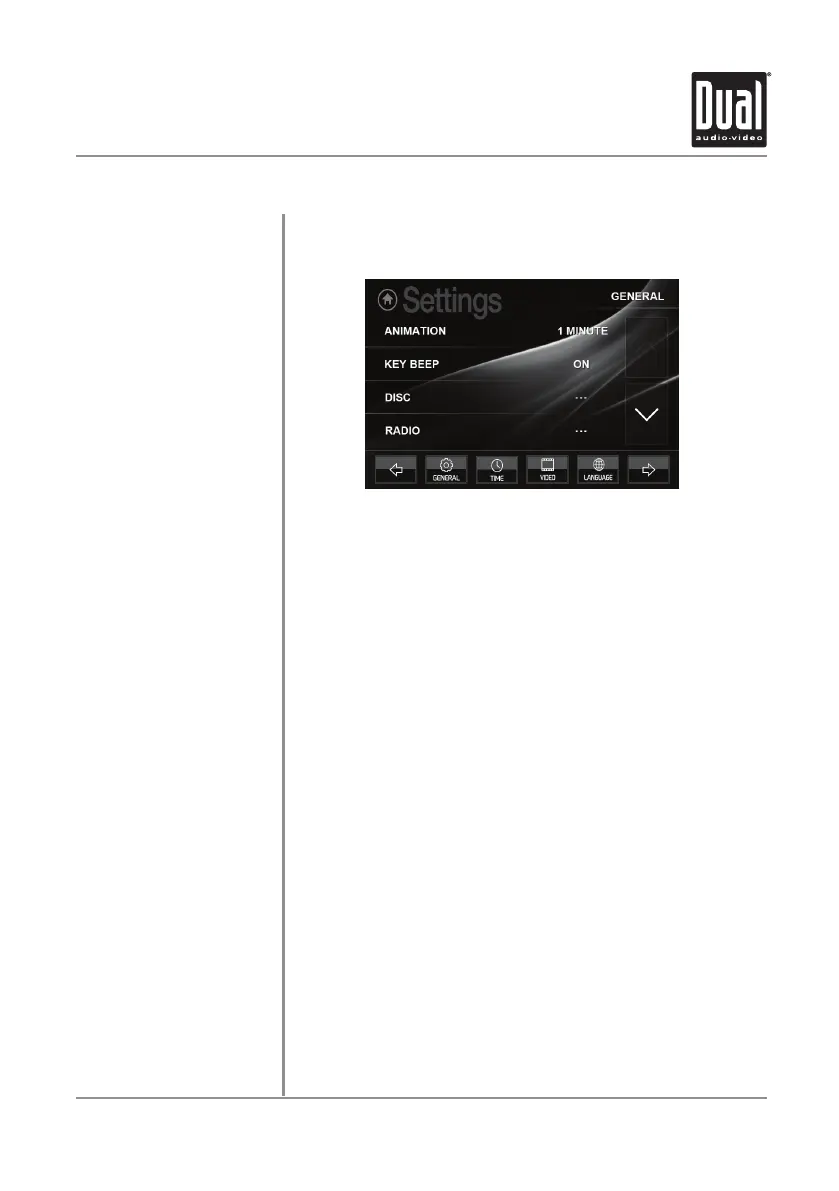
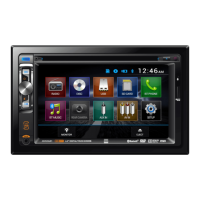
From the Main Menu screen, press SETUP in the bottom right corner
to access the Setup menu and select from six categories across the
bottom: General, Time, Video, Language, Calibration and SWC.
General:
• Animation - Select Off, 10 second, 30 second, 1 minute, 90
second, 2 minute, 3 minute or 4 minute to set animation length.
• Key Beep - Select a OFF or ON to select whether or not the unit
beeps each time a key is pressed.
• Disc - Adjust the following disc options:
- Format - Select NTSC, PAL or AUTO.
- TV Type - Select 4:3PS, 4:3 LB or 16:9.
- Rating - Select desired rating.
• Radio - Adjust the following radio options:
- Select between STEREO or MONO operation.
- Select between LOCAL or DX (distance) tuning.
- Select between the following region settings: EU R OPE,
AMERICAN1, AMERICAN2 JAPAN and RUSSIAN.
• Bluetooth - Adjust the following Bluetooth options:
- Turn Bluetooth On or OFF.
- Turn Auto Answer feature On or OFF to determine whether
or not the unit will automatically answer incoming calls.
- Turn Auto Connect feature On or OFF to determine whether or
not the unit will automatically connect to available devices.
• Wallpaper - Select from three different wallpaper options.
• Demo - Turn Demo mode OFF or ON.
• Demo 2 - Turn Demo 2 mode OFF or ON.
• Dimmer - Adjust the dimmer levels between 1 and 6.
• Camera Icon - Select between NORMAL or MIRROR for the
camera display.
• About - Select to view information about the unit.
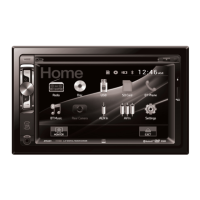
Setup Menu


 To Next Page