9
Installing the Faceplate
Power On/Off
Volume
Mute
Mode
Auxiliary Input
microSD Card
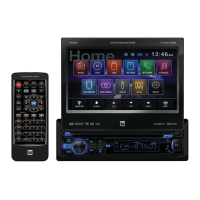
Opening the LCD
Screen Angle
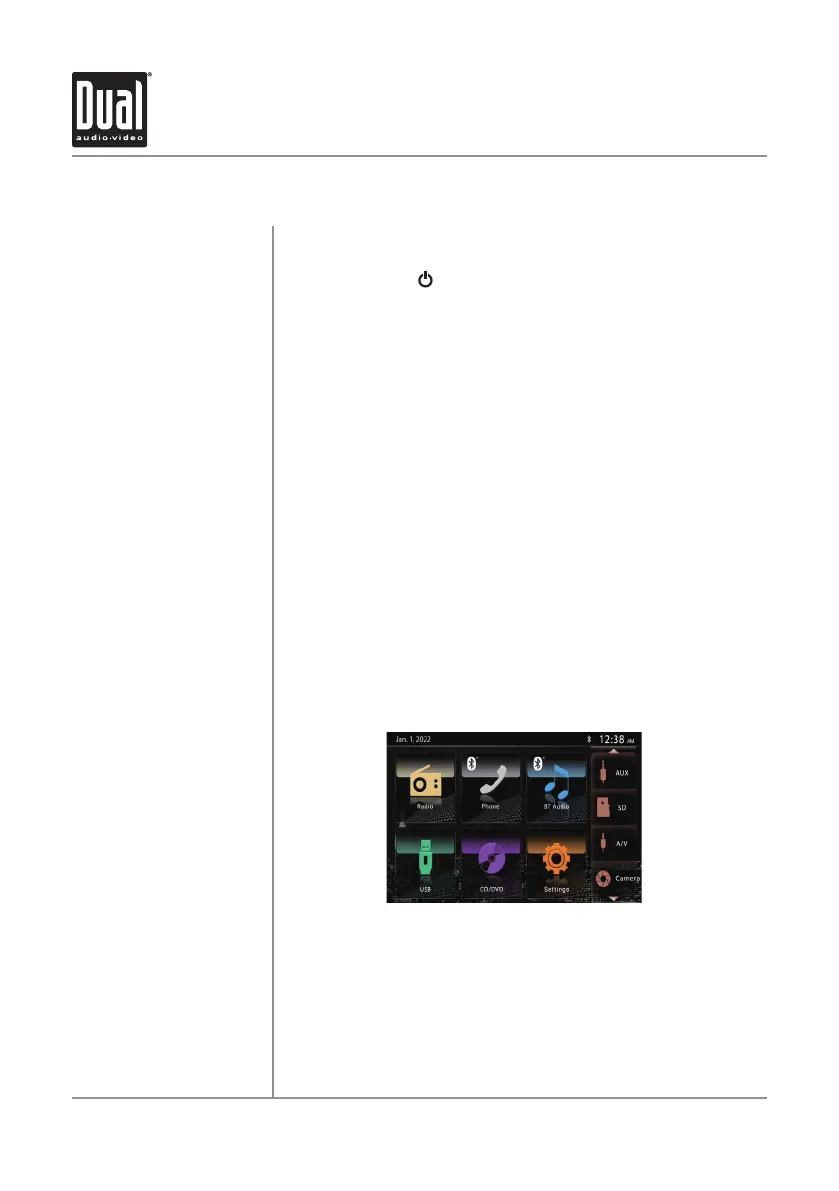
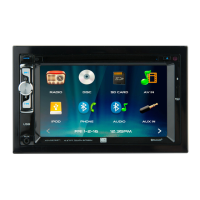
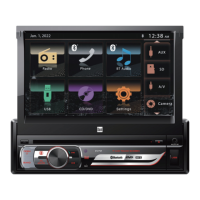
Main Menu
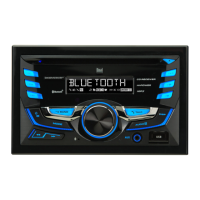
Align the faceplate with the front of the unit, then snap in place
beginning with the left side.
Momentarily press
to turn the unit on or off.
Rotate the volume knob to increase or decrease the volume level.
Momentarily press MUTE to silence the audio. Momentarily press MUTE
again to return to the previously selected volume. Rotating the volume
knob while the volume is muted will also cancel the mute function.
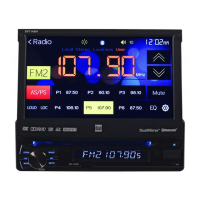
Press MODE to step through all available input modes: Radio, Disc
(which includes DVD and CD playback), microSD Card, AV In, iPod,
Bluetooth Phone, Bluetooth Audio, Auxiliary Input, Rear Camera and
Modes of operation are indicated on the display and/or the
Optional iPod device and microSD Card, must be
appear in the mode selection string.
Connect external audio/video devices to the 3.5mm auxiliary input on
the front panel.
Insert an microSD Card into the microSD Card slot (located behind the
faceplate) to play MP3 files or view view AVI video files or JPG photos.
Press OPEN to open or close the LCD screen.
Press UPS or DOWN T t
o adjust the screen angle up or down.
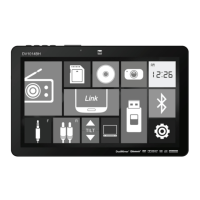
Press the Home Icon at the top left of each mode to switch to the
main menu screen below.
General Operation
DV712 OPERATION
Settings.
monitor.
connected/inserted to


 To Next Page