14
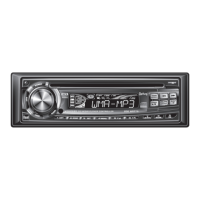
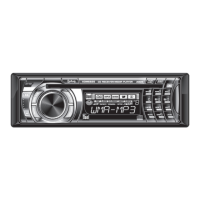
XDMR7710 OPERATION
CD Player Operation - MP3/WMA Files
Press SEARCH for more than 3 seconds, to select between
the following modes:
• Direct File Select
• Alphanumeric File or Folder Search
• File or Folder Navigate
Press SEARCH for more than 3 seconds, then release.
“MP3 T
*
" or “WMA T
*
” will flash in the display. Use the
buttons in the above table (3 keystroke maximum input),
or the rotary encoder to enter the desired file number.
Press to confirm the selected file number or wait for
the input cycle to time out (approximately 5 seconds).
If the file is not available, “NO FILE” will be displayed
momentarily and the current file will continue to play.
Direct Select, Search and
Navigate Modes
Direct File Select
Step 1
Step 2
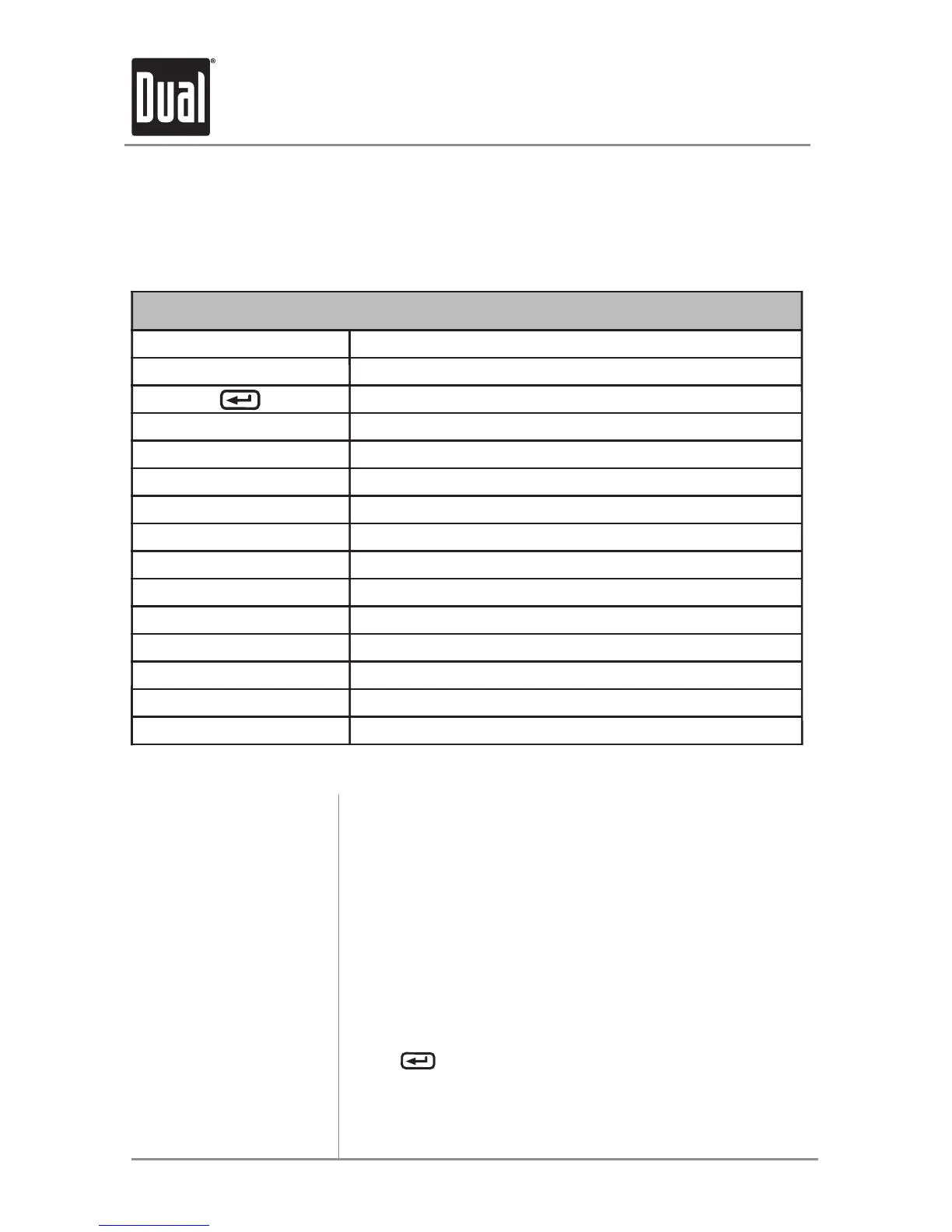
Refer to the following button function table when selecting, searching or
navigating MP3/WMA files and folders:
MP3/WMA Button Function Table
Button Function
SEARCH Direct Select, Search and Navigate Modes
Enter/Confirm
Preset #1 A, B, C, 1
Preset #2 D, E, F, 2
Preset #3 G, H, I, 3
Preset #4 J, K, L, 4
Preset #5 M, N, O, 5
Preset #6 P, Q, R, 6
Key #7 S, T, U, 7
Key #8 V, W, X, 8
Key #9 Y, Z, /, 9
Key #0 -, _, +, 0
AUDIO Character Shift
Rotary Encoder Character Select (A, B, C ~ 8, 9, 0)


 To Next Page