7
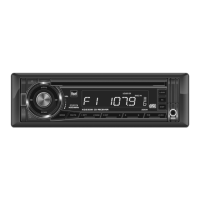
Insert the USB connector of a battery powered USB device
into the USB charging port on the front panel, which
provides5voltsDCand1.0amps.TheUSBdevicewill
immediately begin charging.
Note: TheUSBchargingportmaynotbecompatiblewith
everydeviceduetodifferencesinpowerrequirements.
Note:ThisUSBportprovidespoweronly,andwillnot
playbackmusicfromaUSBdevice.
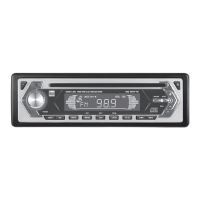
Press AUDIOtoselectbetweenVolume(default),Bass,
Treble,Balance,FaderandEQ.
USB Charging Port
Audio
BASS VOLUME TREBLE BALANCE FADER
EQ
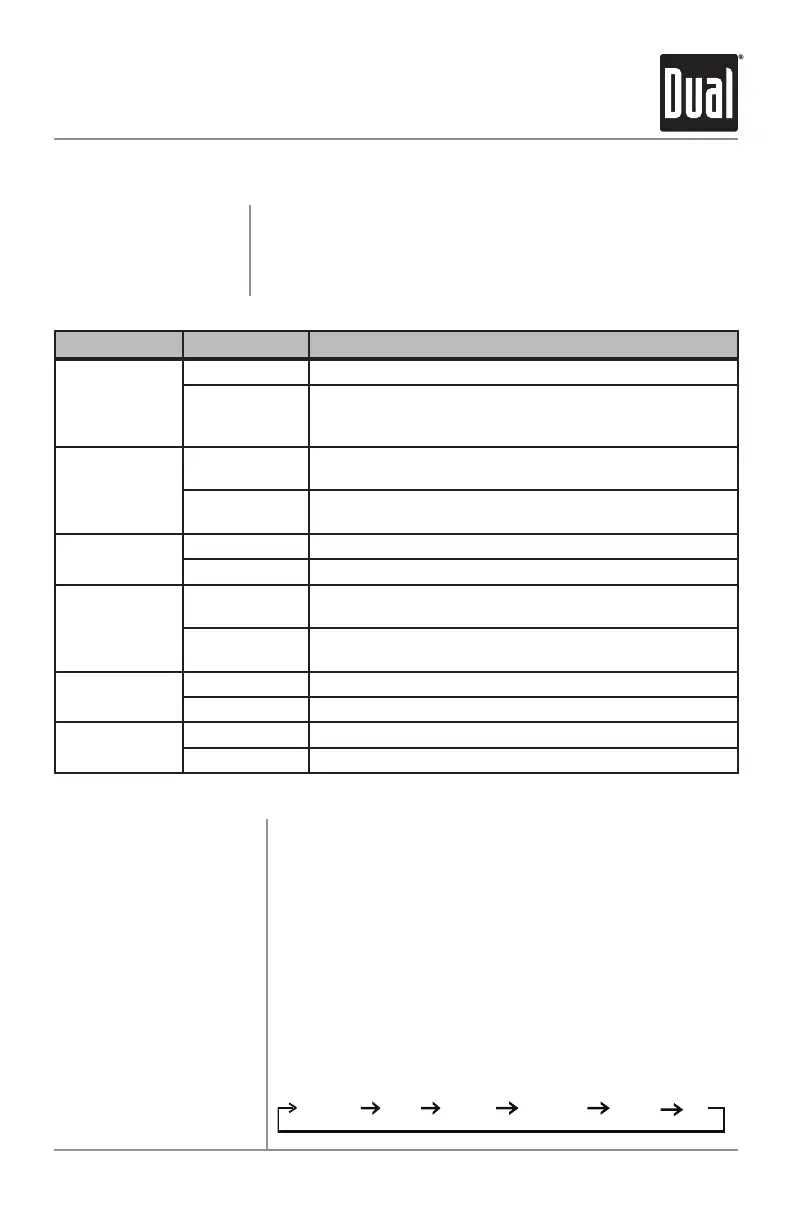
XD5250 OPERATION
Menu Function Options Action
Loudness
Curve
LOUD OFF Disables the loudness function.
LOUD ON
Enables the loudness function. Activating this feature
willenhancethebassandtreblefrequencieswhen
listening to music at low volumes.
Tuner
Frequency
Spacing
FRE USA
Programs the unit to USA tuner spacing.
(200kHzforFMand10kHzforAM).(Tuner mode only)
FRE EU
Programs the unit to European tuner spacing.
(50kHzforFMand9kHzforAM).(Tuner mode only)
Local/Distance
Tuning
LOC OFF Activates distance tuning.
LOC ON Activates local tuning for strong station reception only.
Clock
Display
CLOC ON
Programsunittodisplaytheclockwhenthepoweris
off.
CLOC OFF
Programsunittonotdisplaytheclockwhenthepower
is off.
Beep
Confirmation
BEEP OFF Disables the confirmation beep.
BEEP ON Enables the confirmation beep.
Illumination
Dimmer
ILLUHI Programs the LCD to the brightest illumination level.
ILLU LO Lowers the LCD illumination level.
General Operation
Press and hold AUDIO/MENU for more than 3 seconds to
access the setup menu, then press AUDIO/MENU to cycle
through menu options. When desired option appears in the
display, rotate the volume knobleft/righttoadjustoractivate
the desired function.
Setup Menu


 To Next Page