EasyManua.ls Logo

Dual XDMA761 - User Manual

Dual XDMA761
24 pages
Print Icon
To Next Page IconTo Next Page
Loading...
Front and Rear Inputs
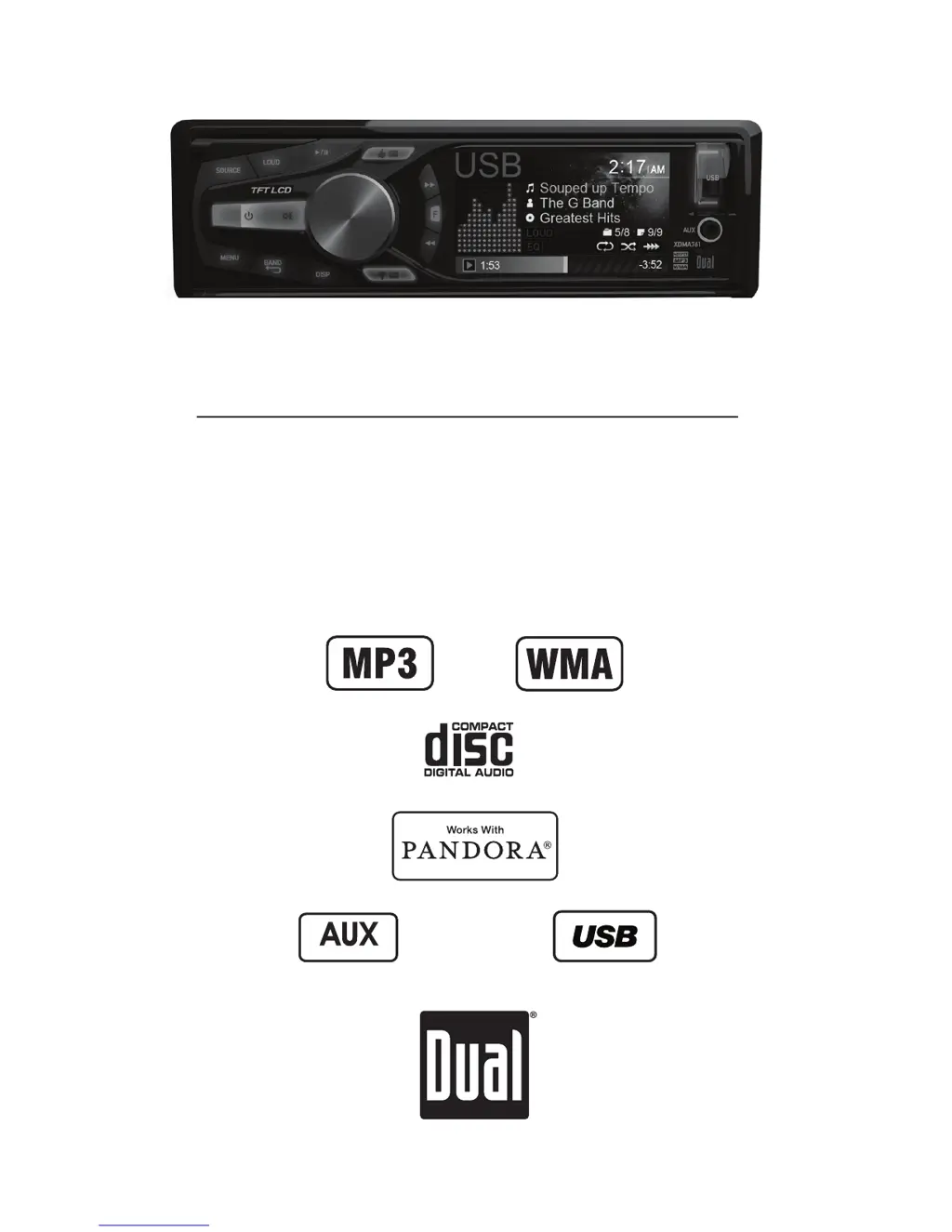
INSTALLATION/OWNER'S MANUAL
CD Receiver
XDMA761

Questions and Answers

  • W
    Wesley FordAug 8, 2025
    How to fix a Dual Car Receiver that won't turn on?
    • M
      Michele DixonAug 8, 2025
      If your Dual Car Receiver isn't turning on, here's what you can check: * **Yellow wire:** Ensure it's properly connected and has the correct voltage (11-16VDC). * **Black wire:** Verify it's securely connected to ground. * **Fuse:** If blown, replace it with a new one.
  • D
    Denise BrownAug 12, 2025
    What to do if my Dual Car Receiver has power but no sound?
    • E
      Erik WilliamsAug 12, 2025
      If your Dual Car Receiver powers on but produces no sound, consider the following: * **Speaker wires:** Check the connections at the speakers to ensure they are properly connected. * **Short circuit:** Make sure no speaker wires are touching each other or the chassis ground. Insulate any bare wires to prevent this.
  • M
    Mr. Dylan MarshallAug 16, 2025
    Why does my Dual Car Receiver keep blowing fuses?
    • E
      erica97Aug 16, 2025
      If your Dual Car Receiver is blowing fuses, the following might be the reason: * **Wire contact:** Check if the yellow or red wire is touching the chassis ground. Look for any pinched wires. * **Speaker wires:** Inspect the speaker wires to ensure they are not touching the chassis ground; again, look for pinched wires. * **Fuse rating:** Ensure you are using a fuse with the correct rating.
  • T
    Travis MaldonadoAug 21, 2025
    How to stop my Dual Car Receiver from skipping?
    • E
      Eric PayneAug 21, 2025
      Excessive skipping on your Dual Car Receiver can be due to: * **Mounting issues:** Verify the unit is mounted correctly and the backstrap is secure. Check the mounting sleeve and backstrap support. * **Media defects:** Inspect the CD, CD-R, or CD-RW for scratches or physical damage.
  • S
    Stephanie AtkinsAug 25, 2025
    What does 'NO FILE' mean on my Dual Car Receiver display?
    • E
      Elizabeth HodgesAug 26, 2025
      If 'NO FILE' appears on your Dual Car Receiver display, here are potential causes and solutions: * **Disc read error:** Press the eject button or RESET. * **Focus error/upside down disc:** Press the eject button or RESET. * **DRM-protected WMA file:** Use WMA files that are not DRM protected when writing the disc. * **No valid files:** Check the device for valid MP3/WMA files. * **Communication error:** Remove and reconnect the device.
  • S
    sandrahernandezAug 29, 2025
    What to do if my Dual Car Receiver won't accept a disc?
    • D
      Daniel JohnsonAug 29, 2025
      If your Dual Car Receiver won't accept a disc: * **CD mechanism:** Press EJECT to reset the CD mechanism position. * **Transit screws:** Remove the two transit screws located on top of the unit.
  • S
    Susan MossSep 3, 2025
    What does 'NO SUPPORT' mean on my Dual Car Receiver display?
    • S
      Susan GarzaSep 3, 2025
      If 'NO SUPPORT' is displayed on your Dual Car Receiver, it means an invalid ID3 tag version is present. Only version 1.0 to 2.4 ID3 tags are supported.

Dual XDMA761 Specifications

General IconGeneral
Resolution800 x 480
BluetoothYes
USB PortYes
SD Card SlotYes
DVD PlayerYes
Backup Camera InputYes
Steering Wheel Control CompatibleYes
Auxiliary InputYes
CD PlayerYes
Remote ControlYes
Preamp Outputs3 Pairs
DisplayTouchscreen
CompatibilityAndroid
Screen Size7 inches

Related product manuals