EasyManua.ls Logo

Dual XDMA760BT - User Manual

Dual XDMA760BT
26 pages
Print Icon
To Next Page IconTo Next Page
Loading...
Front and Rear Inputs
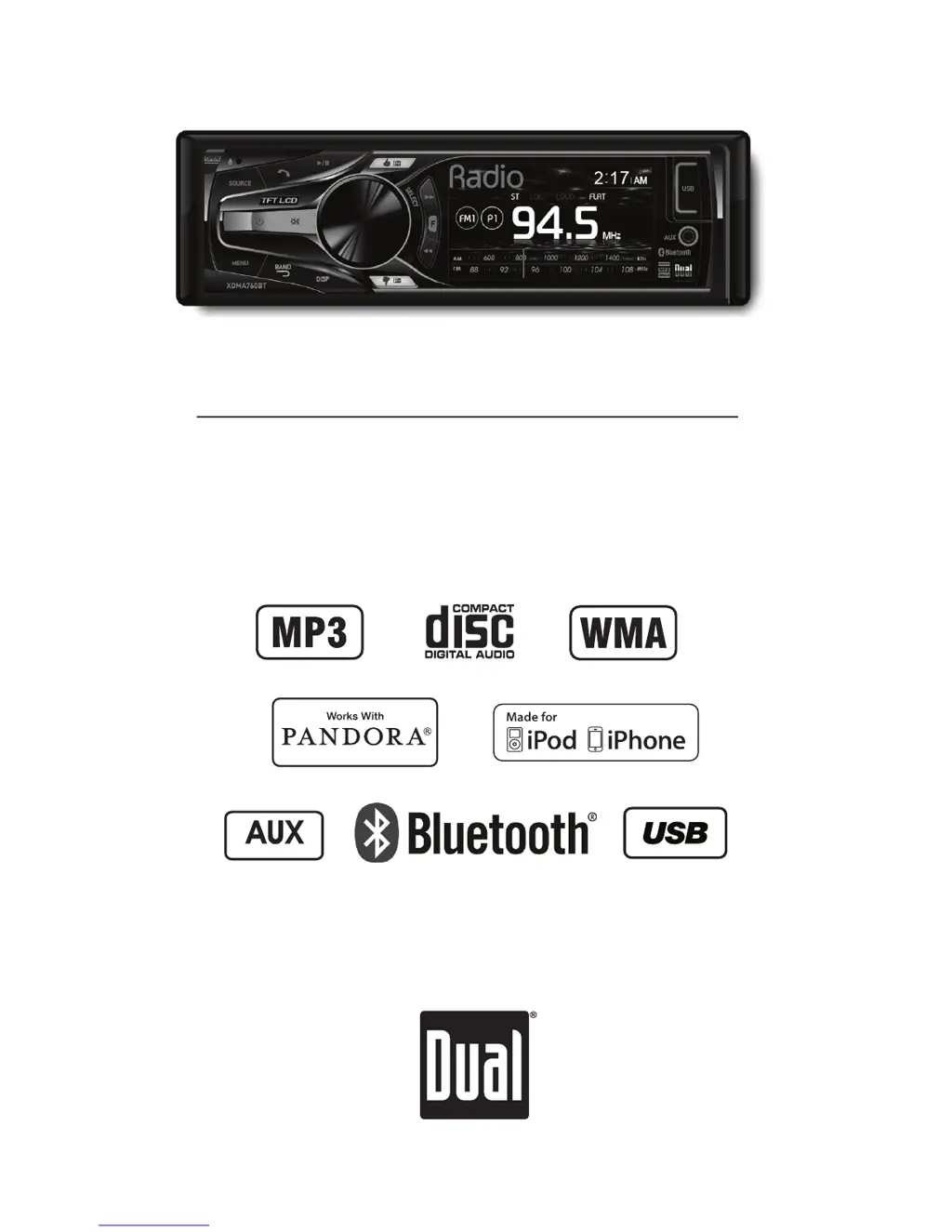
INSTALLATION/OWNER'S MANUAL
CD Receiver
XDMA760BT

Questions and Answers

  • K
    Kristen RamirezJul 30, 2025
    How to fix a Dual XDMA760BT that won't turn on?
    • B
      Brian JenkinsJul 31, 2025
      If your Dual Car Receiver won't turn on, there are several potential causes. First, check the yellow and red wires to ensure they are connected properly and receiving the correct voltage (11-16VDC). Next, verify that the black wire is properly connected to ground. Lastly, inspect the fuse and replace it if it's blown.
  • J
    John MorenoAug 3, 2025
    Why does my Dual Car Receiver keep blowing fuses?
    • M
      Matthew CarterAug 3, 2025
      If your Dual Car Receiver keeps blowing fuses, it could be due to a few reasons. Check the yellow or red wire to see if it's touching the chassis ground, and look for any pinched wires. Also, check the speaker wires for the same issue. Finally, ensure you are using a fuse with the correct rating.
  • C
    Christopher FloresAug 7, 2025
    What to do if my Dual Car Receiver has power but no sound?
    • R
      richardgarciaAug 8, 2025
      If your Dual Car Receiver has power but no sound, start by checking the speaker wire connections at the speakers. Also, make sure that none of the bare speaker wires are touching each other or the chassis ground; if they are, insulate them.
  • K
    Krystal PetersonAug 12, 2025
    Why does my Dual Car Receiver display 'NO FILE'?
    • U
      usolisAug 12, 2025
      If 'NO FILE' appears on the display of your Dual Car Receiver, it could be due to several reasons. First, it might be a disc read error, in which case you should try pressing the eject button or the reset button. It could also be a focus error, or the disc might be upside down, so try pressing eject or reset. If you're using WMA files, they might be protected by DRM (Digital Rights Management); try writing a disc using WMA files that are not protected. It's also possible that there are no playable MP3/WMA files on the device; check the device for valid files. Finally, there might be a communication error; try removing and reconnecting the device.
  • K
    Kayla JohnsonAug 16, 2025
    How to stop my Dual XDMA760BT from excessive skipping?
    • V
      Victoria WoodsAug 17, 2025
      Excessive skipping on your Dual Car Receiver can be caused by a couple of things. First, make sure the unit is mounted correctly and the backstrap is secure. If that's not the issue, check the media (CD, CD-R, or CD-RW) for any physical defects like scratches.
  • Q
    qoconnorAug 21, 2025
    What to do if my Dual XDMA760BT will not accept a disc?
    • C
      Calvin CarterAug 21, 2025
      If your Dual Car Receiver won't accept a disc, it could be due to the CD mechanism position being out of alignment. Try pressing the EJECT button to reset the CD mechanism. Also, check to see if the CD transit screws are still in place, and remove the 2 transit screws located on top of the unit.
  • J
    Joseph SparksAug 26, 2025
    What does 'NO SUPPORT' mean on my Dual Car Receiver?
    • K
      Karen JonesAug 26, 2025
      If 'NO SUPPORT' appears on the display of your Dual Car Receiver, it means that an invalid ID3 tag version is present. The receiver supports version 1.0 to 2.4 ID3 tags.

Summary

Preparation

Getting Started

Steps and guidance for the initial installation of the unit.

Wiring Diagram

Power Connections

Wiring for power sources (ACC, Memory, Ground).

Audio Setup Menu

MP3;WMA Playback

MP3;WMA CD Compatibility

MP3;WMA USB Compatibility

Supported File Types and Limits

Compatible/incompatible types, limits for USB.

iPod Operation

Connecting and Searching iPod

Connecting iPod, entering search mode.

iPod Playback Controls

Bluetooth Pairing and Connection

Pairing New and Additional Devices

Steps for pairing new or multiple Bluetooth devices.

Connecting Paired Devices

How to automatically or manually connect.

Bluetooth Call and Audio Control

Call Management

Manual dialing, recent calls, receiving/ending calls.

Streaming Audio Control

Controlling music playback via Bluetooth.

Bluetooth Advanced Features

Streaming Audio Operation Details

A2DP/AVRCP usage for audio streaming.

Bluetooth Reset and Setup Options

Resetting settings and configuring options.

Pandora Operation

Pandora Setup and Requirements

Conditions for Pandora, USB connection.

Limited One-Year Warranty

Warranty Coverage and Exclusions

What the warranty covers and does not cover.

Service and Claim Procedures

Steps for obtaining warranty service.

Troubleshooting Guide

Power and Sound Issues

Solutions for no power or no sound.

Fuse, Skipping, and Display Errors

Troubleshooting blown fuses, skipping, NO FILE/SUPPORT.

Technical Specifications

Tuner and CD Player Specs

Frequency ranges, sensitivity, separation for tuners and CD player.

Amplifier and General Specs

Power output, impedance, dimensions, CEA-2006 compliance.

FCC Compliance Information

Dual XDMA760BT Specifications

General IconGeneral
BrandDual
ModelXDMA760BT
CategoryCar Receiver
LanguageEnglish

Related product manuals