EasyManua.ls Logo

Dual XDMA6355 - User Manual

Dual XDMA6355
32 pages
Print Icon
To Next Page IconTo Next Page
Loading...
INSTALLATION/OWNER'S MANUAL
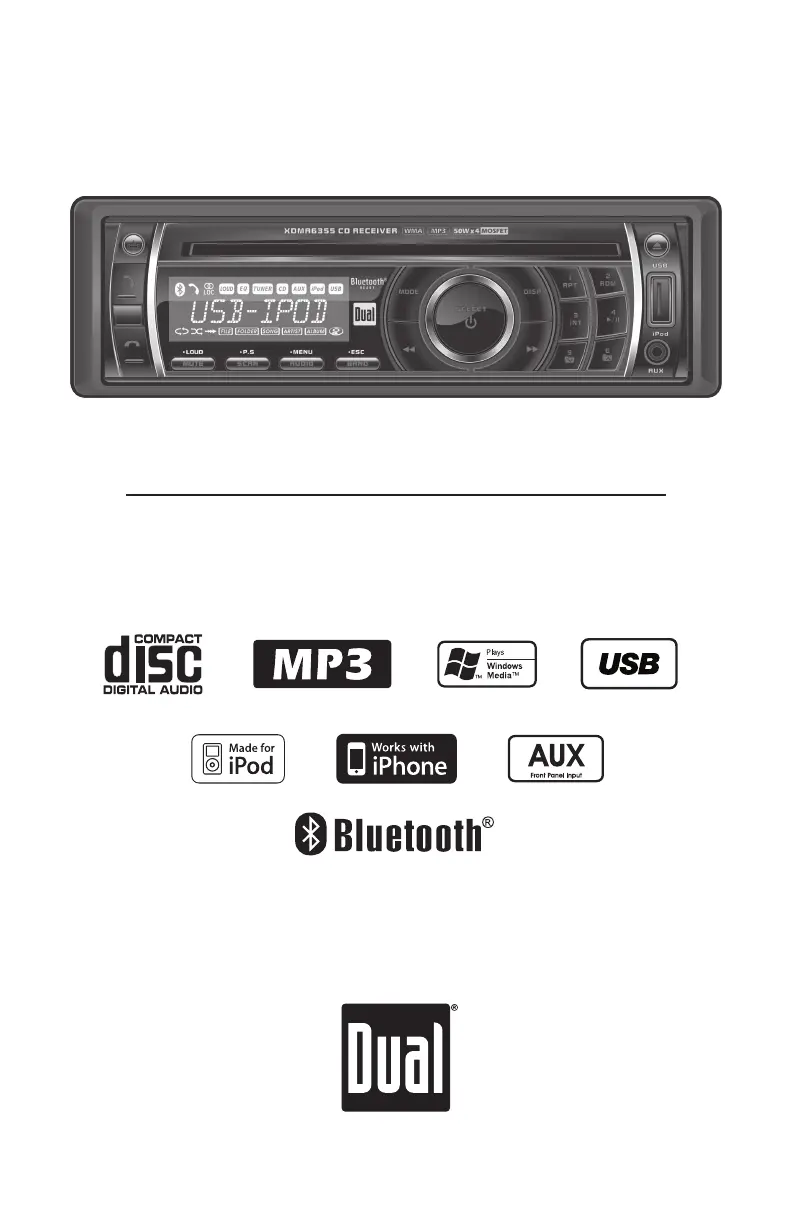
XDMA6355
CD Receiver with Detachable Face
READY

Questions and Answers

  • G
    George ChapmanAug 17, 2025
    How to fix a Dual XDMA6355 that won't turn on?
    • G
      Gabriela KingAug 17, 2025
      If your Dual Car Receiver isn't powering on, there could be a few reasons. First, check the yellow wire connection and ensure it's receiving the correct voltage (11~16VDC). Next, verify the black wire is properly connected to ground. Finally, inspect the fuse and replace it if it's blown.
  • B
    Brittany MooreAug 20, 2025
    What to do if my Dual XDMA6355 Car Receiver has power but no sound?
    • D
      David ClarkAug 20, 2025
      If your Dual Car Receiver turns on but you're not getting any sound, the issue likely lies with the speaker connections. Check the connections at the speakers to ensure they are properly connected. Also, make sure that none of the bare speaker wires are touching each other or the chassis ground; insulate them if they are.
  • D
    Daniel AndersonAug 22, 2025
    Why does my Dual XDMA6355 keep blowing fuses?
    • J
      Jimmy FowlerAug 23, 2025
      If your Dual Car Receiver is blowing fuses, there are a few potential causes. Check the yellow or red wire to see if it's touching the chassis ground, looking for any pinched wires. Also, inspect the speaker wires to ensure they aren't touching the chassis ground, again checking for pinched wires. Finally, verify that you are using a fuse with the correct rating.
  • H
    Heather TateAug 26, 2025
    How to stop my Dual XDMA6355 from skipping?
    • N
      Nathan MorenoAug 26, 2025
      Excessive skipping on your Dual Car Receiver can be due to a couple of things. Make sure the unit is mounted correctly and that the backstrap is secure. Check the mounting sleeve and backstrap support. Also, inspect the media (CD, CD-R, or CD-RW) for any physical defects like scratches.
  • W
    whiteangelaAug 28, 2025
    What to do if my Dual XDMA6355 Car Receiver won't accept a disc?
    • J
      joshuamartinAug 28, 2025
      If your Dual Car Receiver won't accept a disc, it could be due to a couple of reasons. First, try pressing and holding the EJECT button for 3 seconds to reset the CD mechanism position. Also, check for and remove the 2 transit screws located on top of the unit.
  • C
    Charles MartinezAug 31, 2025
    What does ERROR-01 mean on my Dual XDMA6355 Car Receiver?
    • K
      Kristen SmallAug 31, 2025
      If you see ERROR-01 on the display of your Dual Car Receiver, it indicates a disc read error. Try pressing the EJECT or RESET button.
  • M
    Mr. Mathew MayerSep 2, 2025
    What does ERROR-02 mean on my Dual Car Receiver display?
    • C
      Corey HillSep 3, 2025
      If ERROR-02 appears on your Dual Car Receiver's display, it suggests a focus error or that the disc is inserted upside down. Try pressing EJECT or RESET.
  • C
    Carlos CookSep 5, 2025
    Why does 'PROTECT' appear on my Dual Car Receiver display?
    • H
      hannahfrenchSep 6, 2025
      If 'PROTECT' is displayed on your Dual Car Receiver, it means the WMA file is copy-protected by DRM (Digital Rights Management). To resolve this, write the disc using WMA files that are not copy-protected.
  • W
    Wyatt FloresSep 8, 2025
    What does 'NO FILE' mean on my Dual XDMA6355 Car Receiver?
    • E
      Edward FoxSep 8, 2025
      If 'NO FILE' appears on the display of your Dual Car Receiver, it means the selected file is not available in direct or alphanumeric search modes. Repeat the search using valid parameters.
  • R
    ramosjosephSep 12, 2025
    What does 'INVALID' mean on the Dual XDMA6355 display?
    • M
      Maria RodriguezSep 12, 2025
      If 'INVALID' is displayed on your Dual Car Receiver, it indicates that the file format is incompatible. Write the disc using valid audio files with .mp3 or .wma file extensions.

Summary

INSTALLATION

Preparation and Getting Started

Manual reading, before you start checks, and installation steps.

Wiring Diagram

Illustrates connections for RCA outputs, Mini-DIN, antenna, and power wires.

OPERATION

Setup Menu Navigation

Accessing and navigating the setup menu and its options.

Audio Settings

Adjusting Bass, Treble, Balance, Fader, EQ, and Source Volume Level.

AM;FM Tuner Operation

Tuning, scanning, and storing radio stations.

MP3;WMA CD Playback

Playing MP3/WMA discs, display info, character support.

MP3;WMA CD Navigation

Folder/file search and navigation on discs.

Troubleshooting

Power, Sound, and Fuse Issues

Resolving problems with no power, no sound, or blown fuses.

Dual XDMA6355 Specifications

General IconGeneral
MP3 playbackYes
DVD Audio playbackNo
Audio formats supportedMP3, WMA
AM band range530 - 1710 kHz
FM band range87.5 - 107.9 MHz
Supported radio bandsAM, FM
Preset stations quantity30
Product colorBlack
Equalizer bands quantity2
Display typeLCD
Bluetooth version2.0+EDR
Key illumination colorRed

Related product manuals