EasyManua.ls Logo

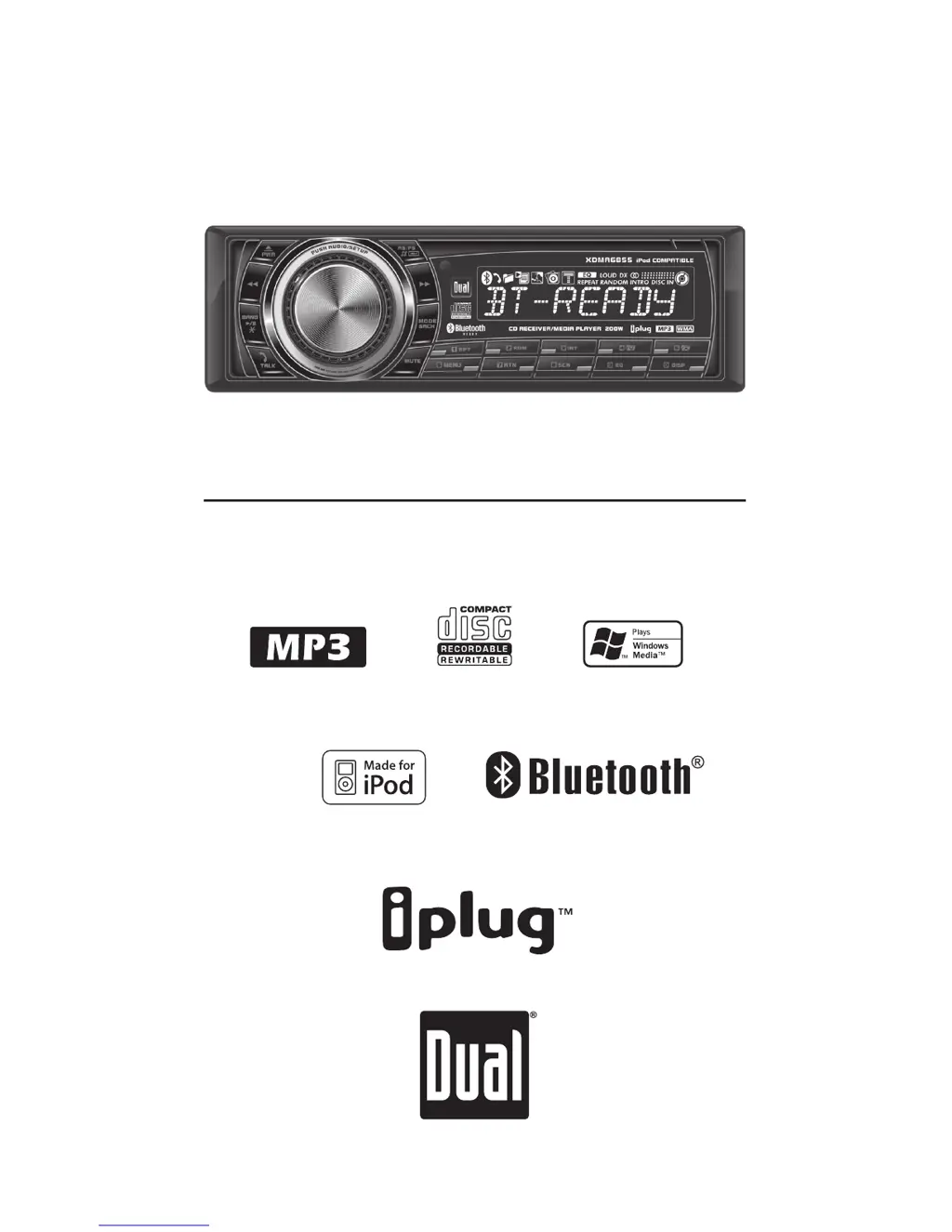
Dual XDMA6855 - User Manual

Dual XDMA6855
24 pages
Print Icon
To Next Page IconTo Next Page
Loading...
INSTALLATION/OWNER'S MANUAL
AM/FM/CD/MP3/WMA/iPod
®
/Bluetooth
®
Ready Receiver with Motorized Detach Face
XDMA6855

Questions and Answers

  • V
    velasquezkaitlynAug 16, 2025
    What to do if PAIRING FAILED appears on Dual XDMA6855 Car Receiver?
    • S
      sandragreenAug 17, 2025
      If you see 'PAIRING FAILED' on your Dual Car Receiver's display, it could be due to several reasons: 1. The pairing attempt might have exceeded 60 seconds. Retry the pairing sequence, ensuring it completes within 60 seconds. 2. Your phone might not be set up correctly to connect to a Bluetooth hands-free device. Check your phone's owner's manual for instructions on enabling Bluetooth. 3. The Bluetooth device might not be compatible. Contact technical support for more information.
  • R
    Rose LopezAug 19, 2025
    Why Dual XDMA6855 won't turn on?
    • J
      Jacob SmithAug 20, 2025
      If your Dual Car Receiver isn't powering on, several factors could be at play. First, the yellow wire might not be correctly connected or may have an incorrect voltage. Ensure it's properly connected and has a voltage between 11 and 16VDC. Second, the black wire might not be connected to ground, so verify that connection. Lastly, the fuse might be blown, in which case you should replace it.
  • R
    Rebecca PalmerAug 22, 2025
    What to do if my Dual XDMA6855 has power but no sound?
    • A
      ambersuttonAug 22, 2025
      If your Dual Car Receiver has power but isn't producing any sound, the issue likely lies with the speaker connections. Check the speaker wires at the speakers to ensure they are properly connected. Also, verify that none of the bare speaker wires are touching each other or the chassis ground. If they are, insulate them to prevent contact.
  • M
    Mathew Harris DDSAug 25, 2025
    Why does my Dual Car Receiver keep blowing fuses?
    • E
      Edward SalasAug 26, 2025
      If your Dual Car Receiver is blowing fuses, there are a few potential causes. The yellow or red wire might be touching the chassis ground, so inspect them for any pinched areas. Similarly, speaker wires touching the chassis ground could also be the culprit; check those for pinches as well. Finally, the fuse itself might have an incorrect rating, so make sure you're using a fuse with the correct rating.
  • E
    Edward LopezAug 27, 2025
    What causes excessive skipping on Dual XDMA6855?
    • J
      Jeffrey WilsonAug 27, 2025
      Excessive skipping on your Dual Car Receiver can be due to a couple of reasons. First, the unit might not be mounted correctly, or the backstrap isn't secure. Check the mounting sleeve and backstrap support to ensure they are properly installed. Second, the media itself (CD, CD-R, or CD-RW) might have a physical defect, so inspect it for scratches.
  • T
    terrellbrandonAug 30, 2025
    What to do if ERROR-01 appears on Dual Car Receiver display?
    • M
      Melissa GregoryAug 30, 2025
      If you see ERROR-01 on your Dual Car Receiver's display, it indicates a disc read error. Try pressing the eject button or the RESET button.
  • P
    Peggy ThorntonSep 2, 2025
    What does ERROR-02 mean on Dual XDMA6855 Car Receiver?
    • C
      Connie EscobarSep 2, 2025
      If ERROR-02 appears on the display of your Dual Car Receiver, it typically indicates a focus error or that the disc is inserted upside down. Try pressing the eject button or the RESET button.
  • S
    Scott RiveraSep 4, 2025
    What does PROTECT mean on Dual XDMA6855 display?
    • E
      Edward SilvaSep 4, 2025
      When 'PROTECT' is displayed on your Dual Car Receiver, it means the WMA file is copy-protected by DRM (Digital Rights Management). To resolve this, use WMA files that are not copy-protected when writing the disc.
  • C
    Cheryl FrancisSep 7, 2025
    What does NO FILE mean on Dual XDMA6855 Car Receiver display?
    • M
      Michael MedinaSep 8, 2025
      If 'NO FILE' appears on your Dual Car Receiver's display, it means the selected file isn't available in direct or alphanumeric search modes. Try repeating the search using valid parameters.
  • J
    Joseph JacksonSep 12, 2025
    What does INVALID mean on Dual XDMA6855 Car Receiver display?
    • R
      Rebecca CollinsSep 12, 2025
      If 'INVALID' is displayed on your Dual Car Receiver, it means the file format is incompatible. Make sure to write the disc using valid audio files with .mp3 or .wma file extensions.

Summary

Installation and Setup

Preparation and Initial Steps

Guides users through necessary preparations and initial setup before installing the receiver.

Wiring Diagram and Connections

Visual guide detailing all necessary wiring connections for power, speakers, and accessories.

General Operation and Features

Basic Unit Functions

Covers essential operations like power, mode selection, volume adjustment, display options, and clock setting.

AM;FM Tuner Operation

Station Tuning and Presets

How to seek, manually tune, scan stations, and store/recall AM/FM radio presets.

CD Player Functions

MP3;WMA Navigation

MP3;WMA Media Compatibility

Compatible Disc and File Formats

Lists supported disc types (CD-R/RW) and file formats (MP3, WMA) and recording standards.

MP3;WMA Technical Information

iPod Operation

Navigating iPod Content

Methods for searching and selecting playlists, artists, albums, and songs on an iPod.

Bluetooth Setup

Connecting the Bluetooth Module

Requirements and procedures for connecting the optional Dual BTM60 Bluetooth module.

Pairing a Mobile Device

Step-by-step guide to pairing a Bluetooth-enabled mobile phone with the head unit.

Bluetooth Phone Functions

Bluetooth Settings and Streaming

Warranty Information

Warranty Coverage and Exclusions

Details on what the limited one-year warranty covers, its limitations, and exclusions.

Troubleshooting Guide

Power, Sound, and Fuse Issues

Solutions for common problems related to unit power, audio output, and blown fuses.

Display and Media Error Resolution

Troubleshooting steps for error messages and issues with CD/media playback.

Connectivity and Pairing Troubleshooting

Solutions for Bluetooth pairing failures and device compatibility problems.

Technical Specifications

Dual XDMA6855 Specifications

General Specifications IconGeneral Specifications

frequency response10Hz-20kHz
channel separation at 1kHz>65dB
D/A converter1 Bit
FM Tuner Specifications IconFM Tuner Specifications
tuning range87.5MHz-107.9MHz
usable sensitivity8.5dBf
50dB quieting sensitivity10dBf
AM Tuner Specifications IconAM Tuner Specifications
tuning range530kHz-1710kHz
usable sensitivity22uV
frequency response30Hz-2.2kHz
Power Specifications IconPower Specifications
operating voltage11-16 VDC, negative ground
speaker output impedance4~8 ohms
line output voltage2 Volts
CEA-2006 Power Standard Specifications IconCEA-2006 Power Standard Specifications
power output17 Watts RMS x 4 channels at 4 ohms and < 1% THD+N
signal to noise ratio80dBA (reference: 1 watt into 4 ohms)
reference voltage14.4VDC +/- 0.2V
Dimensions IconDimensions
dimensions7" x 7" x 2" (178 x 178 x 51 mm)

Related product manuals