EasyManua.ls Logo

Dual XDMA6540 - User Manual

Dual XDMA6540
36 pages
Print Icon
To Next Page IconTo Next Page
Loading...
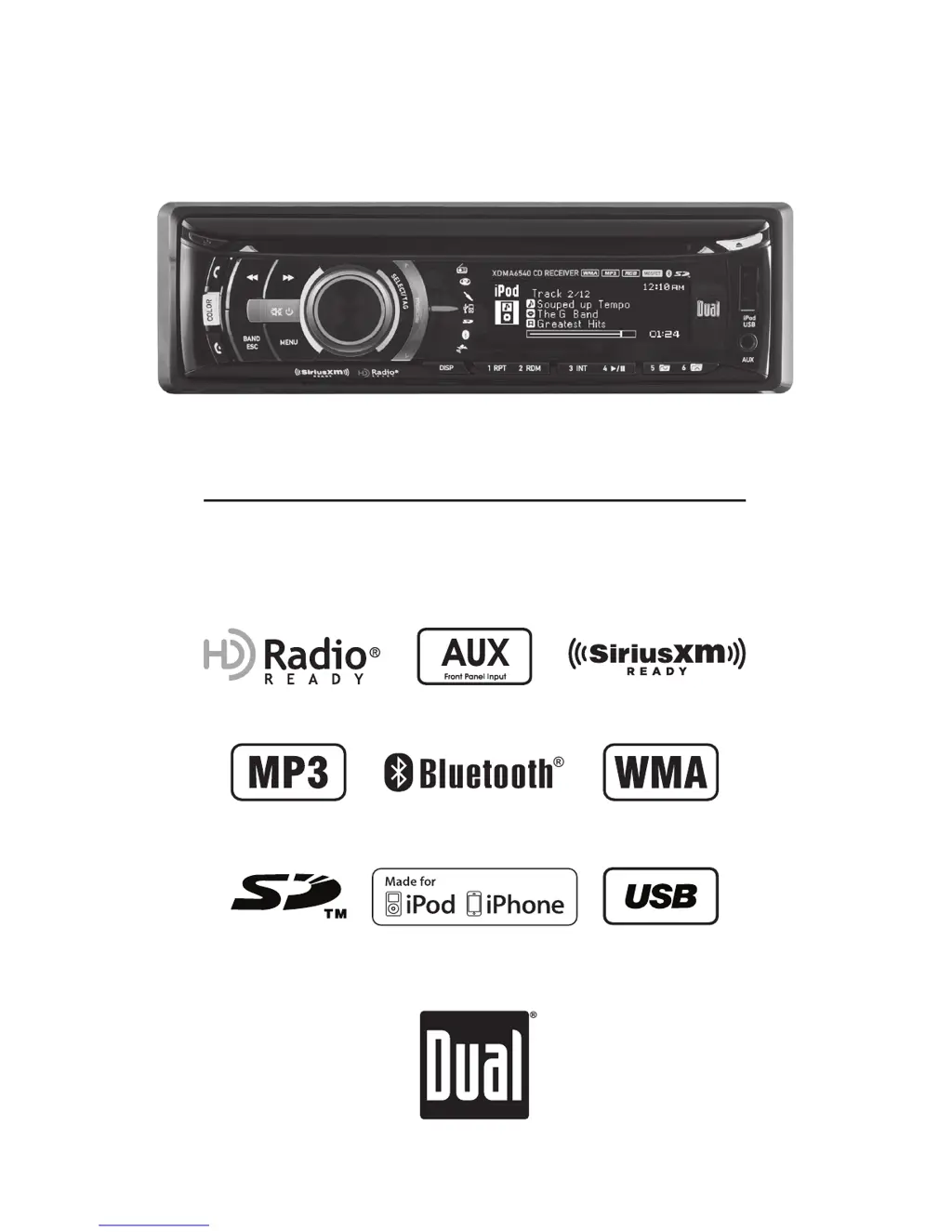
INSTALLATION/OWNER'S MANUAL
AM/FM/CD Receiver
XDMA6540
TM

Questions and Answers

  • J
    Jordan GardnerAug 12, 2025
    What to do if my Dual XDMA6540 Car Receiver says 'Internal Memory Full - Connect iPod'?
    • L
      lindsay34Aug 12, 2025
      The internal memory of your Dual Car Receiver can hold 64 HD Radio™ Tags and 64 SiriusXM Tags. To resolve this, connect an iPod to transfer the tags, or delete existing tags before tagging more songs.
  • A
    Allen HartAug 15, 2025
    What to do if my Dual Car Receiver says 'Tag Transfer Failed'?
    • J
      jack07Aug 16, 2025
      If your Dual Car Receiver displays 'Tag Transfer Failed', this is likely due to a connection error. Ensure your iPod is powered on and reconnect it until a confirmation message appears on the receiver.
  • A
    April GarciaAug 20, 2025
    What does it mean if my Dual XDMA6540 says 'Song Already Tagged'?
    • L
      Lee ValdezAug 20, 2025
      If your Dual Car Receiver displays 'Song Already Tagged', it means the same song has already been tagged from the same radio station and is saved in the memory. You cannot tag the same song twice unless it's from a different radio station, the tags are sent to an iPod, or the tags are erased.
  • A
    Ann ToddAug 25, 2025
    What to do if my Dual Car Receiver says 'Tagging Failed Try Again'?
    • J
      Jill DavisAug 25, 2025
      If your Dual Car Receiver displays 'Tagging Failed Try Again', it indicates an error occurred while saving the tag information to the internal memory. Press and hold the SELECT/TAG button again to retry.
  • R
    ronaldfreyAug 27, 2025
    Why does my Dual Car Receiver say 'No Tag Information'?
    • W
      wilsonbrandonAug 27, 2025
      If your Dual Car Receiver shows 'No Tag Information', it means there isn't enough information (artist or title) available to tag the song. Some HD Radio stations, SiriusXM channels, or certain songs might not fully support iTunes Tagging.
  • M
    Michael TranAug 31, 2025
    How to check iPod version compatibility with Dual XDMA6540?
    • J
      jessica80Aug 31, 2025
      A compatibility issue with the connected iPod device may exist. Check the list of compatible iPod devices. If the attached iPod device is compatible, update the firmware to the latest version using iTunes.
  • S
    Steven GarrisonSep 4, 2025
    What to do if my Dual XDMA6540 says 'iPod Device is Full'?
    • M
      Michael AndersonSep 4, 2025
      If your Dual Car Receiver displays 'iPod Device is Full', it means there isn't enough space on the connected iPod to transfer the iTunes Tags. Free up space on your iPod using iTunes.
  • P
    Patrick BishopSep 7, 2025
    Why does my Dual XDMA6540 Car Receiver say 'No Tags Stored'?
    • D
      Debra DavisSep 7, 2025
      If your Dual Car Receiver displays 'No Tags Stored', it means that there are no tags currently saved in the internal memory. The Delete Tags function only works for tags saved in the internal memory.

Summary

Preparation

Before You Start

Essential precautions and advice before beginning installation.

Getting Started

Step-by-step guide for initial unit installation and mounting.

General Operation

Faceplate Removal

Procedure for removing and re-attaching the detachable faceplate.

Semi-permanent Faceplate Installation

Method for securing the faceplate for semi-permanent installation.

Changing Modes

How to switch between different operating modes like Tuner, CD, USB, etc.

Setup Menu

SiriusXM Vehicle Tuner Operation

Tuner Activation

Steps to activate the SiriusXM tuner subscription.

iTunes Tagging Operation

Tagging Music

Step-by-step guide to tagging songs for iTunes purchase.

Connecting an iPod;iPhone Device

Controlling a Device: Full Control

How to control the iPod/iPhone directly from the head unit.

Operation of iPod;iPhone

Controlling a Device: Full Control - Music Search

Using music search features for iPod/iPhone.

Device Compatibility

List of compatible iPod and iPhone models.

Bluetooth Operation

Pairing a Device

Steps to pair a Bluetooth device with the head unit.

(Re)Connecting a Paired Device

How to reconnect previously paired Bluetooth devices.

Dual XDMA6540 Specifications

General IconGeneral
Display TypeLCD
BluetoothYes
Radio TunerAM/FM
Supported Audio FormatsMP3, WMA
SD Card SlotYes
Rear Camera InputYes
Steering Wheel Control CompatibleYes
Channels4
Subwoofer ControlYes
Remote ControlYes
USB Ports1
Max Power Output200 Watts
Peak Power Output200W
AUX InputYes

Related product manuals