6
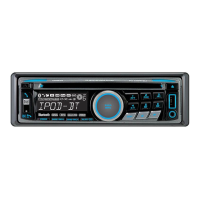
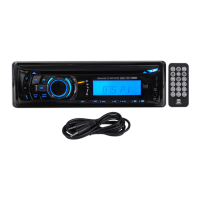
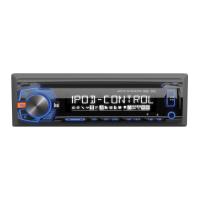
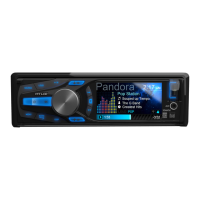
XDMA6540 OPERATION
Power On/Off
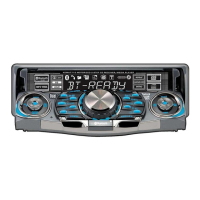
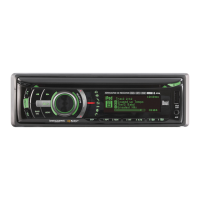
Faceplate Removal
Semi-permanent
Faceplate Installation
Changing Modes
Available Modes
General Operation
Press oranyotherbuttontoturnuniton.Pressand
hold to turn unit off.
Press RELEASEandpullawayfromtheleftsideto
remove.Tore-install,insertrightsideoffaceplate
firstthenpushleftsidetosecure.
Removetrimringandinstallsupplied#1x7/32”
Phillipsheadscrewthroughleftsideofmounting
frameintofaceplate.
Press MODE DOWNtocycledownorpressMODE UP
tocycleupthroughthebelowoperatingmodes.A
modeindicatorlocatedtotheleftoftheLCDwillpoint
tothecurrentmodeofoperation.
AM/FMTunerMode
CDPlayerMode
AuxiliaryInput(front/rear)Modes
USBandOperationofiPod
®
/iPhone
®
Modes
SDCardMode
BluetoothMode
SiriusXMSatelliteRadioMode
SiriusXMmodewillnotappearunlesstheSiriusXM
ConnectVehicleTuner(soldseparately)isconnected.
OperationofiPodmodewillnotappearunlessaniPod
device(soldseparately)hasbeenconnected.
CD,USBandSDmodeswillnotappearunlessaCD,
USBdeviceorSDcard(soldseparately)havebeen
connected.
HDRadio™modewillreplaceAM/FMtuner
modewhentheDualHDM90HDRadiotuner(sold
separately)isconnected.


 To Next Page