EasyManua.ls Logo

Dual XDMA7715 - User Manual

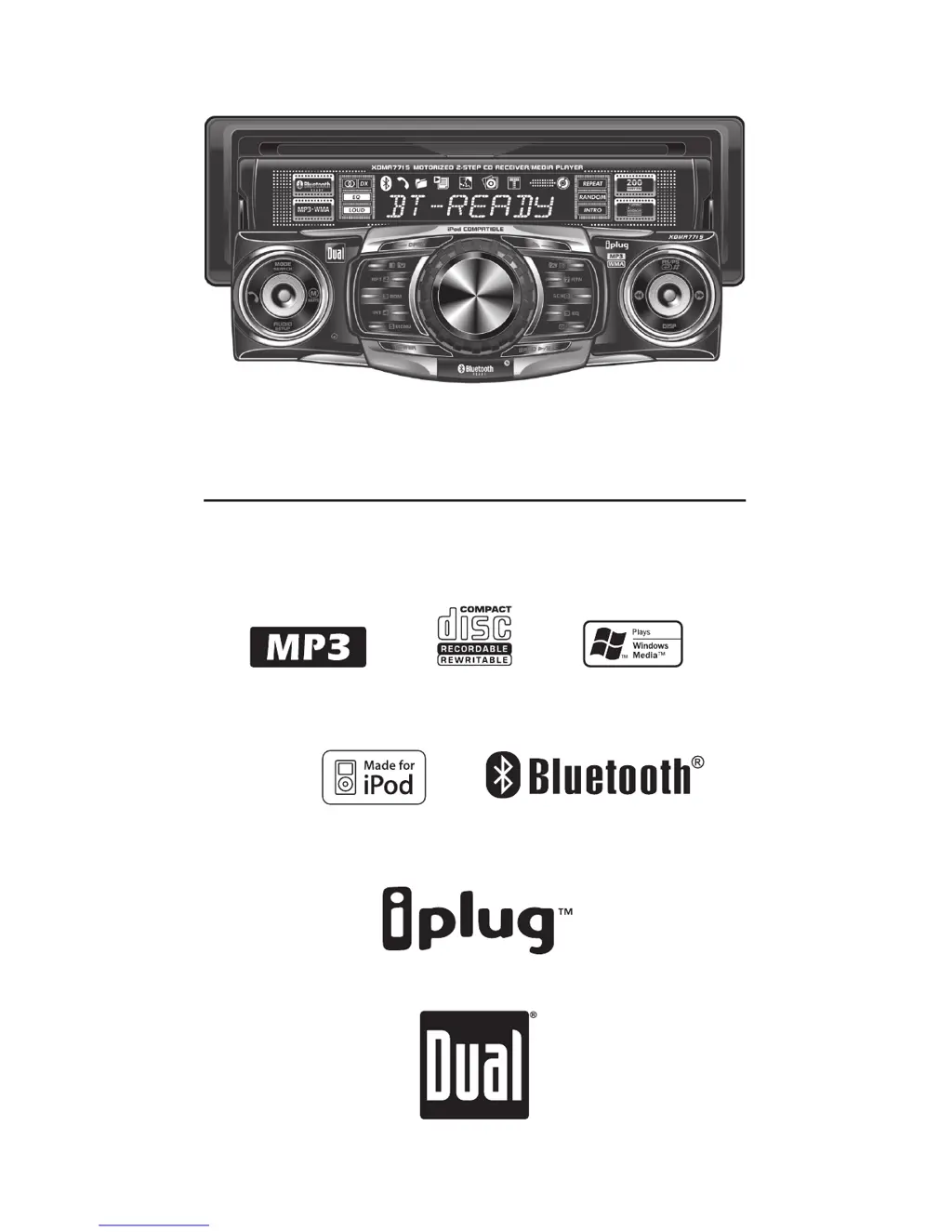
Dual XDMA7715
24 pages
Print Icon
To Next Page IconTo Next Page
Loading...
INSTALLATION/OWNER'S MANUAL
AM/FM/CD/MP3/WMA/iPod
®
/Bluetooth
®
Ready Receiver with 2-Step Motorized 
Detachable Face
XDMA7715

Questions and Answers

  • S
    sara90Aug 15, 2025
    Why Dual Car Receiver won't turn on?
    • J
      Joshua RobinsonAug 15, 2025
      Your Dual Car Receiver might not be turning on due to several reasons: * The yellow or red wire might not be connected properly or have incorrect voltage. Ensure they are connected correctly and have a voltage between 11 and 16VDC. * The black wire might not be connected. Check its connection to ground. * The fuse might be blown. If so, replace it.
  • D
    David AnthonyAug 18, 2025
    What to do if my Dual XDMA7715 has power but no sound?
    • B
      Brian AndersonAug 18, 2025
      If your Dual Car Receiver has power but isn't producing any sound, here are a couple of things to check: * Make sure the speaker wires are properly connected at the speakers. * Ensure that none of the speaker wires are touching each other or the chassis ground. If they are, insulate the bare wires to prevent contact.
  • J
    Joyce FrankAug 21, 2025
    What to do if Dual XDMA7715 shows PAIRING FAILED?
    • K
      Kristen ArnoldAug 21, 2025
      If your Dual Car Receiver displays 'PAIRING FAILED', here are some possible reasons and solutions: * The pairing attempt might have exceeded 60 seconds. Retry the pairing sequence, ensuring it completes within 60 seconds. * Your phone might not be set up correctly to connect to a Bluetooth hands-free device. Check your phone's owner's manual for instructions on enabling Bluetooth. * The Bluetooth device might not be compatible with the BTM60.
  • S
    Shawn RhodesAug 25, 2025
    What to do if Dual XDMA7715 blows fuses?
    • C
      Cory GarzaAug 25, 2025
      If your Dual Car Receiver keeps blowing fuses, here’s what you should investigate: * Check if the yellow or red wire is touching the chassis ground. Look for any pinched wires. * See if any of the speaker wires are touching the chassis ground, also checking for pinched wires. * Make sure you are using a fuse with the correct rating.
  • C
    Cameron VargasAug 27, 2025
    What does ERROR-01 mean on Dual XDMA7715 Car Receiver?
    • D
      David PalmerAug 27, 2025
      If you see ERROR-01 on the display of your Dual Car Receiver, it indicates a disc read error. Try pressing the eject button or the RESET button.
  • M
    Michele HowardAug 30, 2025
    What does ERROR-02 mean on Dual XDMA7715?
    • M
      myersjeanneAug 30, 2025
      When ERROR-02 appears on your Dual Car Receiver's display, it means there's a focus error or the disc is inserted upside down. You can try pressing the eject button or the RESET button.
  • Q
    qjacksonSep 2, 2025
    Why does my Dual XDMA7715 display PROTECT?
    • A
      Allison PriceSep 2, 2025
      If your Dual Car Receiver displays 'PROTECT', it means the WMA file you're trying to play is copy-protected by DRM (Digital Rights Management). You should write the disc using WMA files that are not copy-protected.
  • K
    Kathy StricklandSep 5, 2025
    What does NO FILE mean on Dual XDMA7715 Car Receiver display?
    • S
      sharonmccannSep 5, 2025
      If your Dual Car Receiver shows 'NO FILE' on the display, it means the selected file isn't available in direct or alphanumeric search modes. Try repeating the search using valid parameters.
  • C
    cookjamieSep 8, 2025
    What does INVALID mean on Dual XDMA7715?
    • D
      David NewmanSep 8, 2025
      If your Dual Car Receiver displays 'INVALID', it indicates that the file format is incompatible. You should write the disc using valid audio files with .mp3 or .wma file extensions.
  • L
    lopezbradleySep 12, 2025
    How to fix Dual XDMA7715 that won't accept a disc?
    • T
      Timothy RiosSep 12, 2025
      If your Dual Car Receiver won't accept a disc, consider the following: * The CD mechanism position might be out of alignment. Press and hold the EJECT button for 3 seconds to reset the CD mechanism position. * The CD transit screws might still be in place. Remove the 2 transit screws located on top of the unit.

Summary

Installation Preparation

Pre-Installation Checks

Essential pre-installation checks and safety advice.

Installation Steps

Steps for physically installing the unit into the vehicle.

Wiring Diagram

Connection Guide

Detailed illustration of all unit wiring connections.

AM;FM Tuner Operations

Radio Tuning Methods

Seek, manual, and scan tuning for radio stations.

CD Player Basic Functions

MP3;WMA File Playback

Playing MP3;WMA Discs

How to play MP3/WMA files and display information.

MP3;WMA File Navigation

File Selection Modes

Direct, alphanumeric, and navigate modes for MP3/WMA files.

MP3;WMA File Search and Browse

Alphanumeric Search

Searching for MP3/WMA files using characters.

MP3;WMA Compatibility

Media and File Format Support

Compatible and incompatible disc/file types for MP3/WMA.

MP3;WMA Technical Details

iPod Operation

Connecting and Playing iPod

How to connect and initiate iPod playback.

Bluetooth Pairing and Setup

Bluetooth Device Pairing

Steps to connect and pair a mobile device via Bluetooth.

Bluetooth Phone Operations

Bluetooth Settings and Streaming

Troubleshooting Common Issues

Unit and Power Problems

Solutions for power, sound, fuse, and skipping problems.

Display Errors and Pairing Failures

Solutions for error messages, disc issues, and pairing failures.

Product Specifications

Dual XDMA7715 Specifications

Audio Specifications IconAudio Specifications

frequency response10Hz-20kHz
channel separation at 1kHz>65dB
D/A converter1 Bit
FM Tuner IconFM Tuner
tuning range87.5MHz-107.9MHz
usable sensitivity8.5dBf
50dB quieting sensitivity10dBf
AM Tuner IconAM Tuner
tuning range530kHz-1710kHz
usable sensitivity22uV
frequency response30Hz-2.2kHz
General Specifications IconGeneral Specifications
operating voltage11-16 VDC, negative ground
speaker output impedance4~8 ohms
line output voltage2 Volts
Power Specifications IconPower Specifications
power output17 Watts RMS x 4 channels at 4 ohms and < 1% THD+N
signal to noise ratio80dBA
Dimensions IconDimensions
dimensions7" x 7" x 2" (178 x 178 x 51 mm)

Related product manuals