EasyManua.ls Logo

Dual XDMA690 - User Manual

Dual XDMA690
20 pages
Print Icon
To Next Page IconTo Next Page
Loading...
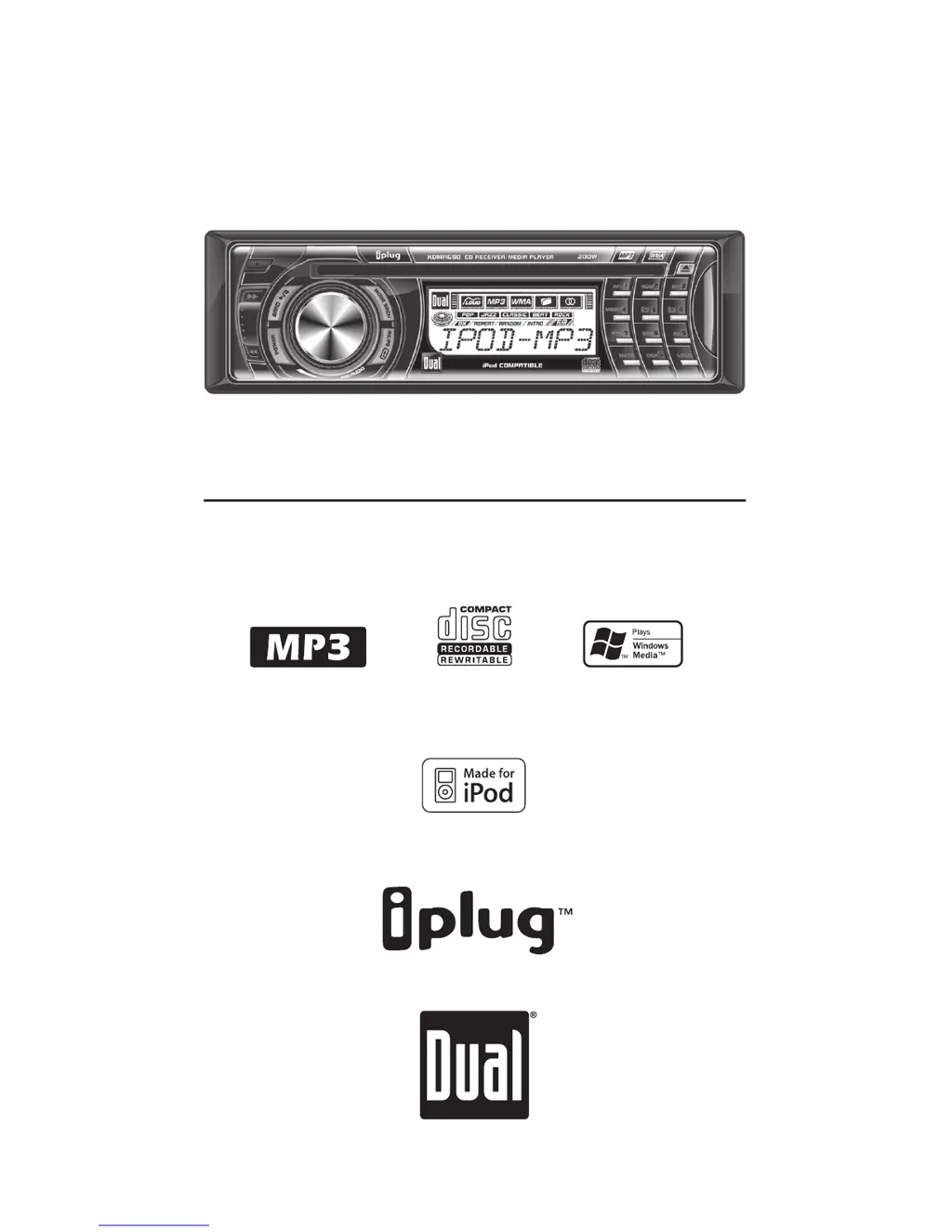
INSTALLATION/OWNER'S MANUAL
AM/FM/CD/MP3/WMA/iPod
Ready Receiver with Detach Face
XDMA690

Questions and Answers

  • B
    Brandon WoodAug 18, 2025
    How to fix a Dual Car Receiver that will not turn on?
    • M
      Michelle PhamAug 18, 2025
      If your Dual Car Receiver unit isn't turning on, it could be due to a few reasons. First, check the yellow wire connection to ensure it's properly connected and receiving the correct voltage (11~16VDC). Next, verify the black wire is properly connected to ground. Lastly, inspect the fuse and replace it if it's blown.
  • S
    Steven AlvarezAug 20, 2025
    What to do if Dual XDMA690 has power but no sound?
    • L
      Linda JenkinsAug 20, 2025
      If your Dual Car Receiver has power but no sound, there are a couple of things to check. First, ensure that the speaker wires are correctly connected at the speakers. Also, make sure that none of the bare speaker wires are touching each other or the chassis ground. If they are, insulate them to prevent this.
  • L
    Lisa ConradAug 22, 2025
    Why does my Dual XDMA690 Car Receiver keep blowing fuses?
    • A
      Angela RodriguezAug 22, 2025
      If your Dual Car Receiver keeps blowing fuses, it could be due to a few reasons. Check the yellow or red wire to see if it's touching the chassis ground, and look for any pinched wires. Also, inspect the speaker wires to ensure they aren't touching the chassis ground, again checking for pinched wires. Finally, make sure you're using a fuse with the correct rating.
  • G
    Gregory MartinAug 26, 2025
    What does 'PROTECT' mean on my Dual XDMA690 Car Receiver?
    • K
      Kevin AlvarezAug 26, 2025
      If your Dual Car Receiver displays 'PROTECT', it means the WMA file you're trying to play is copy-protected by DRM (Digital Rights Management). To resolve this, use a disc with WMA files that are not copy-protected.
  • K
    Kathleen BradleyAug 27, 2025
    How to stop excessive skipping on my Dual XDMA690?
    • M
      Mary RichardsonAug 27, 2025
      If your Dual Car Receiver is skipping excessively, it might be due to incorrect mounting or a defective disc. Check the mounting sleeve and backstrap support to ensure the unit is securely mounted. Also, inspect the media (CD, CD-R, or CD-RW) for any scratches or physical defects.
  • M
    Madeline PerezAug 30, 2025
    What does ERROR-01 mean on Dual XDMA690 Car Receiver?
    • P
      Patrick PachecoAug 30, 2025
      If your Dual Car Receiver displays 'ERROR-01', it indicates a disc read error. Try pressing the eject button or the RESET button.
  • M
    Matthew ClarkSep 2, 2025
    What does ERROR-02 mean on my Dual XDMA690 Car Receiver display?
    • M
      michael51Sep 2, 2025
      If your Dual Car Receiver displays 'ERROR-02', it indicates a focus error or that the disc is inserted upside down. Try pressing the eject button or the RESET button.
  • B
    Brian DavisSep 4, 2025
    What does ERROR-03 mean on a Dual XDMA690 Car Receiver?
    • H
      Holly GilbertSep 4, 2025
      If your Dual Car Receiver displays 'ERROR-03', it indicates a FAT error. Try pressing the eject button or the RESET button.
  • U
    usmithSep 6, 2025
    What does ERROR-04 mean on the display of my Dual Car Receiver?
    • K
      Kristin RodriguezSep 6, 2025
      If your Dual Car Receiver displays 'ERROR-04', it indicates an MP3/WMA decode error. Try pressing the eject button or the RESET button.
  • R
    ryanthomasSep 9, 2025
    What does 'NO FILE' mean on my Dual XDMA690 Car Receiver display?
    • J
      jennifer43Sep 9, 2025
      If your Dual Car Receiver displays 'NO FILE', it means the selected file is not available in direct or alphanumeric search modes. Try repeating the search using valid parameters.

Dual XDMA690 Specifications

General IconGeneral
BrandDual
ModelXDMA690
CategoryCar Receiver
LanguageEnglish

Related product manuals