EasyManua.ls Logo

Dual XDVD1175BT - User Manual

Dual XDVD1175BT
36 pages
Print Icon
To Next Page IconTo Next Page
Loading...
INSTALLATION/OWNER’S MANUAL
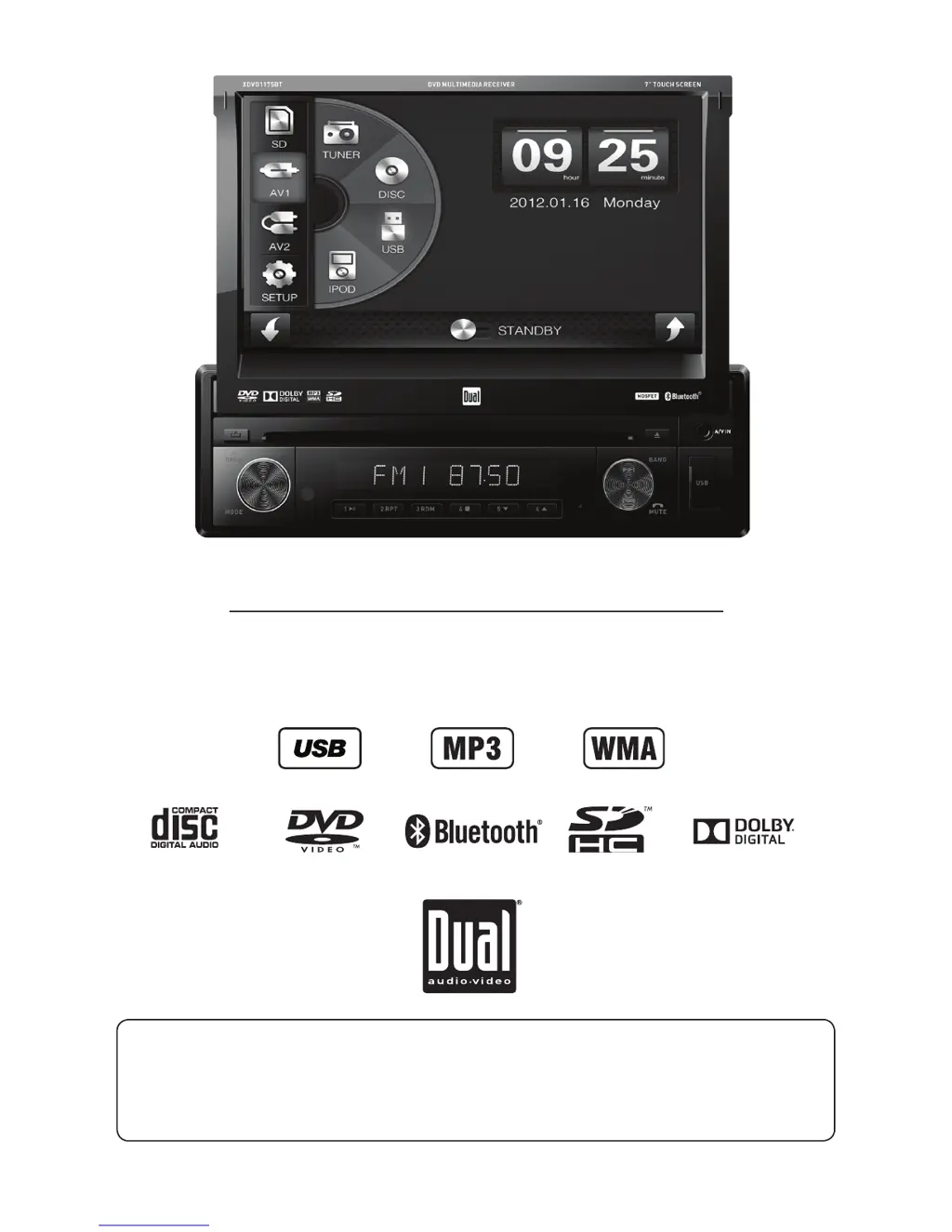
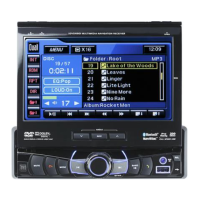
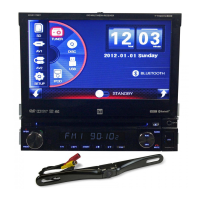
DVD Multimedia Receiver with 7” Touch Screen Display
XDVD1175BT
The DVD video display of the in-dash unit will not operate while the vehicle is moving. This is a safety feature
to prevent driver distraction. In-dash DVD video functions will only operate when vehicle is in park and the
parking brake is engaged. It is illegal in most states for the driver to view video while the vehicle is in motion.
Safety Notes:

Other manuals for Dual XDVD1175BT

Questions and Answers

  • B
    Brittany NicholsonAug 14, 2025
    How to fix a Dual XDVD1175BT Car Receiver that won't turn on?
    • A
      Allison PrinceAug 14, 2025
      If your Dual Car Receiver unit won't turn on, it might be due to a few reasons. First, check the yellow wire connection to ensure it's properly connected and receiving the correct voltage (11~16VDC). Next, verify the black wire is connected to ground. Lastly, inspect the fuse(s) and replace them if they are blown.
  • B
    Brian ChristensenAug 18, 2025
    What to do if my Dual XDVD1175BT has power but no sound?
    • E
      Elizabeth PayneAug 18, 2025
      If your Dual Car Receiver has power but no sound, start by checking the speaker wire connections at the speakers. Also, make sure that bare speaker wires aren't touching each other or the chassis ground; if they are, insulate them.
  • D
    Donna AdamsAug 21, 2025
    Why does my Dual Car Receiver keep blowing fuses?
    • E
      Elizabeth WalkerAug 21, 2025
      If your Dual Car Receiver keeps blowing fuses, there are a few potential causes. Check the yellow or red wire to see if it's touching the chassis ground, and look for any pinched wires. Also, inspect the speaker wires to ensure they aren't touching the chassis ground. Finally, make sure you are using fuses with the correct rating.
  • S
    swardAug 25, 2025
    How to troubleshoot audio but no video on Dual XDVD1175BT?
    • S
      Shannon CunninghamAug 25, 2025
      If your Dual Car Receiver has audio but no video, check the connections at the parking brake for the parking brake safety circuit. Also, ensure that the parking brake is applied.
  • W
    William AnthonyAug 28, 2025
    What to do if there is no video display when reversing with Dual Car Receiver?
    • J
      James HallAug 28, 2025
      If there is no video display when your Dual Car Receiver is in reverse, check the connections at the reverse lamp for the reverse circuit. Also, make sure that the vehicle is actually in reverse gear.
  • J
    juanclarkAug 31, 2025
    Why won't my DVD play on my Dual Car Receiver?
    • F
      flynnthomasAug 31, 2025
      If your DVD does not start playback on your Dual Car Receiver, check the disc for scratches or other physical defects. Also, make sure you are using discs labeled "Region 1" or "All".
  • A
    April ReyesSep 3, 2025
    How to fix a Dual XDVD1175BT IR remote that doesn't work?
    • J
      John SmithSep 3, 2025
      If the IR remote for your Dual Car Receiver isn't working, try replacing the battery.
  • P
    Paul PachecoSep 7, 2025
    Why is my Dual XDVD1175BT skipping a lot?
    • J
      Jason MorrisSep 7, 2025
      If your Dual Car Receiver is skipping excessively, check the mounting sleeve to ensure the unit is mounted correctly. Also, inspect the disc for scratches or other physical defects.
  • T
    Tyler TaylorSep 10, 2025
    What does 'Wrong Region' mean on my Dual XDVD1175BT?
    • C
      Cheryl DawsonSep 10, 2025
      If "Wrong Region" appears on the display of your Dual Car Receiver, use discs labeled "Region 1" or "All".

Summary

Safety Warnings

Video Playback Restrictions

Warns against viewing video while driving and specifies parking brake requirements.

Safety Information and Precautions

Preventing Damage and Injury

Lists precautions for installation and general unit care to prevent harm.

Installation Preparation

Installation Site and Initial Steps

Covers site selection, battery disconnection, and initial mounting procedures.

Unit Control Locations

Front Panel and Remote Controls

Identifies and labels controls on the unit's front panel and remote.

General Operation and Main Menu

Basic Unit Functions

Explains power, volume, mute, reset, mode selection, and connecting external devices.

Setup Menu and Configuration

AM;FM Radio Tuning

CD Playback Operations

MP3;WMA;JPG File Playback

DVD Region Management

Parking Brake Initialization

Safety Warning for Video Playback

Warns about video playback restrictions and the parking brake requirement.

Parking Brake Initialization Steps

Procedure for Engaging Parking Brake

Provides the steps to properly initialize the parking brake feature.

DVD Playback Operations

iPod Music Playback

Bluetooth Device Pairing

Pairing and Connecting Bluetooth Devices

Guides users through pairing and connecting Bluetooth devices.

Product Specifications

Technical Specifications Overview

Lists detailed technical specifications for various components.

Troubleshooting Guide

Common Problems and Solutions

Provides a list of common issues and their corresponding actions or checks.

Dual XDVD1175BT Specifications

General IconGeneral
BrandDual
ModelXDVD1175BT
CategoryCar Receiver
LanguageEnglish

Related product manuals