EasyManua.ls Logo

Dual XDVD3201 - User Manual

Dual XDVD3201
40 pages
Print Icon
To Next Page IconTo Next Page
Loading...
INSTALLATION/OWNER’S MANUAL
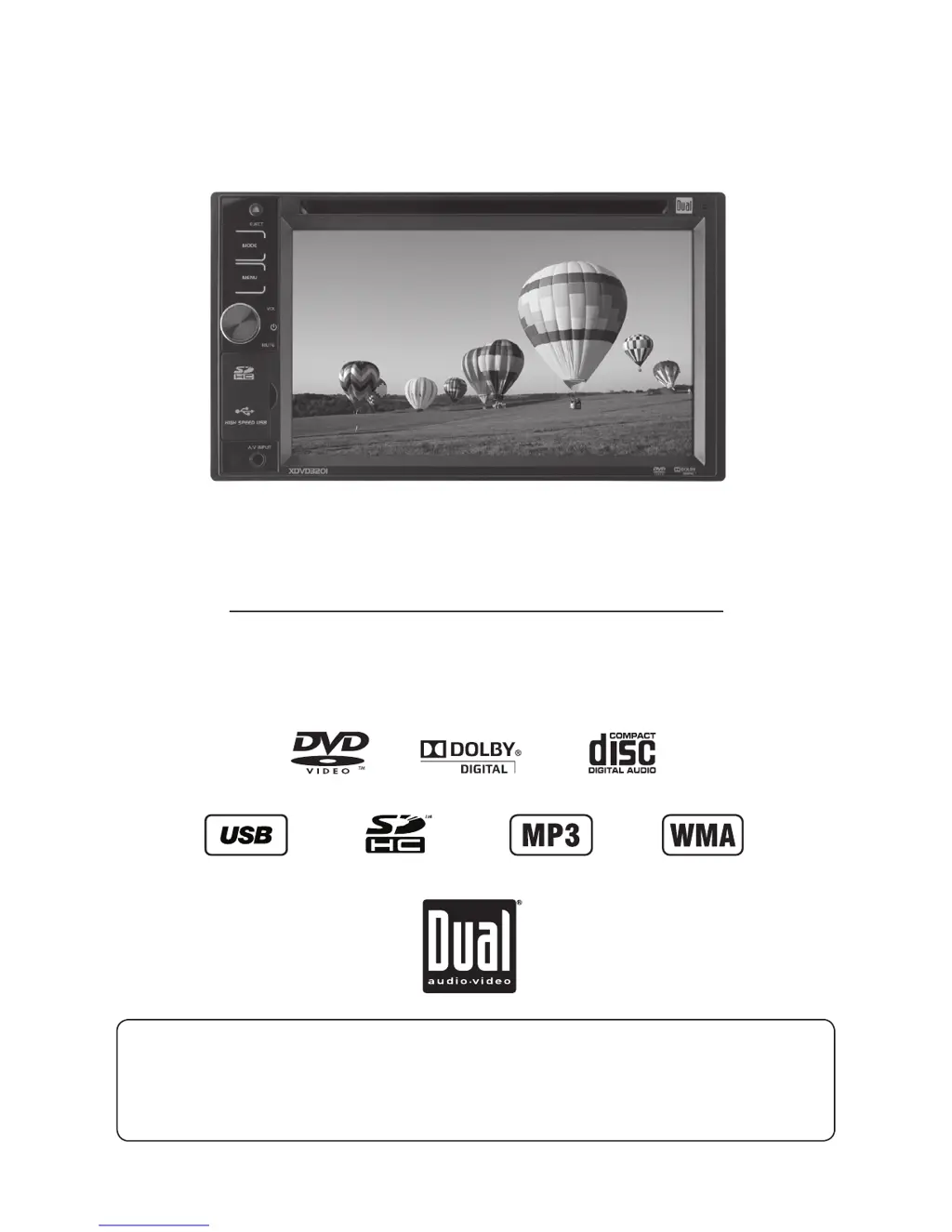
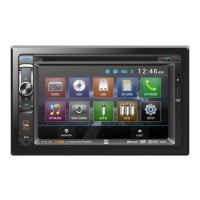
DVD Multimedia Receiver with 6.2” Touch Screen Display
XDVD3201
The DVD video display of the in-dash unit will not operate while the vehicle is moving. This is a safety feature
to prevent driver distraction. In-dash DVD video functions will only operate when vehicle is in Park and the
parking brake is engaged. It is illegal in most states for the driver to view video while the vehicle is in motion.
Safety Notes:

Questions and Answers

  • P
    prattjoshuaAug 14, 2025
    How to fix a Dual Car Receiver that won't turn on?
    • M
      Michelle MichaelAug 14, 2025
      If your Dual Car Receiver won't turn on, it could be due to several reasons: * The yellow or red wire might not be connected properly or have incorrect voltage. Ensure these wires are correctly connected and have a voltage between 11 and 16VDC. * The black wire may not be connected to ground. Check this connection. * The fuse might be blown. If so, replace it with a new one.
  • M
    Mark DeanAug 17, 2025
    Why does my Dual XDVD3201 Car Receiver keep blowing fuses?
    • C
      cruzthomasAug 17, 2025
      If your Dual Car Receiver keeps blowing fuses, there are a few potential causes: * A yellow or red wire might be touching the chassis ground. Inspect these wires for any pinching. * Speaker wires could also be touching the chassis ground. Check them for pinching as well. * The fuse rating might be incorrect. Make sure you are using fuses with the correct rating.
  • S
    Steven MasonAug 21, 2025
    What to do if my Dual Car Receiver has power but no sound?
    • S
      Scott WhiteheadAug 21, 2025
      If your Dual Car Receiver has power but no sound, consider the following: * The speaker wires might not be connected properly. Check the connections at the speakers. * One or more speaker wires might be touching each other or the chassis ground. Insulate all bare speaker wires from each other and the chassis ground.
  • A
    Adam VillaAug 25, 2025
    Why does my Dual XDVD3201 Car Receiver have audio but no video?
    • C
      crussellAug 25, 2025
      If your Dual Car Receiver has audio but no video, it might be because: * The parking brake safety circuit is not connected. Check the connections at the parking brake. * The parking brake is not applied. Apply the parking brake.
  • A
    Amy AcevedoAug 28, 2025
    Why is there no video display when reversing with my Dual XDVD3201 Car Receiver?
    • M
      meganrogersAug 28, 2025
      If there is no video display when your Dual Car Receiver is in reverse, it could be due to: * The reverse circuit not being connected. Check the connections at the reverse lamp. * The vehicle not actually being in reverse. Select reverse gear.
  • I
    icollinsSep 1, 2025
    What to do if DVD does not start playback on my Dual XDVD3201 Car Receiver?
    • C
      Christina BrandtSep 1, 2025
      If your Dual Car Receiver DVD does not start playback, it may be due to: * Physical defects in the media. Check the disc for scratches. * Using the wrong region code. Use discs labeled "Region 1" or "All" only.
  • J
    Jose WangSep 5, 2025
    What does 'Disc Region Incorrect' mean on my Dual Car Receiver?
    • M
      Michael CampbellSep 5, 2025
      If 'Disc Region Incorrect' appears on the display of your Dual Car Receiver, it means there is a region code error. Use discs labeled "Region 1" or "All" only.
  • W
    Wanda HuangSep 9, 2025
    Why is the IR remote not working on my Dual XDVD3201?
    • A
      angelafosterSep 9, 2025
      If the IR remote for your Dual Car Receiver isn't working, the battery may be dead. Replace it with a new one.

Summary

Safety Notes for Video Display

Critical Safety Warnings

Driver Distraction and Video Operation

Guidelines on preventing driver distraction and ensuring safe video playback while driving.

Parking Brake Lock-Out Feature

Instructions for correctly installing and using the parking brake lock-out feature for video operation.

General Safety and Installation Precautions

Unit Installation and Handling

Recommendations for secure installation, avoiding damage, and proper handling of the unit.

Installation Preparation and Mounting

Before You Start Installation

Essential pre-installation checks and advice, including disconnecting the battery.

Getting Started with Installation

Step-by-step guidance for beginning the installation process, including harness connection.

Wiring Diagram and Connections

Wiring Notes and Diagrams

Explanation of various connections including subwoofer, rear camera, and steering wheel interface.

General Operation Features

Power, Volume, and Mute Functions

How to turn the unit on/off, adjust volume levels, and use the mute function.

Mode Selection and Main Menu

Navigating between different operational modes and accessing the main menu.

Audio Setup and Unit Reset

Audio Settings Configuration

Detailed guide to adjusting audio levels, EQ, position, and crossover settings.

Setup Menu Configuration

Screen and DVD Settings

Adjusting screen brightness, contrast, color, and DVD playback modes/ratings.

Time, Tuner, and System Settings

Configuring time format, tuner regions, camera settings, and beep/security options.

AM;FM Tuner Operation

CD Operation and Playback

Inserting and Playing CDs

How to insert a disc and start playback, including resuming from a previous session.

CD Playback Controls

Using controls like Repeat, Next Track, Play/Pause, Previous Track, and Stop.

MP3, WMA, and JPG File Playback

Media Sources for File Playback

Instructions for playing files from discs, USB devices, and SD cards.

MP3;WMA;JPG Playback Controls

Repeat and Track Advance Controls

Managing repeat modes and navigating between tracks.

Playback Speed and Stop Functions

Controlling playback speed with fast forward/reverse and stopping playback.

JPG Image Viewing and Controls

JPG Image Rotation and Slideshow

Rotating images and controlling the slideshow playback.

Media Compatibility for USB;SD Card

Media Compatibility for CD;DVD

Media Compatibility Details

DVD Region Management

DVD Video Parking Brake Initialization

Safety Warning for Video Playback

Critical safety advice on preventing driver distraction and legal compliance.

Parking Brake Initialization Procedures

Step-by-step instructions for initializing the parking brake for video playback.

DVD Operation and Controls

DVD Transport and Additional Controls

Searching and Navigating DVDs

Operation of iPod

Operation of iPod - Videos

Operation of iPod - Photos

Rear Camera Operation

Connecting and Using Rear Camera

Instructions for connecting the rear camera and reversing image.

Product Specifications

Troubleshooting Common Issues

Power, Sound, and Fuse Issues

Troubleshooting steps for power, audio, and blown fuse problems.

Video and Playback Troubleshooting

Resolving issues related to video display, DVD playback, and skipping.

Dual XDVD3201 Specifications

General IconGeneral
MP3 playbackYes
Audio formats supportedMP3, WMA
Supported radio bandsAM, FM
Preset stations quantity36
Product colorBlack
Audio output channels4.0 channels
Equalizer bands quantity3
Aspect ratio16:9
Display typeTFT
Display diagonal6.2 \
Display resolution800 x 480 pixels
BluetoothNo
Line outputs (RCA)2
Compatible memory cardsSD, SDHC
RMS rated power72 W
Peak Music Power Output (PMPO)240 W

Related product manuals