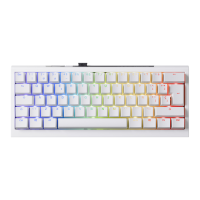
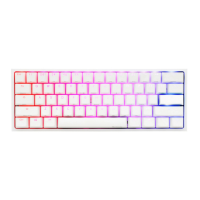
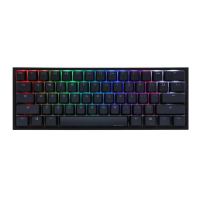
34
Fn + Alt +
Factory settings (Default)
Switch to profile 1
Switch to profile 2
Switch to profile 3
Switch to profile 4
Switch to profile 5
Switch to profile 6
1
2
3
4
5
6
=
Step1. Profile selections
Step2. To start Macro recording
Press Fn + Alt + Tab for 3 seconds to start Macro recording. Once in recording mode the Caps Lock or indicator
lights will flash slowly.
Step3. Press a key to start recording Macro
Press on the key you want to use to activate Macro. The key pressed will blink (Non-backlit version will not) and the
Caps Lock or indicator lights will flash swiftly.
Step4. Recording Macro
Enter any key, and choose the Macro implementation and record time option.
Step5. To continue recording another key (Jump out the current recording file)
Press Fn + Alt to choose another key to continue recording.
Step6. Finish recording
Press Fn + Alt + Tab for 1 second to finish recording and back to the profile.
Customize Macro key features
Note:
● When keyboard is plugged in,
Caps Lock and Number Keys will
blink based on selected profile
number.
● Adjust profile to 2~6 in order to
set Macro.
● After profile is switched, Caps
Lock or Indicator light will blink
based on the current profile number.
Ducky One 3 Mini


 To Next Page