38
Note: Need to be recorded first before use.
Keyboard Button Function Keys
Fn + Shift+ Keys below
Prompt profile value
Profile 1
Profile 2
Profile 3
Profile 4
Profile 5
Profile 6
Backlit modes switching
Adjust color red
Adjust color green
Adjust color blue
Erase all value
Color palette
A
B
C
D
E
F
G
H
I
J
K
L
M
Backlit mode:Wave mode (Default)
Backlit mode:Color Cycle mode
Backlit mode:Rain Drop mode
Backlit mode:Ripple mode
Backlit mode:Random Reactive mode
Backlit mode:Reactive mode
Backlit mode:100% Full backlit mode
Backlit mode:Breathe mode
Backlit mode:Radar mode
Backlit mode:Backlit OFF
The key “ . ” on number pad (Num_.)
N
O
P
Q
R
S
T
U
V
W
X
Y
Number Lock
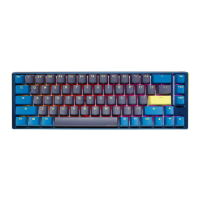
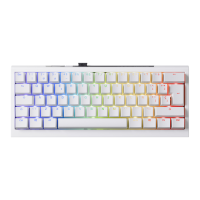
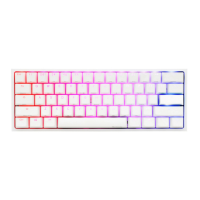
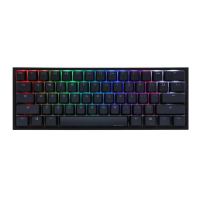
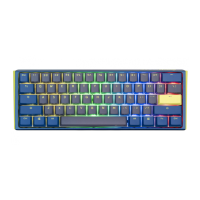
Ducky One 3 Mini


 To Next Page