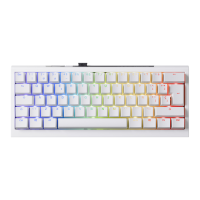
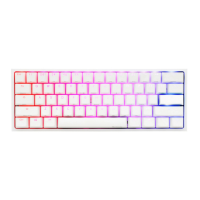
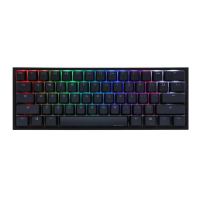
5
2
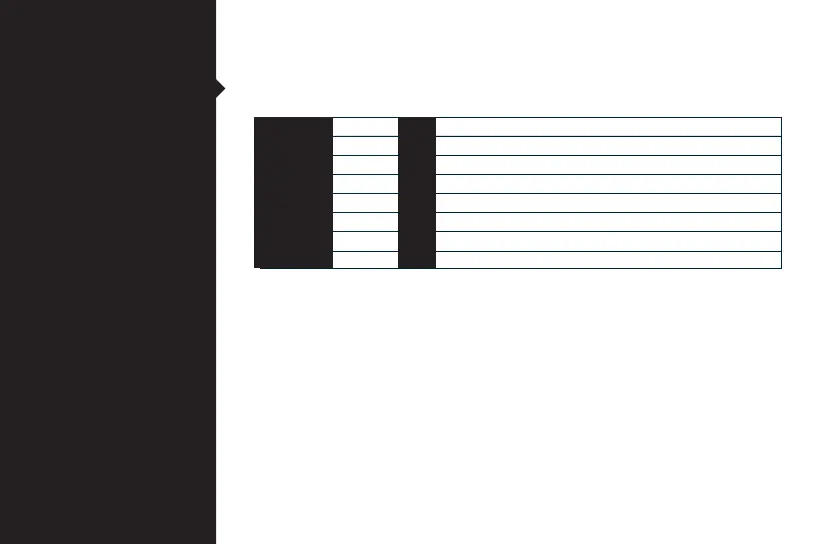
Fn +
BT1 device
BT2 device
BT3 device
BT4 device
Minimize all windows and mute audio
Hold to see battery status
Q
W
E
R
Enter
B
=
●Hold to see battery status (1 lights up = 10%, 1+2 lights up = 20%, etc.)
●Hold both Win keys for five seconds for factory reset.
Fn Function
Wireless 2.4G pairing method
After pressing and holding Fn+T for 5 seconds, the T light will flash faster.
Re-plug and unplug the 2.4G receiver for pairing. After successful pairing,
T will remain on.
Left Win
Right Win
Enable / Disable Left Windows Key Function
Enable / Disable Right Windows Key Function


 To Next Page