Before You Start
EN-11
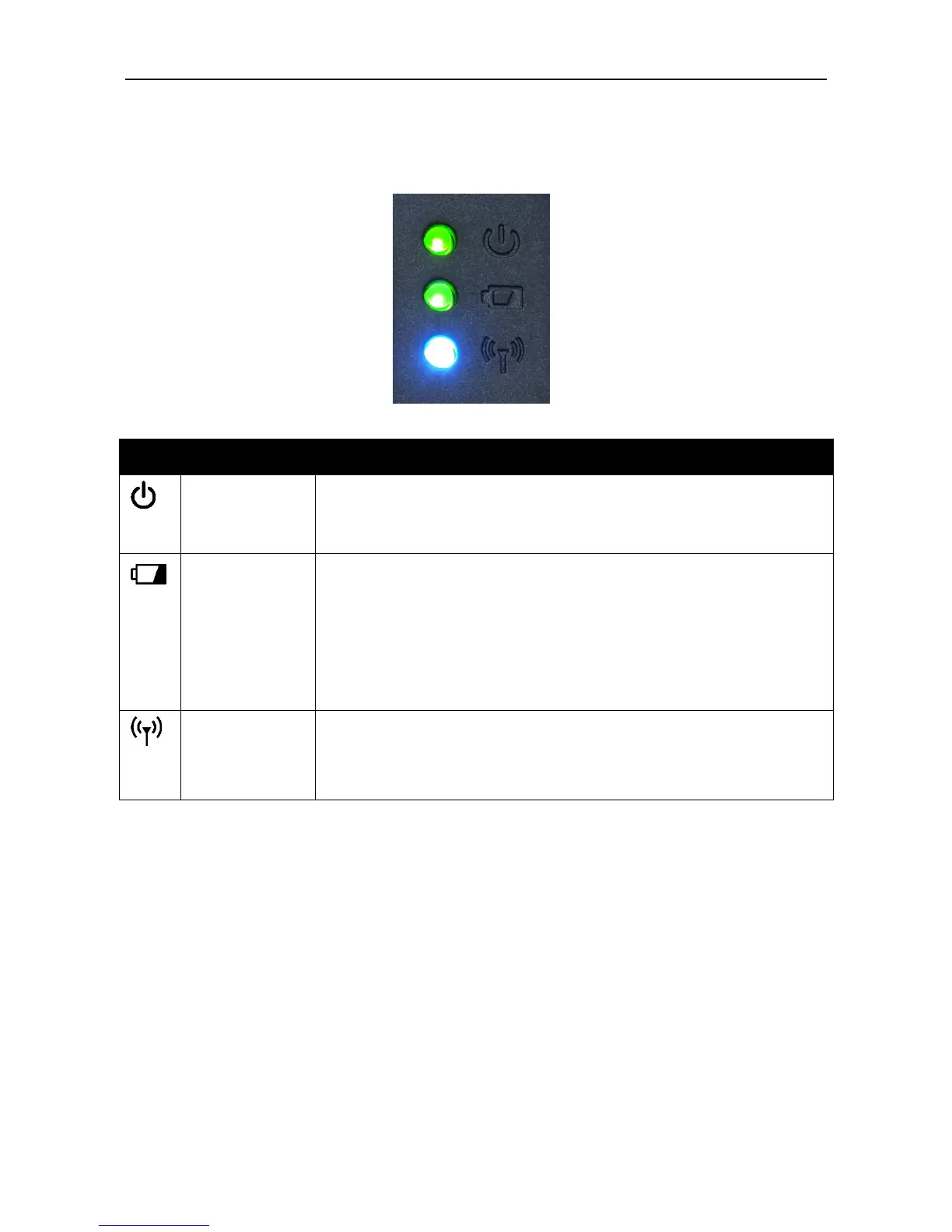
Status Indicators
The status indicators of the tablet PC light up when a particular function of the
tablet PC is active.
The LED always lights on (green) when the system is
running. When the system is in sleep mode, the LED
blinks.
Indicate the battery status:
Green: when battery is fully charged (95% or above)
Orange: when battery is charging
Flashing orange: charging error
Red: when battery capacity is lower than 10%
Off: when discharged
Indicate the airplane mode status:
Blue: the airplane mode is disabled
Off: the airplane mode is activated



 To Next Page