Making Connections
EN-38
Connecting to Wireless Connections
Your tablet PC can connect and communicate with other Bluetooth-enabled
devices.
NOTE
Do not disassemble the bumper. Otherwise, the antenna may be damaged,
resulting in poor reception.
Connecting to a Bluetooth Device
Your tablet PC can connect and communicate with other Bluetooth-enabled
devices. By default, the Bluetooth function is disabled.
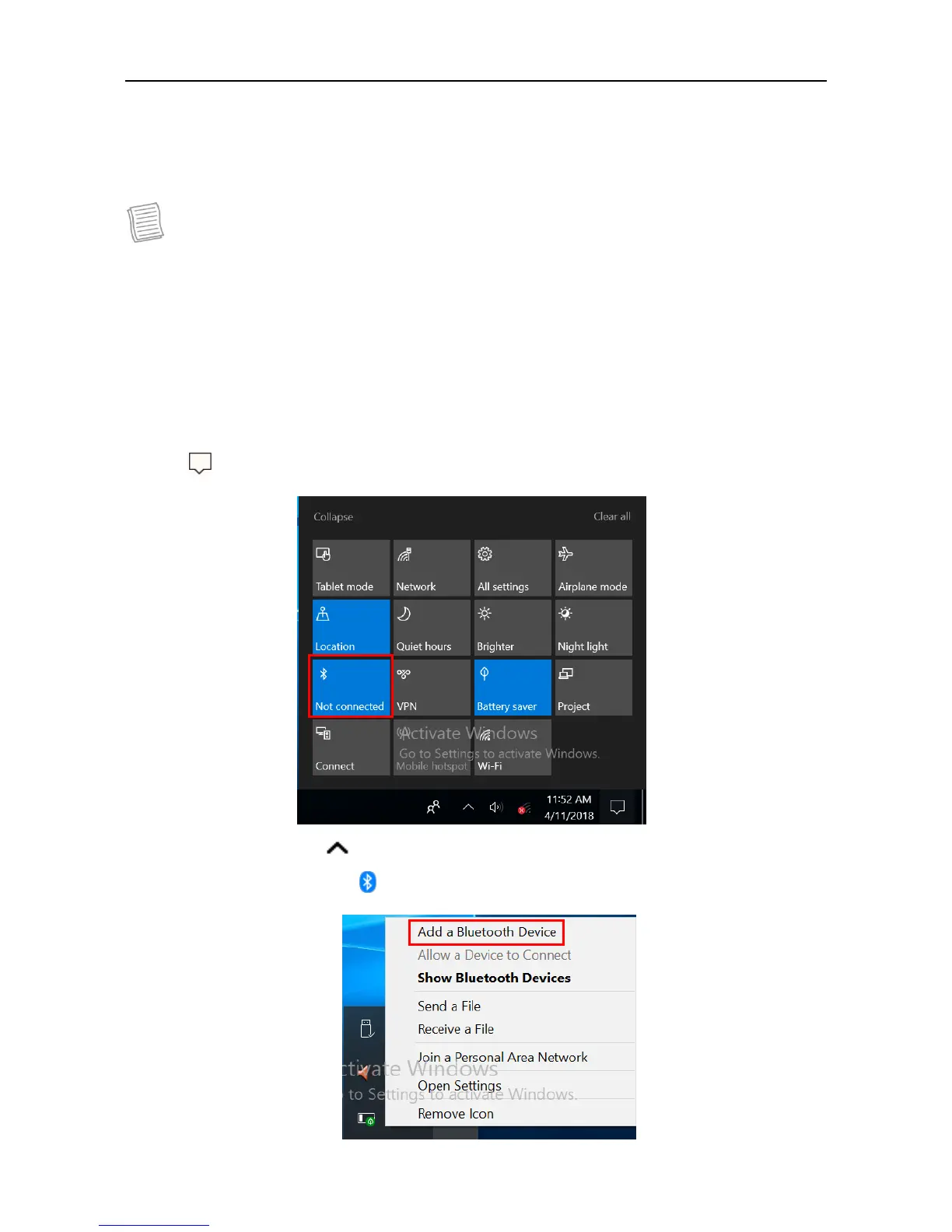
To add a device, follow the steps below:
1. Tap on the system tray. Then tap Bluetooth to enable the function.
2. Tap the arrow icon ( ) on the system tray to display hidden icons.
3. Tap the Bluetooth icon ( ) and select Add a Bluetooth Device.



 To Next Page