Operating Your Tablet PC
EN-23
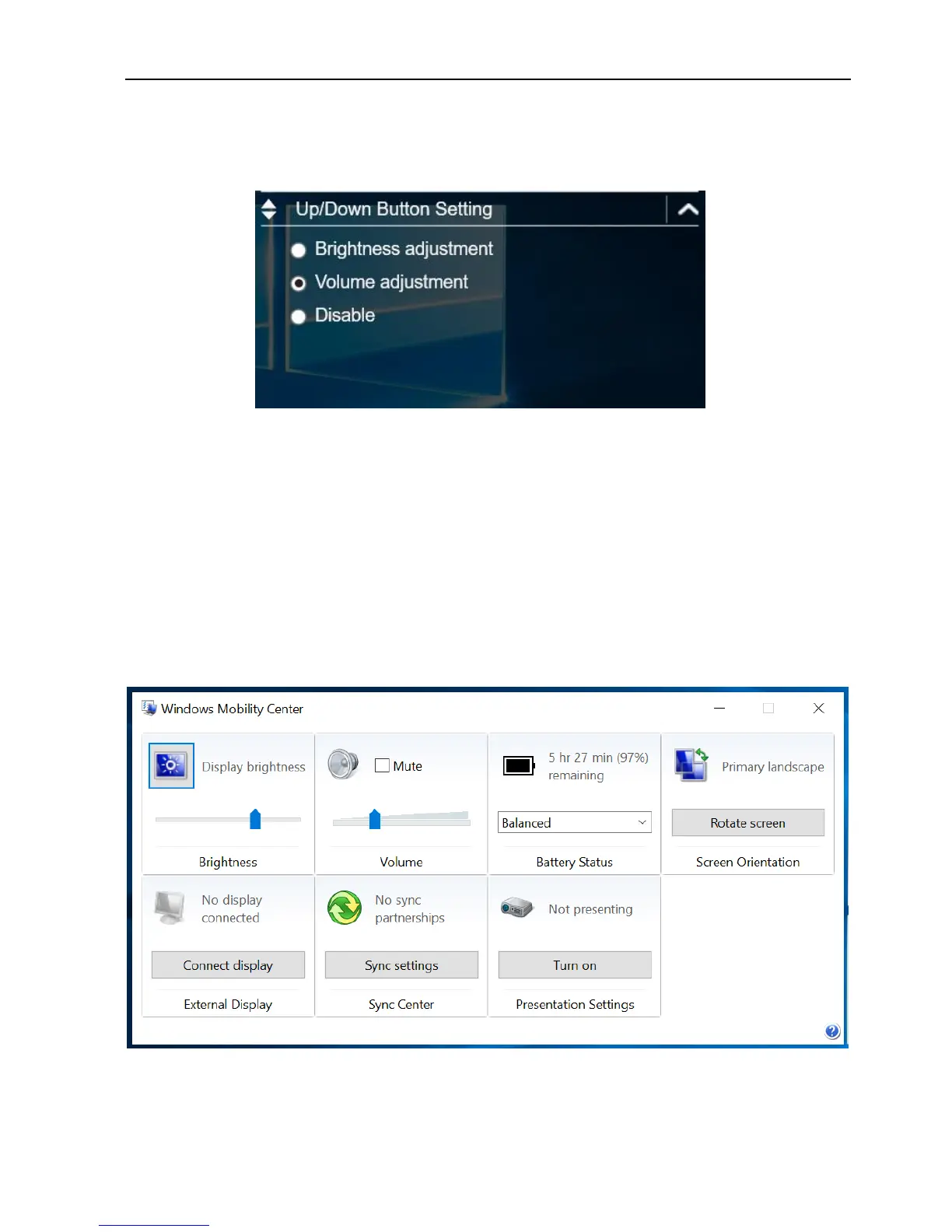
Configuring the Up/Down Keys ()
On the Up/Down Button Setting section, you can assign the function for the
and buttons.
There are three available options:
Brightness adjustment: Adjust the LCD panel brightness level.
Volume adjustment: Adjust the volume level.
Off: No function.
Accessing the Mobility Center
Tap the Mobility Center tab to adjust or configure the brightness, volume level,
battery status, screen orientation, external display, sync, and presentation
settings.



 To Next Page