Getting Started
EN-16
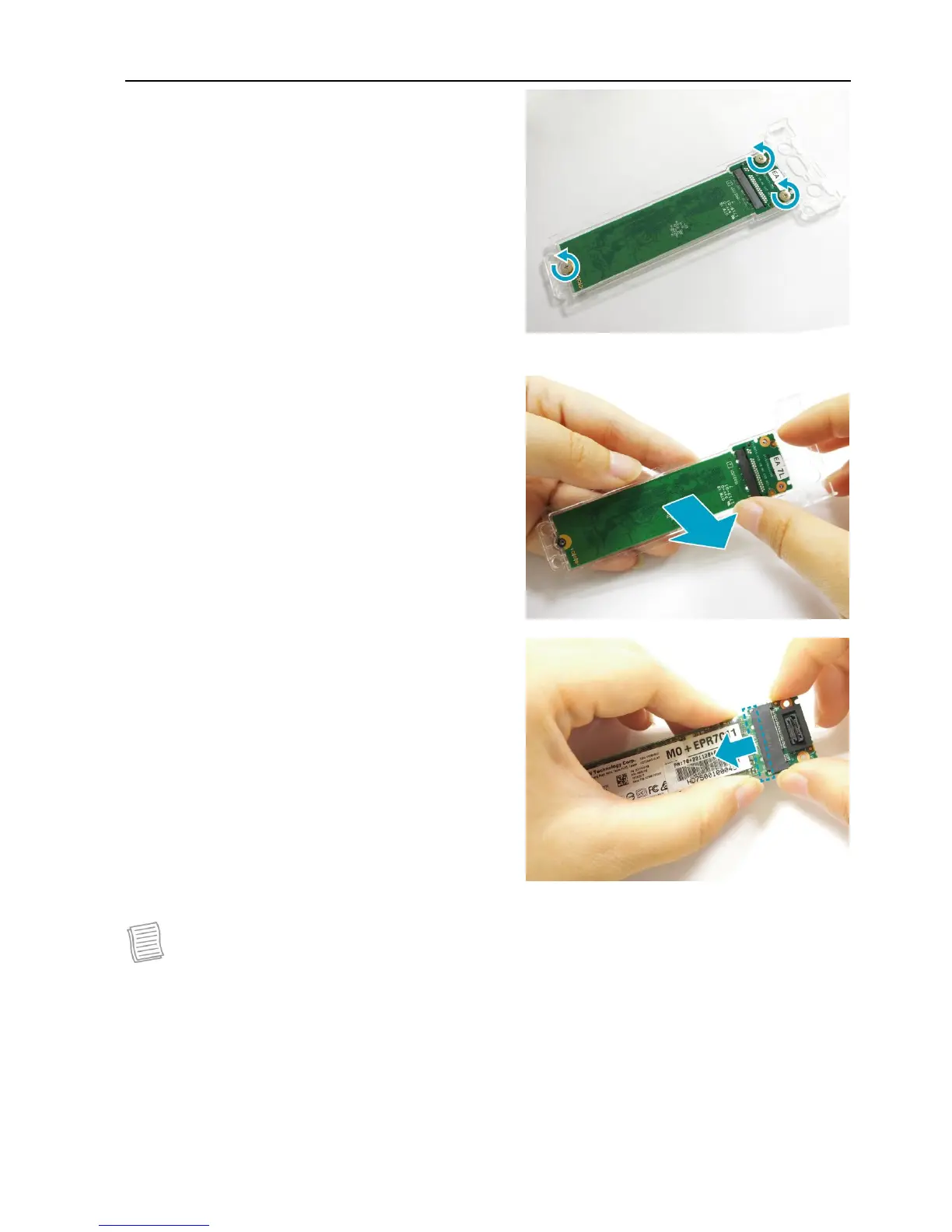
4. Remove the three screws securing the
SSD module and the memory adapter
board.
5. Remove the SSD module assembly.
6. Pull to disconnect the SSD module from
the memory adapter board connector.
NOTE
To install a new SSD module, reverse procedures step 1 through 6 above.



 To Next Page