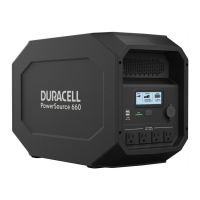
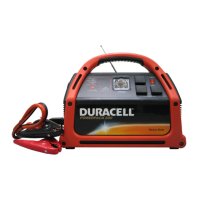
Duracell® Powerpack 600
Features
Radio and Clock Operation
Required
How
to
•••
Condition
Required Action
Note
Listen to Press the AM band button When radio is on, the
the radio (11) or the FM band button station frequency is
(12).
displayed. When
To turn
off
the radio, press radio is off, the time is
the power
OFF button (3).
displayed.
Set the
Tum
off
the To adjust hour, press and The clock uses a 12-
clock radio to
hold Time Set button (4), hour (AMlPM) time
show the and press hours set button format.
time.
(6).
To
adjust minutes, press and
hold (4), and press minutes
set button (7).
Set the Turn
off
the To adjust hour, press and The alarm clock uses
alarm radio to
hold Alarm Set button (9), a 12-hour (AM/PM)
show the
and press houts set button time format.
time.
(6).
To adjust minutes, press and
hold (9), and press minutes
set button (7).
Use the Set the
Press Alarm Clock
ON/OFF When the alarm clock
alarm clock alarm, turn
button (10).
"e"
shows on
turns the radio on, the
off
radio to the display screen.
power
off
button (3)
show time.
does not work.
To
turn
off
the radio,
press Alarm Clock
ON/OFF (10), then
press (3).
Improve Radio
Adjust the direction and N/A.
reception tuned to
length
of
the
FM
antenna.
FM
station.
8 975-0339-01-01


 To Next Page