Operating
AC
Appliances
-
'~'----
--
-~..
.
.-.
~._-_._---
-_.-
._-----_._--~.
- - -
--_.-
-".
._-_.
-'--
._---
_._..
--_.
.
Operating
an
AC
Appliance
Before operating your AC appliance, ensure that the battery
of
the Duracell® Powerpack
is
fully charged. See
"Recharging with the AC Charger" on page
13
for details.
To
operate
an
AC appliance:
1.
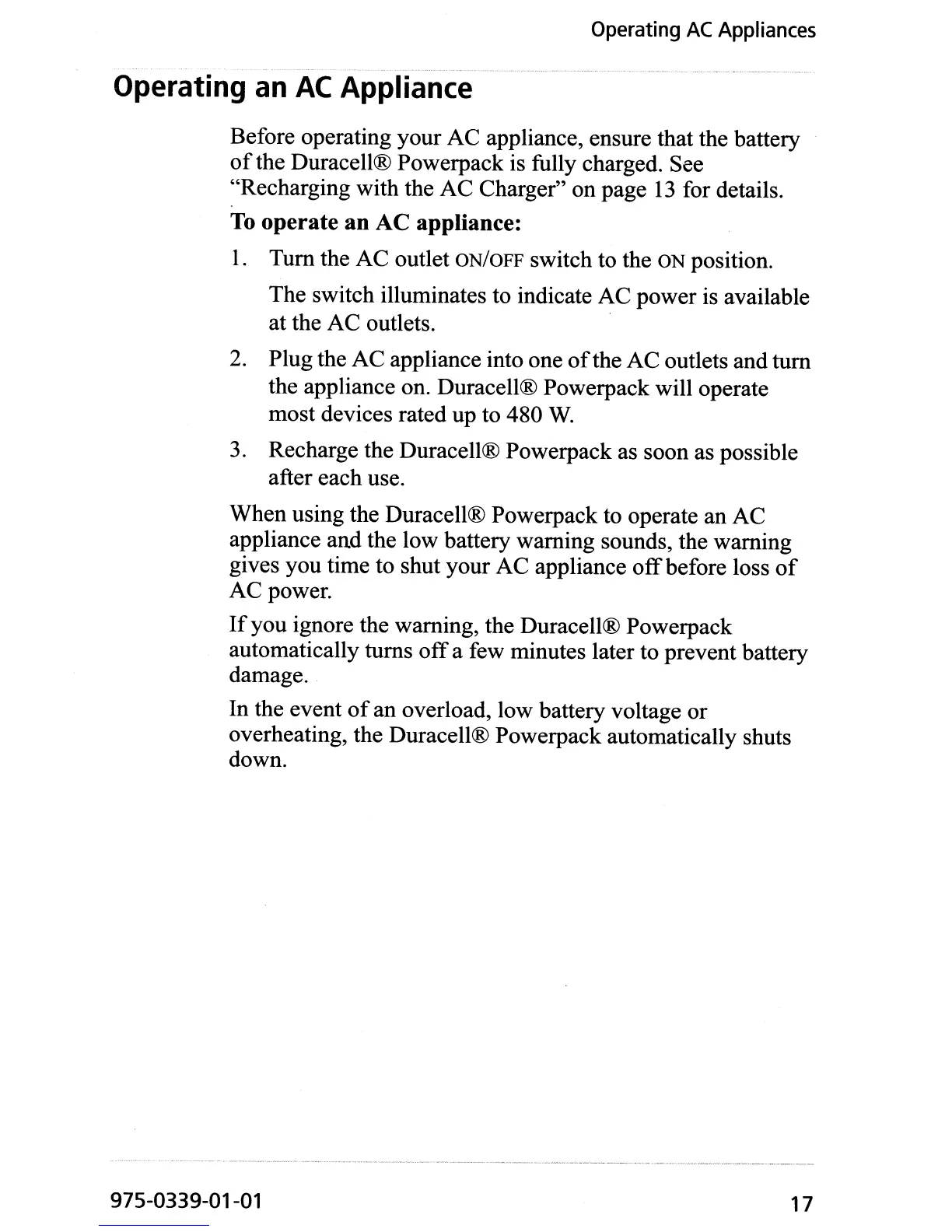
Tum the AC outlet ON/OFF switch to the ON position.
The switch illuminates to indicate AC power
is
available
at the AC outlets.
2.
Plug the AC appliance into one
of
the AC outlets and tum
the appliance on. Duracell® Powerpack will operate
most devices rated up to 480
W.
3.
Recharge the Duracell® Powerpack as soon as possible
after each use.
When using the Duracell® Powerpack to operate an AC
appliance and the low battery warning sounds, the warning
gives you time to shut your AC appliance
off
before loss
of
AC power.
If
you ignore the warning, the Duracell® Powerpack
automatically turns
off
a few minutes later to prevent battery
damage.
In the event
of
an overload, low battery voltage or
overheating, the Duracell® Powerpack automatically shuts
down.
975-0339-01-01 17


 To Next Page