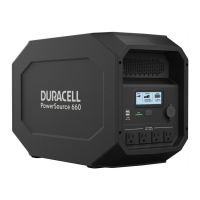
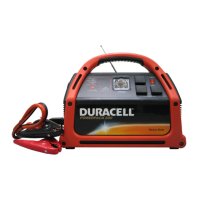
Duracell® Powerpack 600 Features
..
_--_.
__
.-
--
.
-_.
._
..
-._--._---_._--_._.
__
....
__
..
-_
..
__
..
_---
...
__
..
_
..
- -
Duracell®
Powerpack
600
Features
. .
Front Panel Detail
--
--
8
--
6
--
7
--
5
--
4
~
/'1/
2 \
1
__
yUIIC
1
\
Front
Panel Features
Feature Description
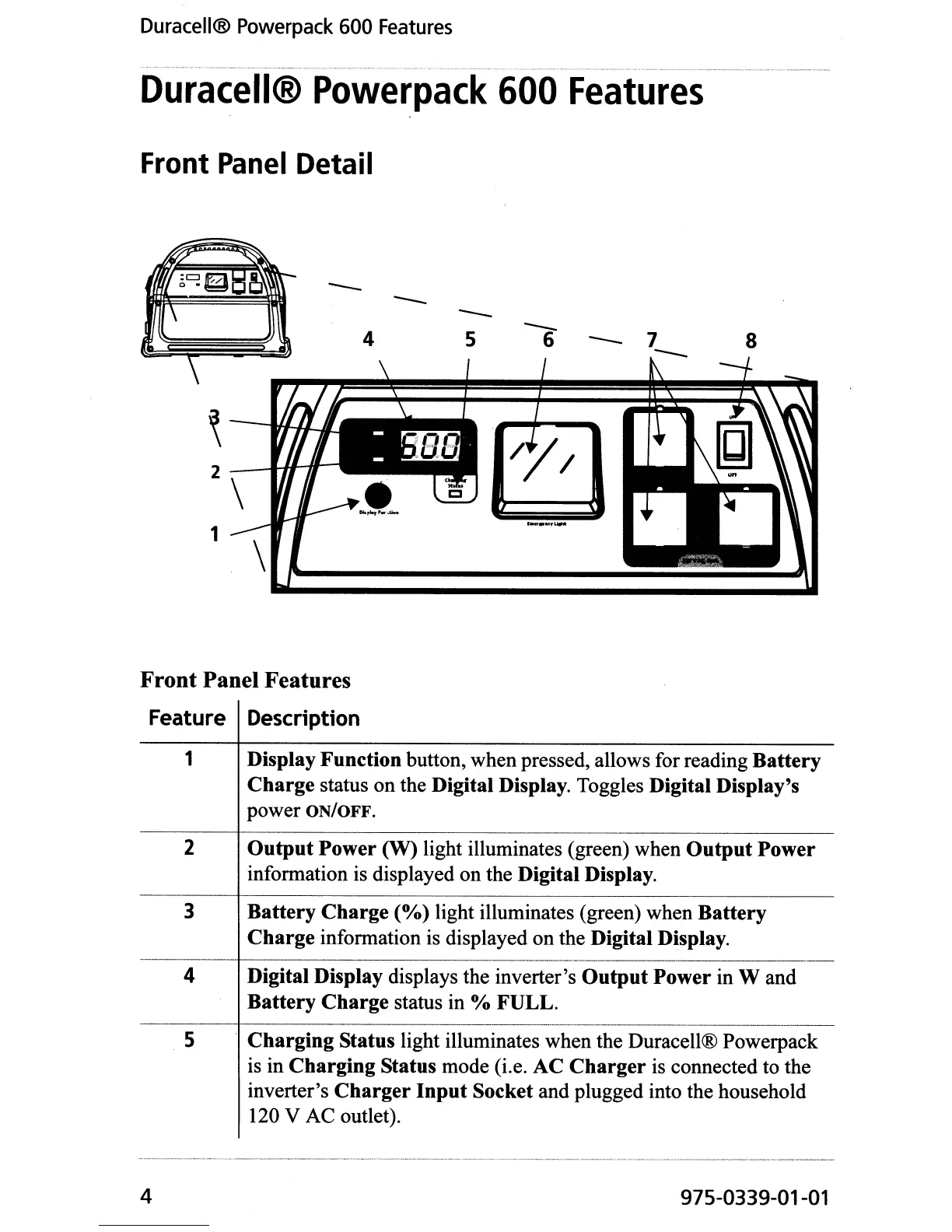
1 Display Function button, when pressed, allows for reading Battery
Charge
status on the Digital Display. Toggles Digital Display's
power ON/OFF.
2
Output
Power
(W)
light illuminates (green) when
Output
Power
information is displayed on the Digital Display.
3 Battery
Charge
(%)
light illuminates (green) when Battery
Charge
information is displayed on the Digital Display.
4 Digital Display
displays the inverter's
Output
Power in
Wand
Battery
Charge
status in % FULL.
5 . Charging Status
light illuminates when the Duracell® Powerpack
is in
Charging Status mode (i.e. AC
Charger
is connected to the
inverter's
Charger
Input
Socket and plugged into the household
120 V AC outlet).
4
975-0339-01-01


 To Next Page