DuraLabelKodiakUserGuidev0.6(Prerelease)Page6of28
Getting to Know Your Kodiak
Kodiakisathermaltransferprinter,meaningthatitusesheattotransferasolidresinor“ink”froma
printingribbonontoalabelstock.Withtwoseparateprintheadsandtwoseparateribbons,Kodiakcan
printintwocolorsonthesamelabel.
Kodiakislargerandheavierthansomeprinters,weighingabout42pounds(about20kilograms).We
recommendhavingtwopeopleworktogethertounpackorrepositiontheprinter.
In the Box
InKodiak’sbox,youwillfindthefollowingmaterials:
KodiakPrinter
PowerCord
WirelessKeyboard(stowedinsidetheprinter’slid)
KodiakQuickStartGuide
Wi‐FiUSBAdapter(alreadyconnectedtoKodiak)
Youshouldalsohavethefollowing,shippedseparately:
RibbonCartridges(2)
Your Kodiak
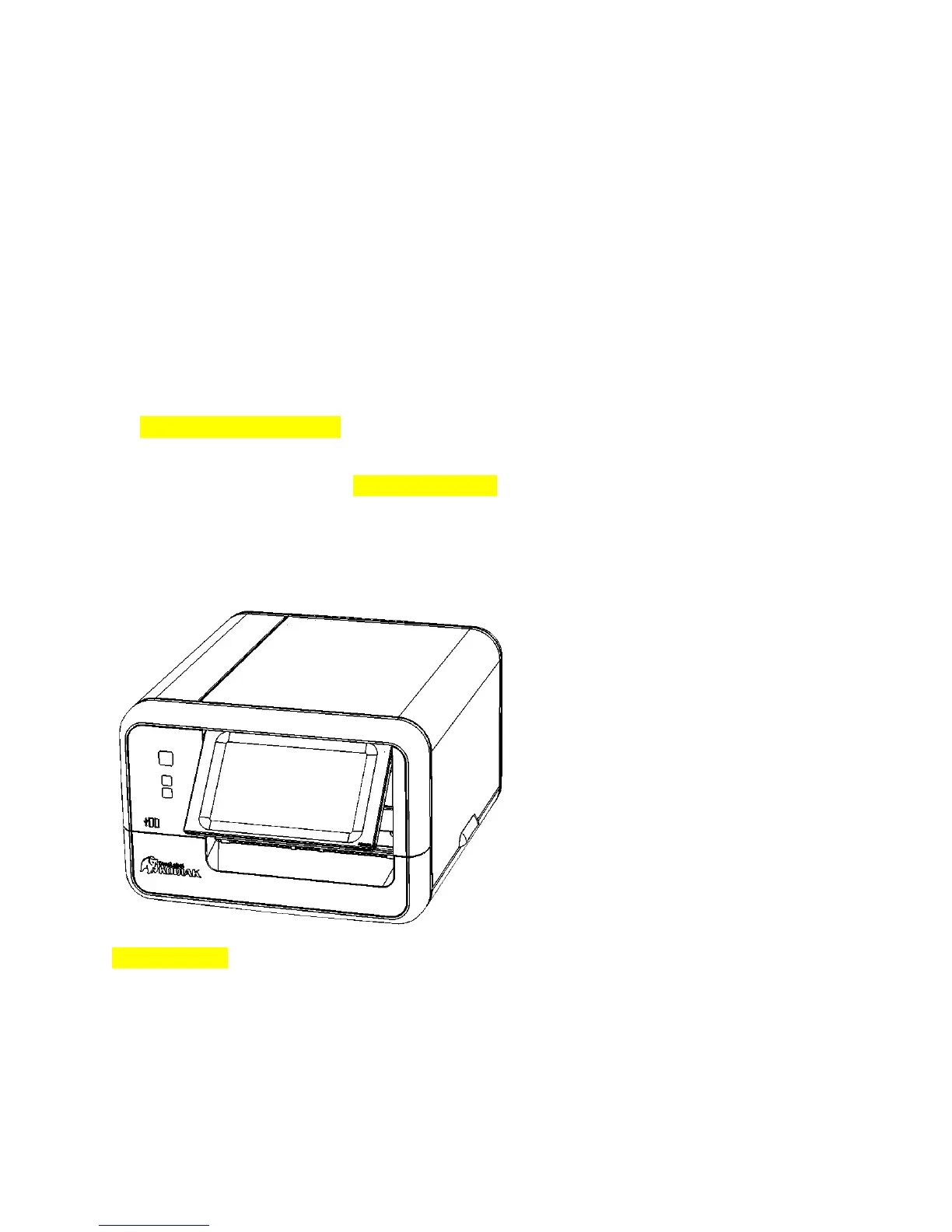
Front View
[Imagenotfinal]
PrintButton‐Printsonecopyofthecurrentlabeldesign(ifany)
X(Cancel)Button‐Cancelsthecurrentprintjob(ifany)
?(Help)Button‐Opensthehelpinterfaceforthecurrentprogram(ifany)
USB‐Aports(2)
AdjustableTouchscreen



 To Next Page