97
Chapter 14
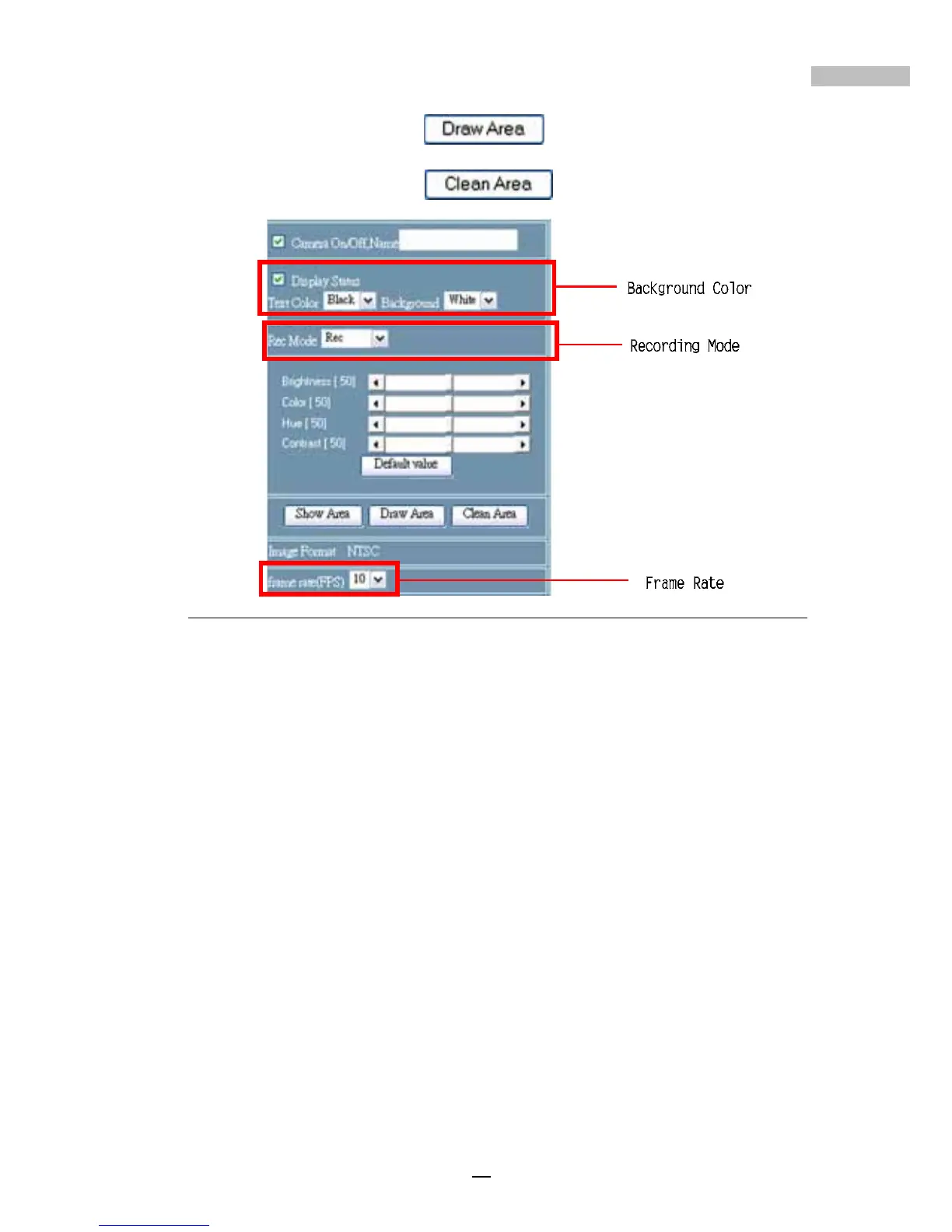
b. “Draw Area” button : up to 6 motion detection
frames can be drawn.
c. “Clean Area” button
.
Figure 14-26: Remote Camera Configuration(2)
9.Speed — Users can select the speed to adjust the direction of the
PTZ cameras from 0 to 7
10.Camera Direction — users can use the UP, DOWN, LEFT and
RIGHT icons to move the cameras
11.Zoom In button & Zoom Out button
12.Iris — Enlarge Iris button & Reduce Iris button
13.Focus — Nearer Focus button & Further Focus button
14.Auto Pan — check this to make the PTZ cameras circumgyrate
automatically
15.Video Image Quality — there are 4 options: Low, Mid, High,
and Best
16.Image Resolution — users may choose from 160x120, 320x240
and 640x480
17.Image Format — NTSC (or PAL) format
18.Frame Rate (frame per second) — the frame rate can be
chosen from 1 to 30 fps



 To Next Page