45
Chapter 8
Alarm Sound Triggering
Activating the Alarm Sound parameter enables sounding of the alarm at the
time of alarm condition detection. Follow the instructions below to set the
Alarm Sound.
1.Click the “Alarm” Tab first.
2.Select the “Camera”, “Din”, “Disk full”, “Disk failure”, or “No
signal”.
3.Select “Enable” or “Enable” “Trigger Period”.
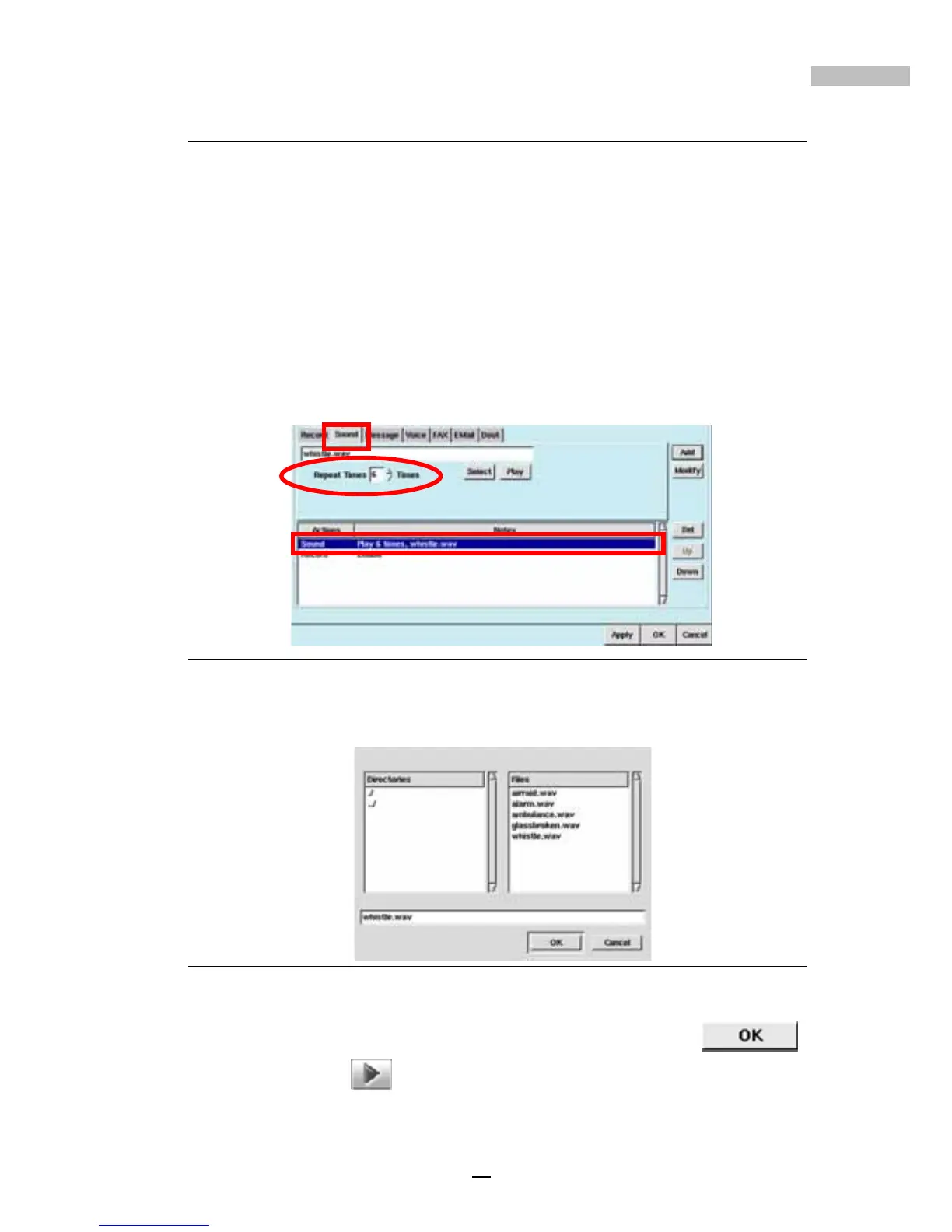
4.Click the “Sound” Tab.
Figure 8-3: Sound Tab
5.Click the “Select” button to choose alarm sound from the sound list
window.
Figure 8-4: Sound Selection Window
6.Choose a .wav file from the above window and click “OK”
7.Click “Play” to play the file.
8.Select how many times you would like to repeat the alarm sound (up
to 10 times)



 To Next Page