63
Chapter 12
in particular directions more conveniently.
The main purpose of Group presets is to allow the user to Auto Pan to spe-
cific preset points.
When the presets are complete, follow these instructions to Auto Pan the
PTZ cameras according to the presets in the groups:
1.Create all the presets in the groups.
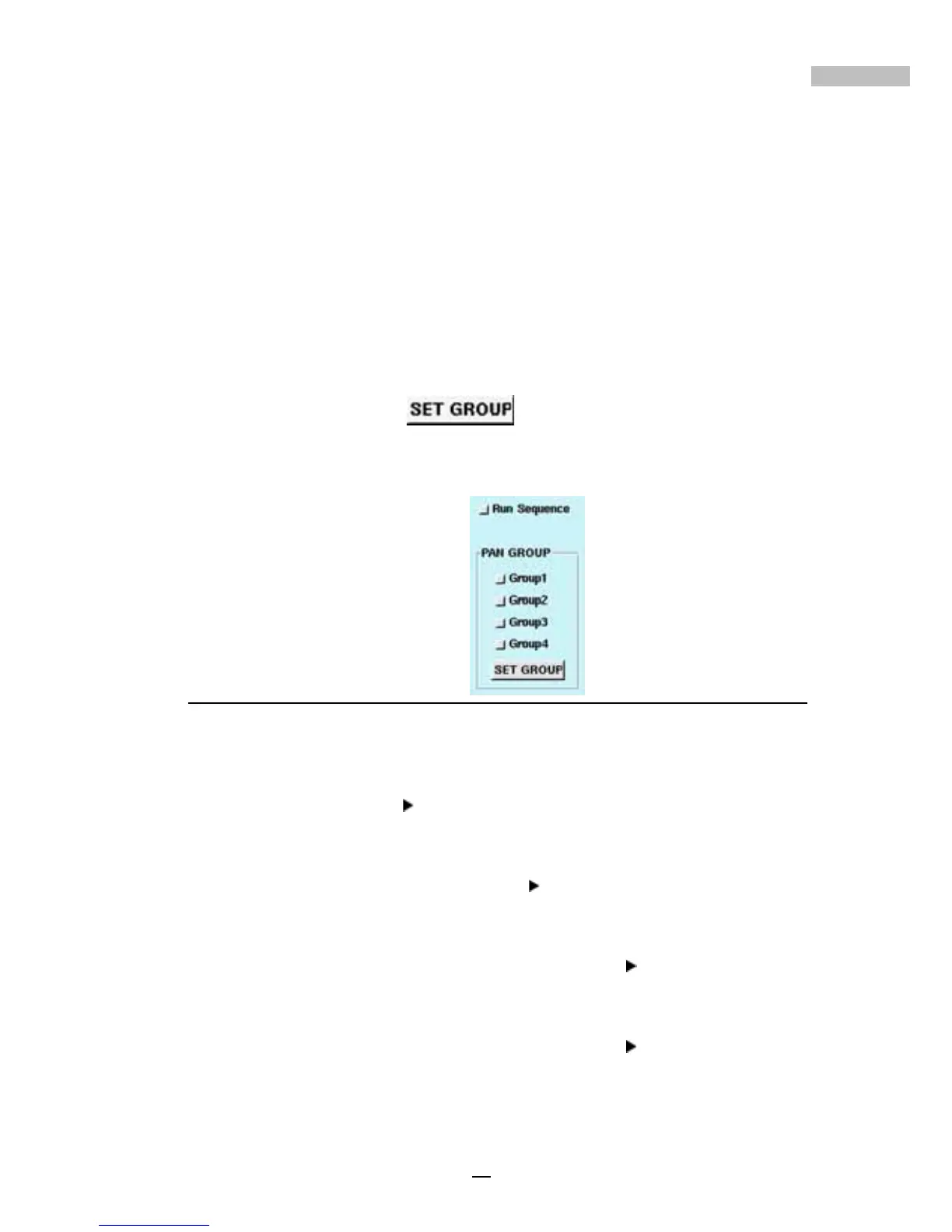
2.Choose the number of your desired group (Group 1, Group 2, Group
3 and Group 4) under the Pan Group Number.
3.Click “Set Group”
.
4.Click “Run Sequence”, then the PTZ cameras will begin to Auto
Pan according to the presets in the group.
Figure 12-6: Pan Group
Example:
• Setting Group 1
Choose Group 1, and click “Set Group” button.
Function: To operate presets 1 to 4 automatically in the mode of
“Run Sequence”.
• Setting Group 1 and Group 2
Choose Group 1 and Group 2,
and click “Set Group” button.
Function: To operate presets 1 to 8 in the mode of “Run Sequence”.
• Setting Group 1, Group 2, and Group 3
Choose Group 1,
Group 2, and Group 3, then click “Set Group” button.
Function: To operate presets 1 to 12 in the mode of “Run Sequence”.
• Setting Group 2, Group 3, and Group 4
Choose Group 2,
Group 3, and Group 4, then click “Set Group” button.
Function: To operate presets 5 to 16 in the mode of “Run Sequence”.



 To Next Page