64
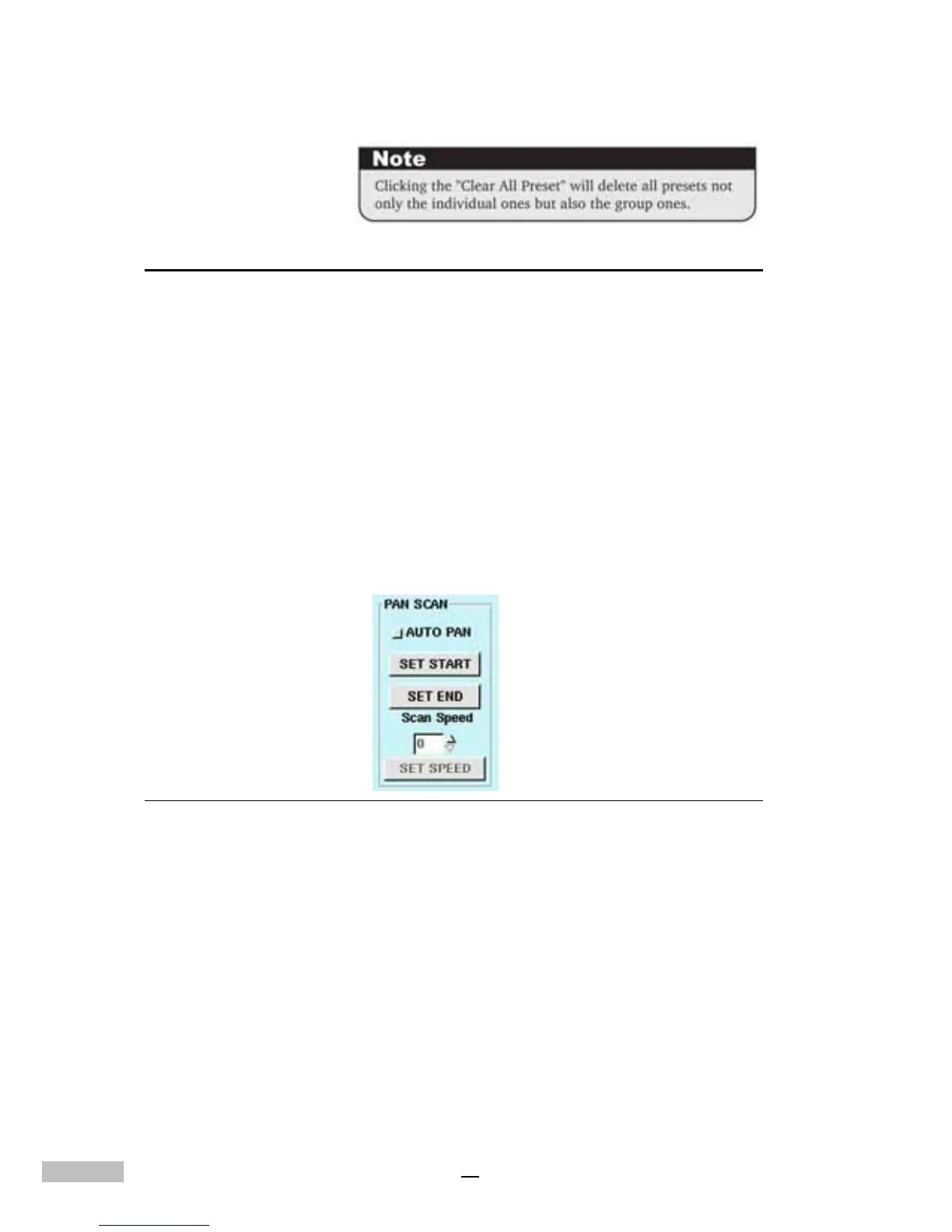
PAN SCAN
This DVR system allows the user to set up the PTZ camera to scan from the
SET START to SET END.
1.AUTO PAN: allows the PTZ camera to move horizontally from the
set start and set end.
2.SET START: this parameter is used to set the current preset point as
the SET START.
3.SET END: this parameter is used to set the current preset point as
the SET END.
4.SCAN SPEED: used to select the speed (from 0-255) for PTZ
camera AUTO PAN. After finishing the selection of this setting,
please click “SET SPEED” to save the setting.
Figure 12-7: Pan Scan
The DVR system supports many PTZ camera types which have different
functions and a variety of settings, so please read the related camera user
manual to choose the appropriate settings for your camera(s).



 To Next Page