70
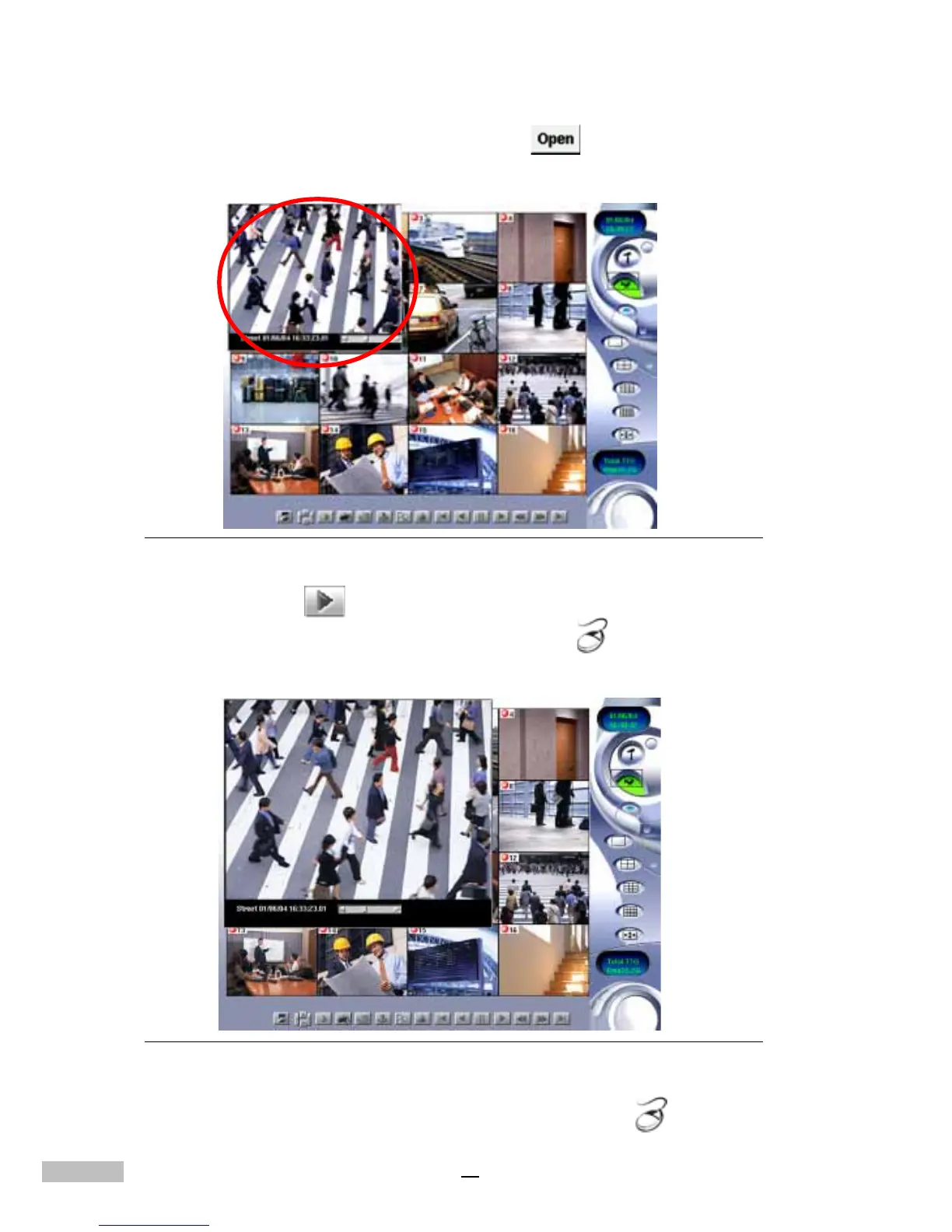
7.Double-click the selection or click “Open” . The video from the
selected file will appear in the top left-hand corner of the Main Screen.
Figure 13-8: Recorded Data Playback
8.Click “Play” from the Bottom Toolbar
9.Double-click the image to enlarge-----------------
Figure 13-9: Enlarged Image
10.Double-click the image again to enlarge-----------------



 To Next Page