71
Chapter 13
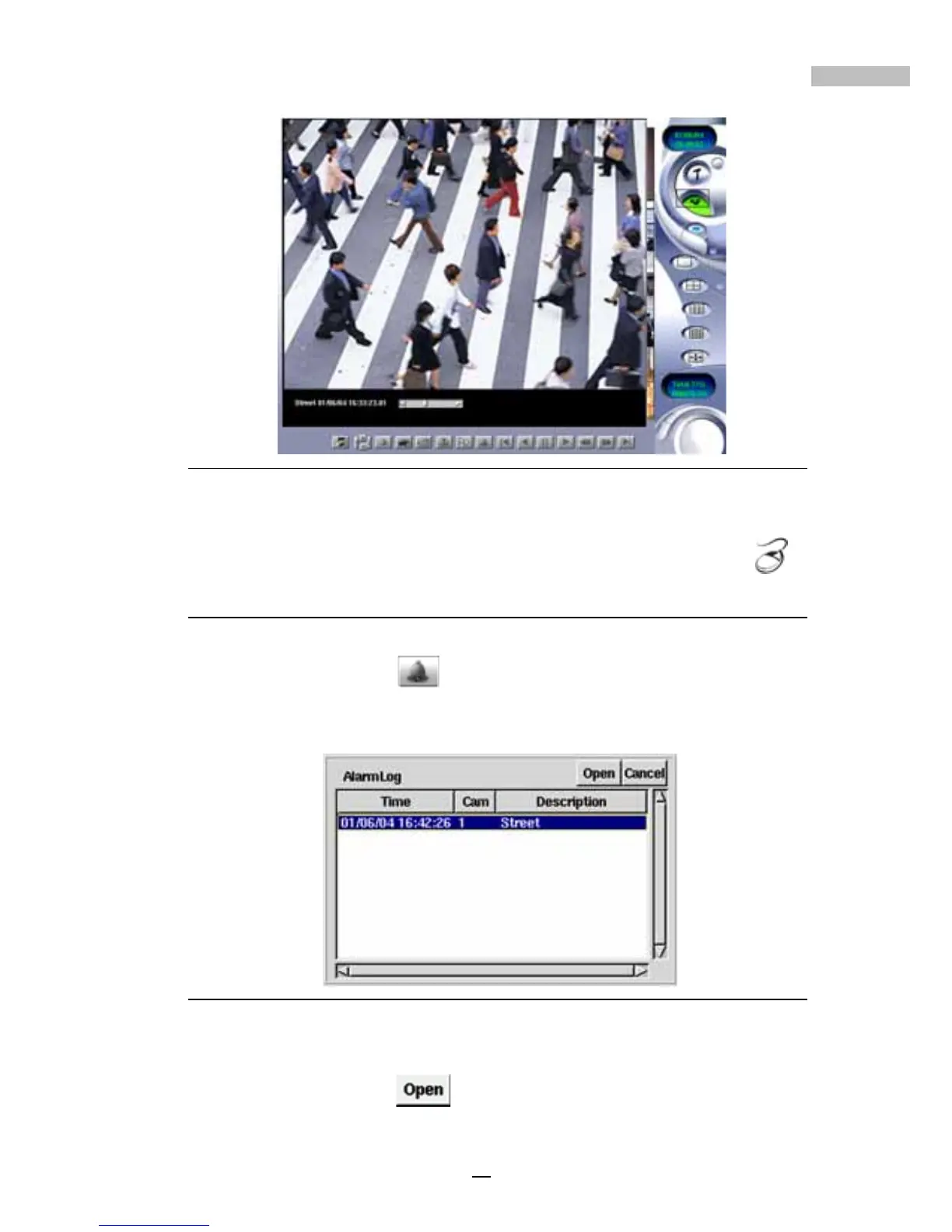
Figure 13-10: Full-size Playback Image
11.To reduce the size or go back to the original size, right-click ---
Alarm Recorded Playback
Follow these steps to view alarm triggered playback images
1.Click the “Alarm” Icon.
2.A database of all the alarm triggered playback files will appear (Alarm
Log)
Figure 13-11: Alarm Log
3.Please select the file you want from the alarm video log. Double-click
it or click “Open”
. The selected file will appear in front of the
Main Screen.



 To Next Page