DS100S AC Servo Manual
Parameters In Position Mode
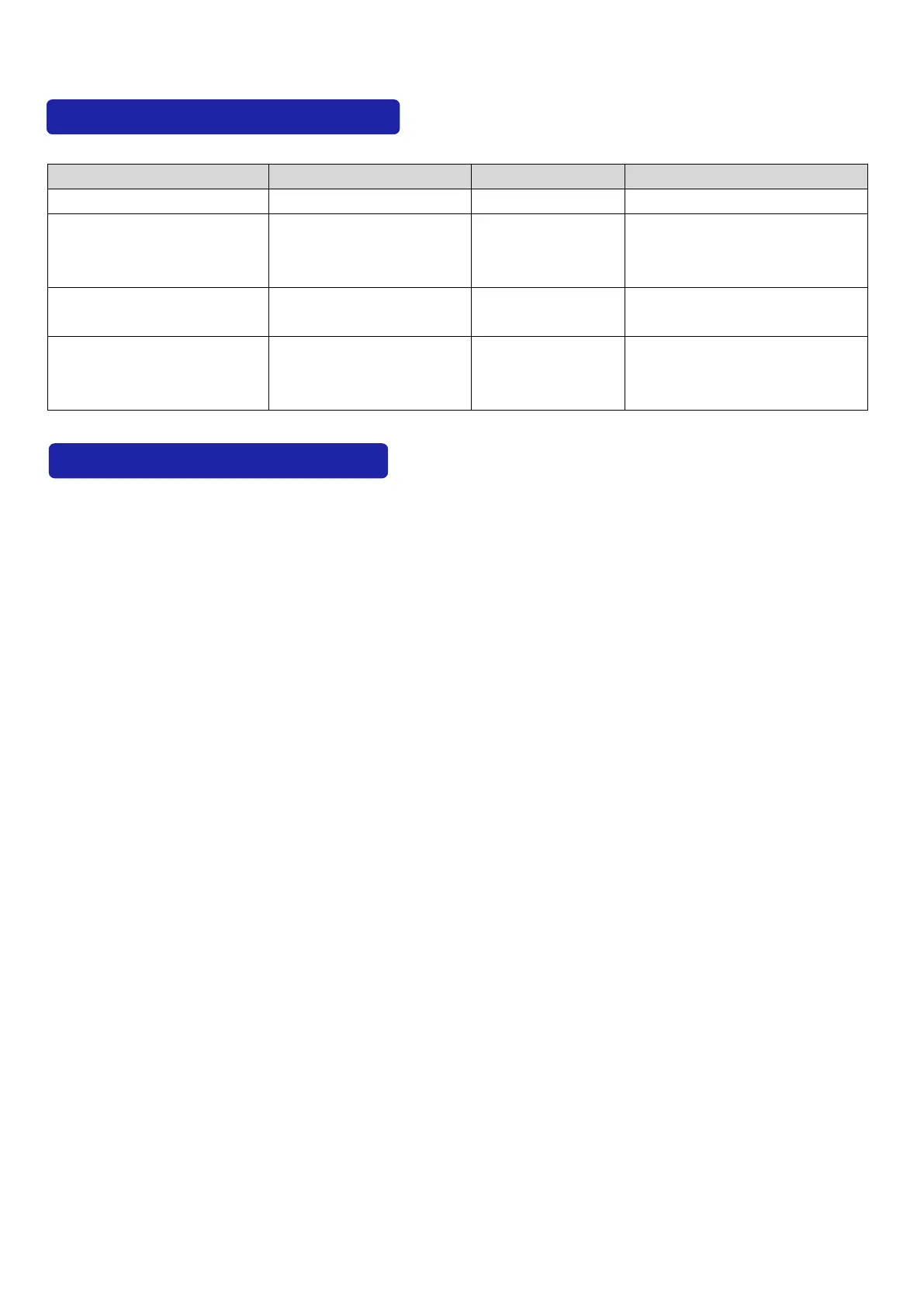
The following parameters need to be set when in position mode:
Command pulses if
the motor runs one
roll.
To select position
command pulse mode
To reverse the
direction of position
command pulse
Operation and Display Layer
Names Of Keys And Functions
The panel consists of 5 LED and 4 keys including
↑、↓、←、
SET to display all system status and
set parameters. The operation is hierarchical.
←
key indicates
“
back
”
and SET key indicates
“
forward
”
while it also has the meaning of
“
Enter
”
and
←
key also has the meaning of
“
Cancel
”
and
“
Exit
”
.
↑
key indicates
“
Increasing
”
and
↓
key indicates
“
decreasing
”
. If you press the
↑
key
or
↓
key and maintain it, you would get a duplicate result and stay longer, the repetition rate is
higher.
Steps To Set Parameters
Please firstly select
“
PA-
”
, and press SET key to enter the status of parameter setting mode. And
use ↑or ↓to choose parameters and SET key to display the parameter’s value. You can modify
the parameter’s value with ↑ or ↓. Press ↑ or ↓key one time, the parameter increases or
decreases by 1. Pressing and holding ↑or ↓key can make the value increased or decreased
continuously. After modifying the value of the parameter,please press SET key and when the LED
flashes two times, it means changes are completed . Finally please recharge, then the new
parameter is effective.
Monitoring Status Content
There are four ways to select the mode of operation in the first layer and
↑
or
↓
key is used to
change the way. Press SET key to enter into the second layer of the selected way and it will turn
back to the first layer with
←
key.



 To Next Page