Controlling Printer Features
13
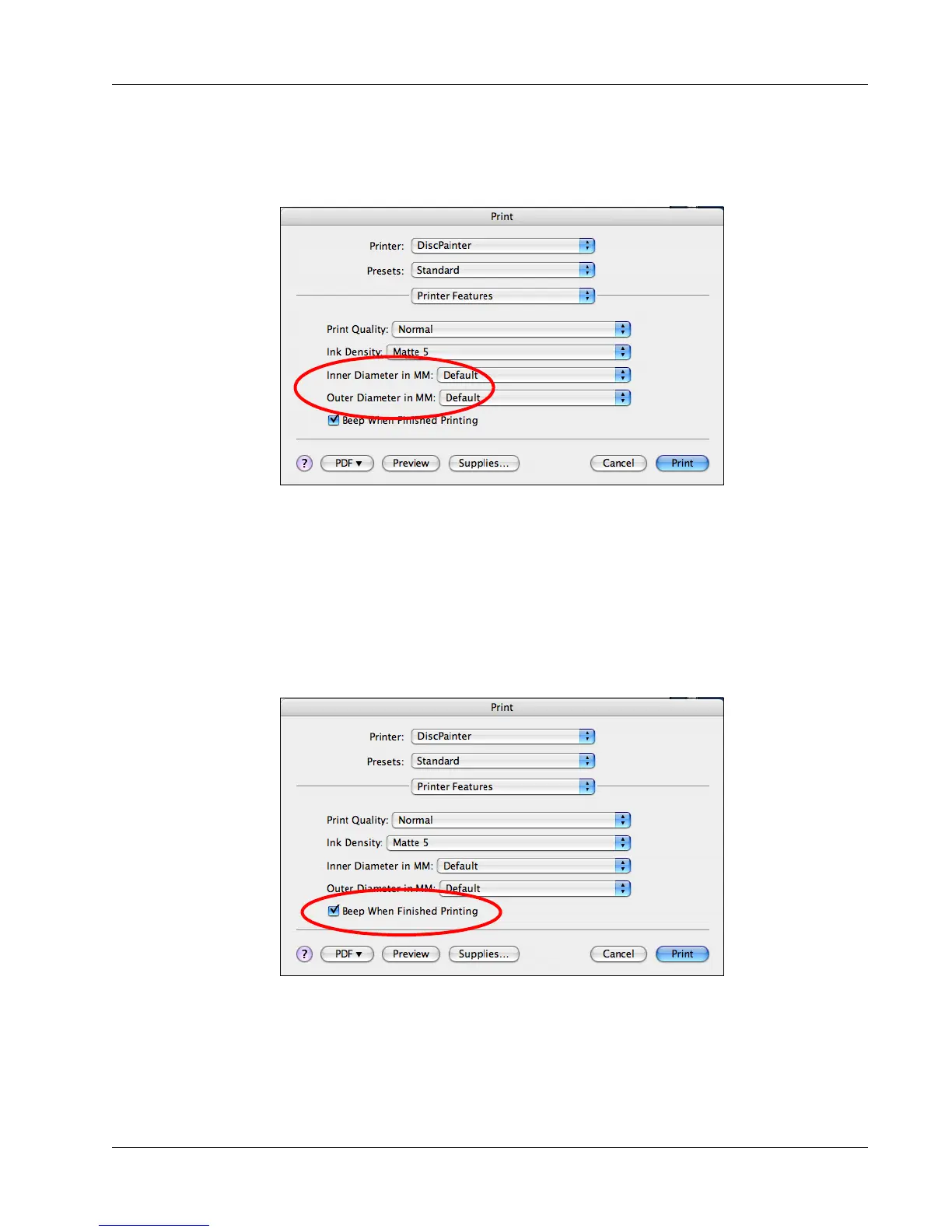
To control the Inner and Outer Diameter
♦
From the Print dialog box, select the desired inner and/or outside diameter from the Inner
Diameter in MM and/or Outer Diameter in MM drop-downs, respectively.
Printing Multiple Copies
You can easily print multiple copies of the same disc image. After each print job is finished
printing, the Ink LED on top of the printer blinks yellow to indicate the print job is finished. You
can then remove the finished disc and insert a blank disc for the next print job.
When printing multiple copies, you can configure the printer to beep after each disc is finished
printing to let you know when to insert a new disc.
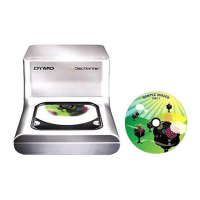
To turn on the disc-finished-printing beep
♦ Select Beep When Finished Printing check box.



 To Next Page