Printing Over a Network
34
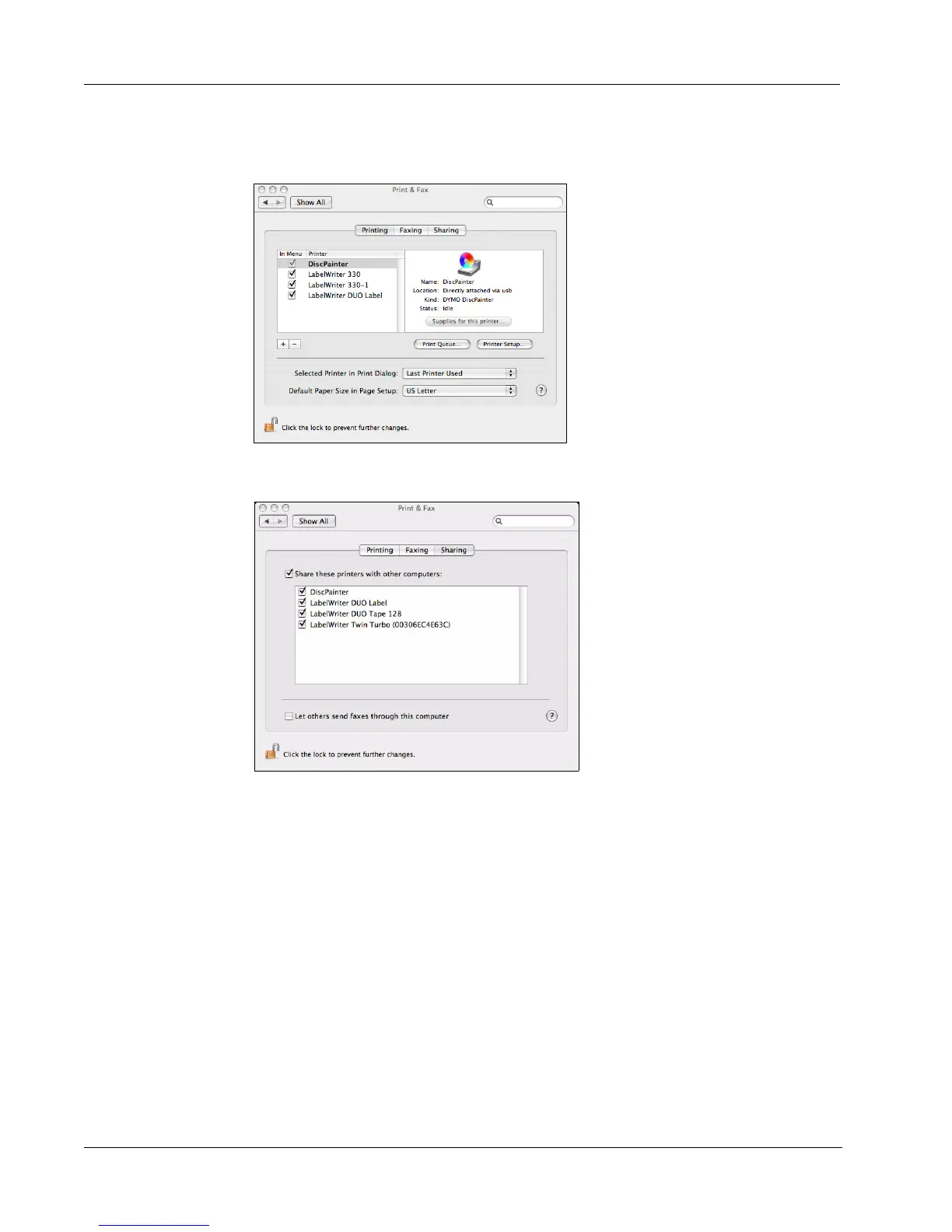
2 Double-click Print & Fax.
The Print & Fax dialog box is displayed.
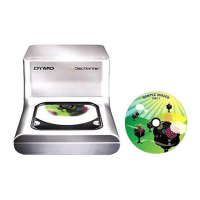
3 Select the printer you want to share and then click Sharing.
The Sharing pane is displayed.
4 Select the Share these printers with other computers check box and then select the check
box in front of each printer you wish to share.
5 Close the Print & Fax dialog box.
Adding a Shared Printer
Before you can print to a shared network printer, you need to install DiscPainter software on your
local computer.
To install a shared network printer
1 Install DYMO DiscPainter Software. (See the Quick Start Guide for information.)
2 From the Finder, select Applications>Utilities>Printer Setup Utilities.
The Printer List dialog box is displayed.



 To Next Page