Printing Over a Network
36
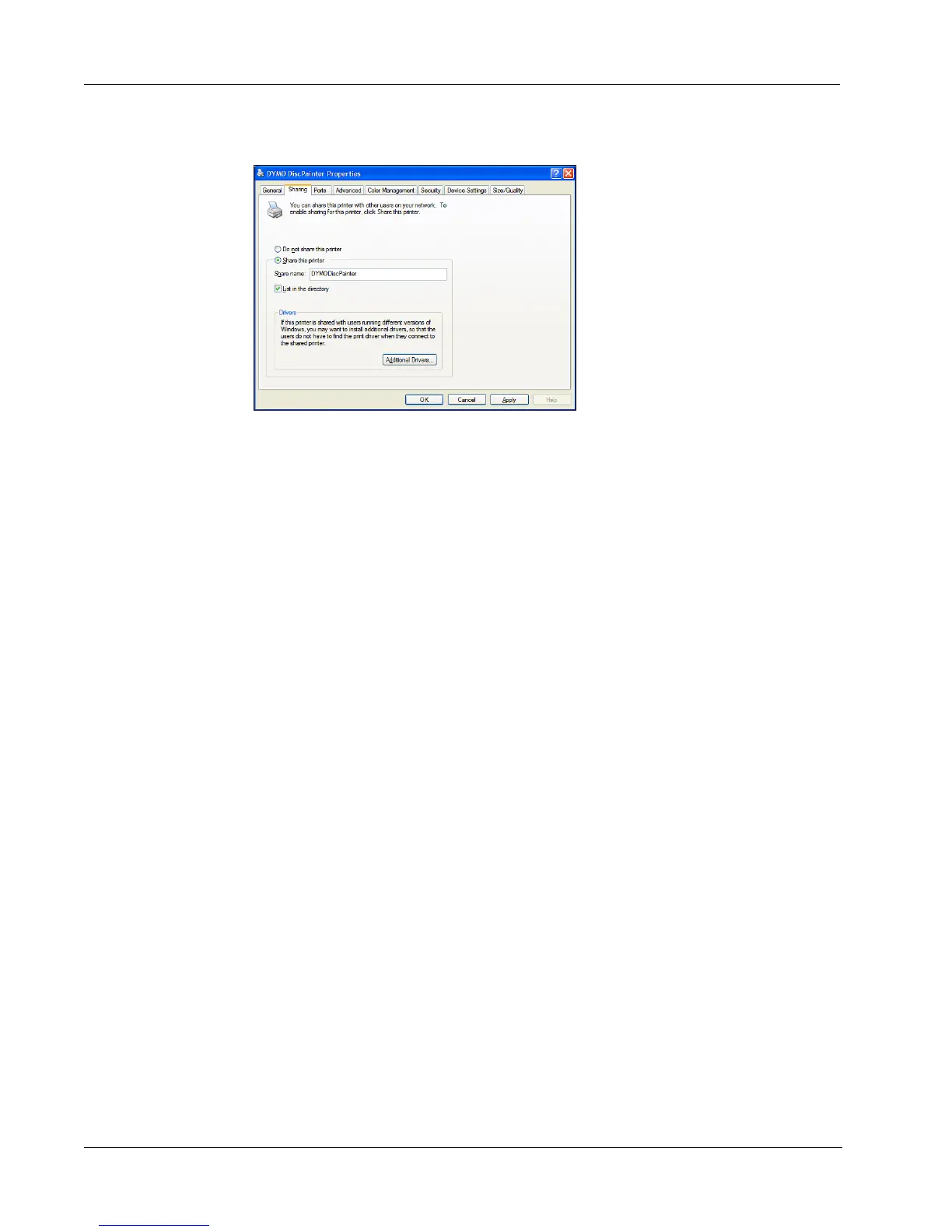
The DYMO Printer Properties dialog box is displayed with the Sharing pane open.
3 Select Share this printer.
4 Optionally, enter a different name for the printer in the Share name field.
This is the printer name that appears to other users on the network.
5 Click OK. The share icon (hand) is displayed under the shared printer. This indicates that other
users in the workgroup can print to this printer.
Installing a Network Printer
Before you can print to a shared network printer, you need to install DiscPainter software on your
local computer.
To install a network printer using DiscPainter Installer
1 Install DYMO DiscPainter Software. (See the Quick Start Guide for information.)
2 Run the Add Printer Wizard to connect to the network printer you wish to use.



 To Next Page