Caring for Your Printer
30
Repacking the Printer for Travel
The printer’s disc tray is carefully aligned to print perfectly. This alignment can be affected when
the printer is bumped or otherwise mishandled during shipping.
When you originally unpacked your printer, you removed a piece of cardboard from in front of the
disc tray and two pieces of foam packing from inside the ink cartridge compartment. When
packaging the printer for shipping, or any time the printer will be transported out of your care, you
should insert these packing pieces to preserve the disc alignment.
To repack the printer
1 With the power connected, open the front cover, and then open the top cover.
The disc tray moves towards the back of the printer.
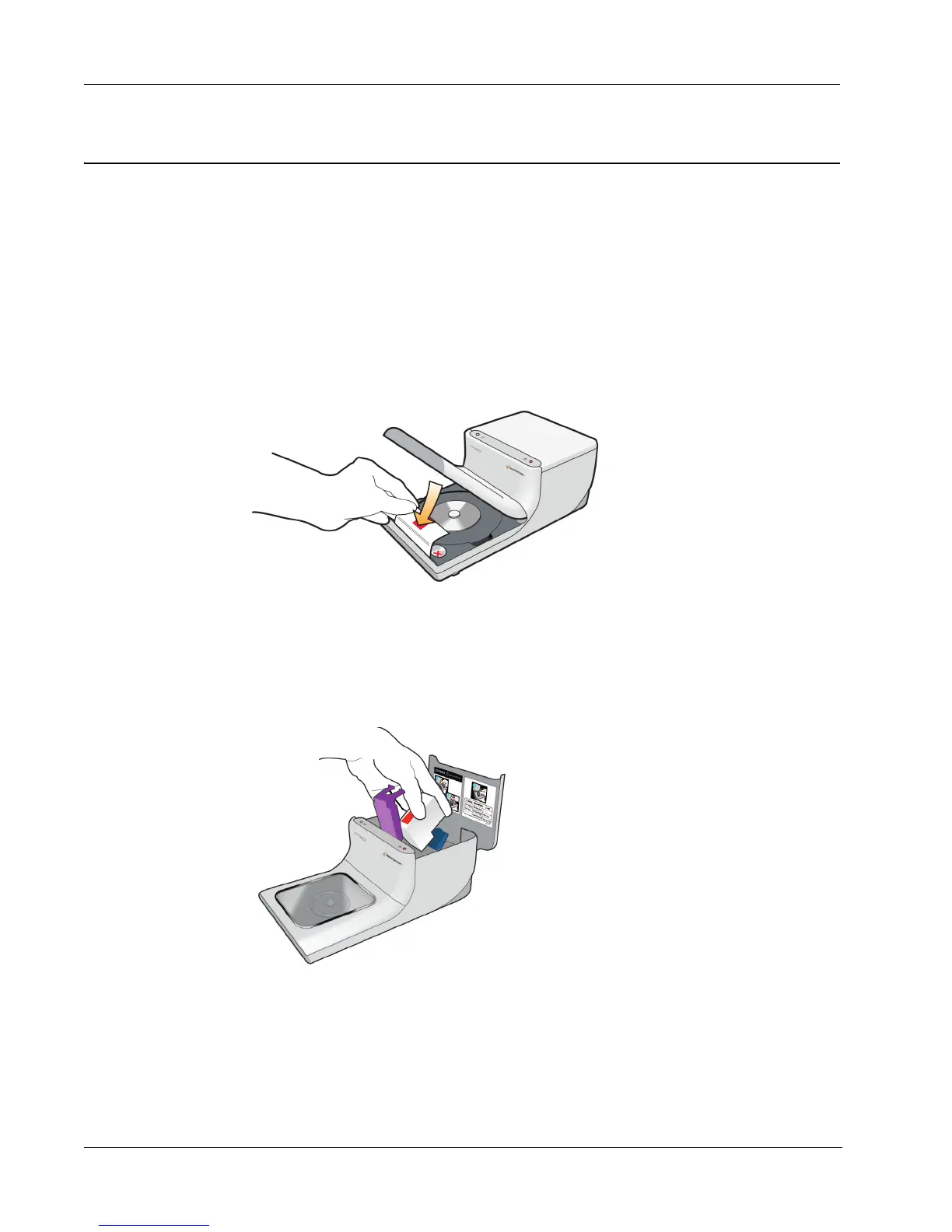
2 Insert cardboard between the disc tray and the front of the printer.
3 Close the top cover.
The disc tray moves forward against the cardboard insert.
4 Close the front cover.
5 Unplug the power cable from the power outlet and, then from the printer.
6 Open the top cover and remove the ink cartridge.
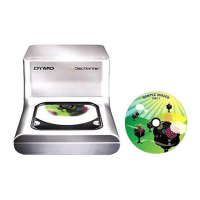
7 Insert the foam packing block into the ink cartridge bay.
8 Push the purple latch until the blue latch locks in place.



 To Next Page