Printing Problems
45
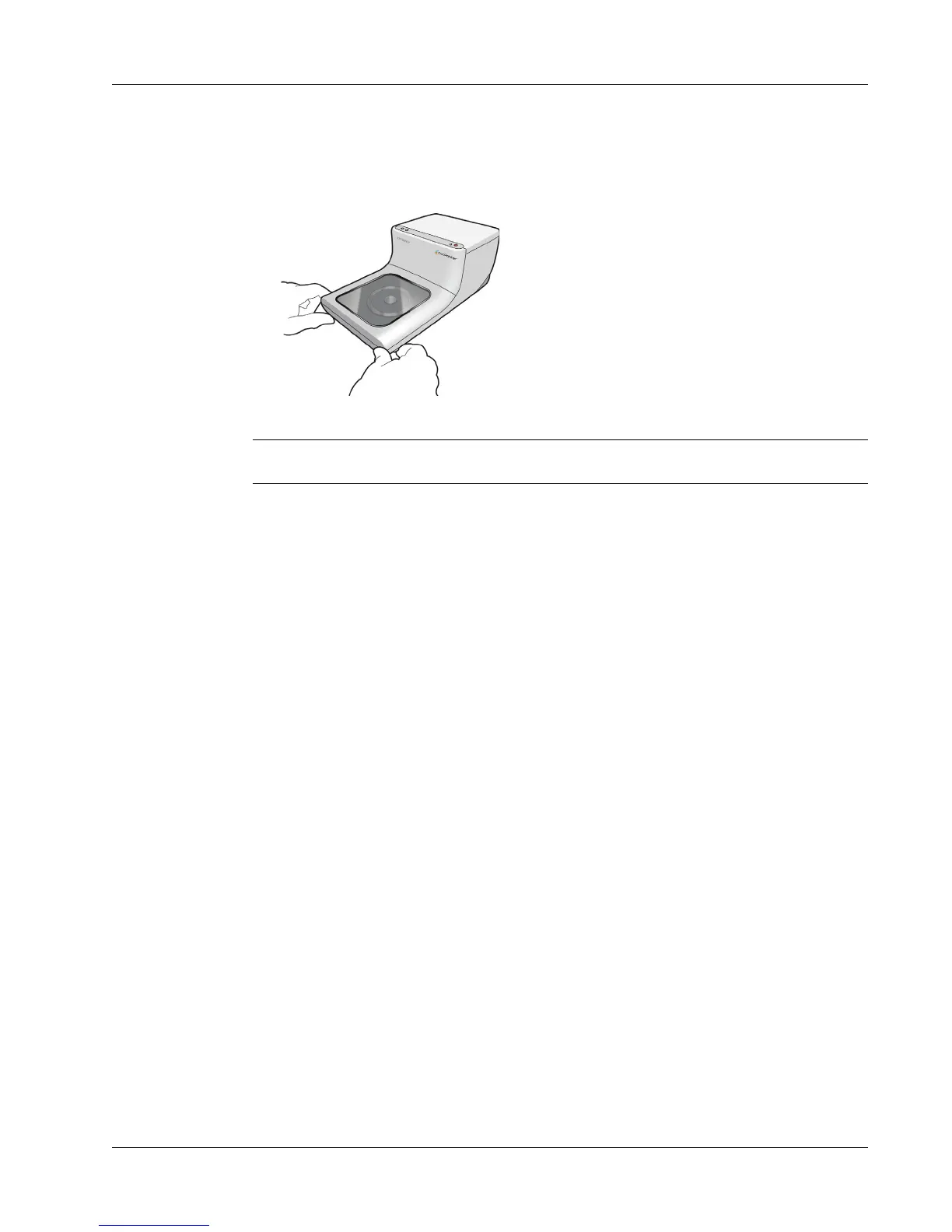
To open the disc lid when it is locked
1 Disconnect the power cord from the printer.
2 Pull the two disc lid release levers forward. The front cover opens.
3 Remove the disc from the disc tray.
Note If you attempt to open the disc lid during printing, printing will be interrupted and the image
will not print correctly.



 To Next Page