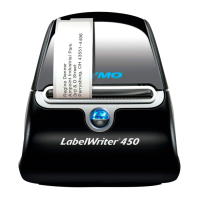
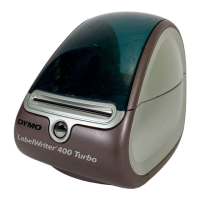
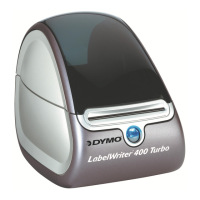
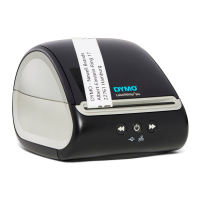
13
2. Installation du logiciel
Ne pas brancher l’imprimante sur votre ordinateur avant la fin de l'installation du logiciel.
Windows En fonction de votre configuration système, l’installation du logiciel peut prendre un
certain temps pendant l'installation du logiciel requis Microsoft .NET
™
.
Pour installer le logiciel sous un système Windows
1 Fermez toutes les applications Microsoft Office.
2 Placez le CD avec le logiciel DYMO LabelWriter dans le lecteur CD-ROM/DVD.
Après quelques secondes, l'écran d'installation apparaît.
3 Cliquez sur Installer et suivez les instructions de l’installateur du logiciel.
Pour installer le logiciel sous un système Macintosh
1 Placez le CD avec le logiciel DYMO LabelWriter dans le lecteur CD-ROM/DVD.
Après quelques secondes, l'icône de l'installateur du logiciel d'étiquettes DYMO apparaît.
2 Cliquez deux fois sur l'icône de l'installateur et suivez les instructions.



 To Next Page
 Loading...