2
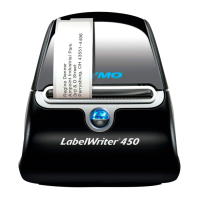
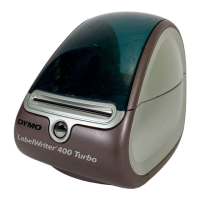
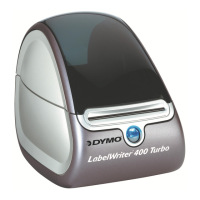
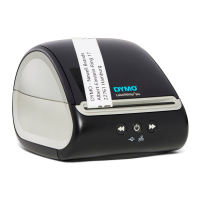
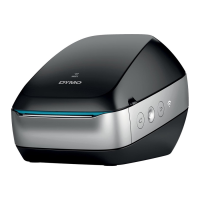
Become familiar with the printer’s major components. See Figure 2.
LabelWriter Printer Features
Your LabelWriter printer is a direct thermal printer and does not use ink or toner. Instead, the printer
uses heat from a thermal print head to print on specially treated labels. Labels are the only supplies
you will ever need to buy.
The form-feed button on the front of the printer advances a single label. The label eject button is
used to remove labels from the printer when changing rolls.
The status light visually shows the current state of the printer:
• Solid blue - power is on and the printer is ready.
• Flashing blue - labels are not loaded properly or the label roll is empty.
• Dimmed blue - printer is in power saving mode.



 To Next Page
 Loading...