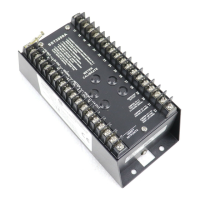
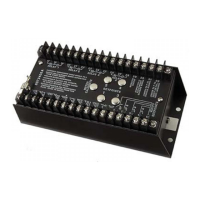
Changing the full-scale input frequency range
You can set the standard full-scale frequency range from as low as 0–80 Hz to as
high as 0–20 kHz.
1 Remove the top plate from the SST-2000A/H to reveal the “A” DIP
switches.
2 Use Table 4-1, page 23, or the underside of the top plate (bottom of
Fig. 4-9, page 22) to determine the correct DIP switch settings.
3 Calibrate the SST-2000A/H using the procedure on page 22.
Input frequency range less than 80 Hz full-scale
The full-scale frequency input range is usually set up at the factory when an
SST-2000A/H is ordered.
The SST-2000A/H can easily be field-modified for any standard full scale input
frequency range from 0–80 Hz to 0–20,000 Hz using the procedure Recalibration
of Full-Scale Input Frequency Range.
Field-changing the SST-2000A/H to accept input frequencies less than 0-80 Hz
full-scale is not recommended. Damage might result that could void the product
warranty.
Please contact the Dynalco Customer Service Department at (954) 739-4300 for
guidance in arranging for a low input frequency range.
Input frequency range greater than 20,000 Hz full-scale
The full-scale frequency input range is usually set up at the factory when an
SST-2000A/H is ordered.
The SST-2000A/H can easily be field-modified for any standard full scale input
frequency range from 0–80 Hz to 0–20,000 Hz using the procedure Recalibration
of Full-Scale Input Frequency Range.
Field-changing the SST-2000A/H to accept input frequencies greater than
0-20,000 Hz full-scale is not recommended. Damage might result that could void
the product warranty.
Please contact the Dynalco Customer Service Department at (954) 739-4300 for
guidance in arranging for a high input frequency range.
21
Calibrating the Speed Switch



 To Next Page