CHAPTER 6 - SPECIFY YOUR MESH Wi-Fi ROUTER SETTINGS
52
6.4
Use the Security menu to configure various security functions if needed, including IPv4 Firewall and IPv6 Firewall.
6.4.1
6.4.1.1
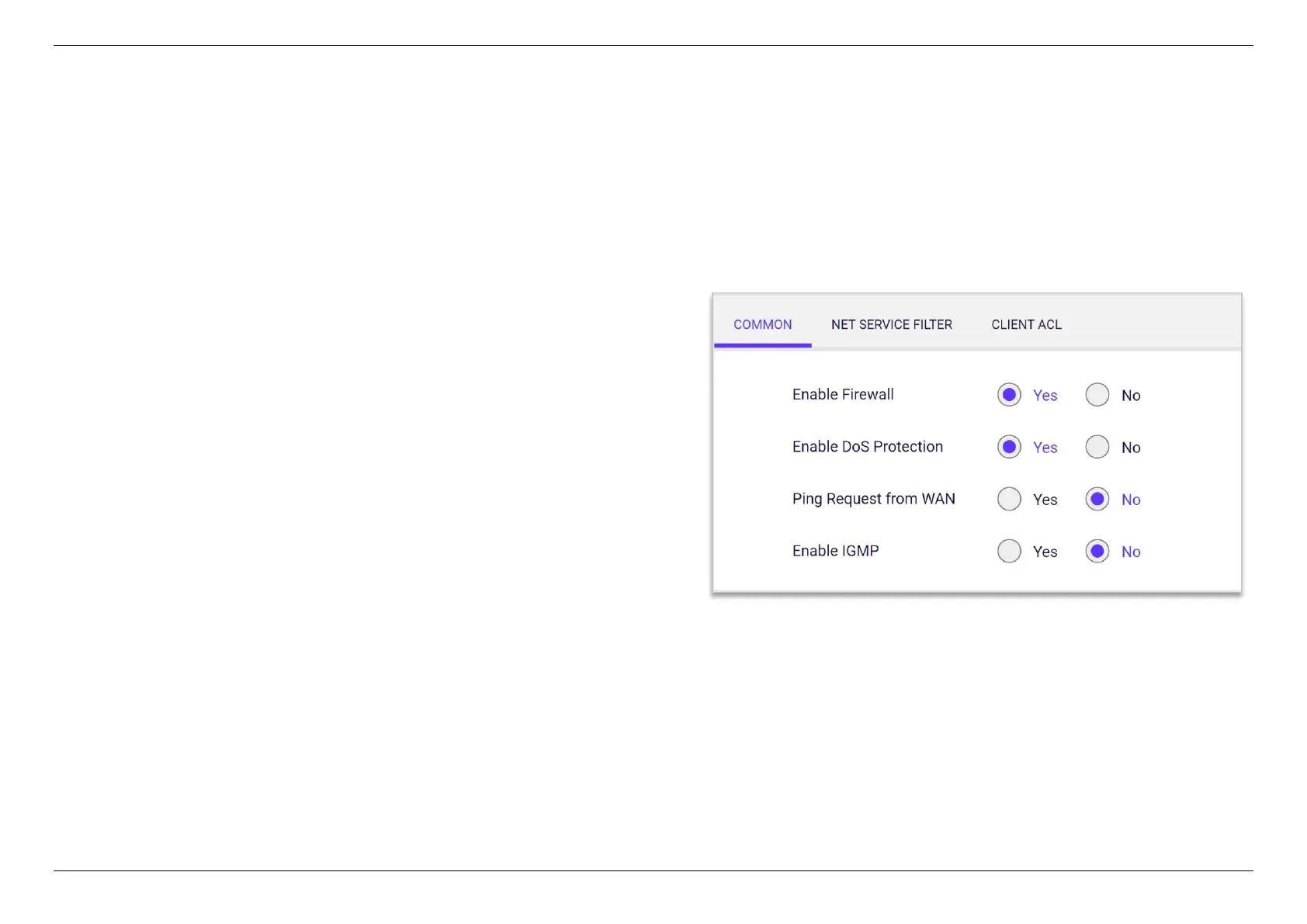
- Display the status of firewall function.
Denial-of-Service (DoS) is a common form
of malicious attack against a network. The router’s firewall can protect
against such attacks by filtering unreasonable packets that could flood
and disable network with large amounts of traffic.
When inactive the feature the router will not
answer IPv4 ping requests from the Internet. This can increase
security as ping is a common method used by hackers to test
networks.
Switch to turn on/off IGMP service.



 To Next Page