DS752LT5 User Manual 30
About DSM365
DSM365 is an internal operating system as Android, which can install the applications via USB flash
drive storage, SD card or Internet.
How to Switch to DSM365
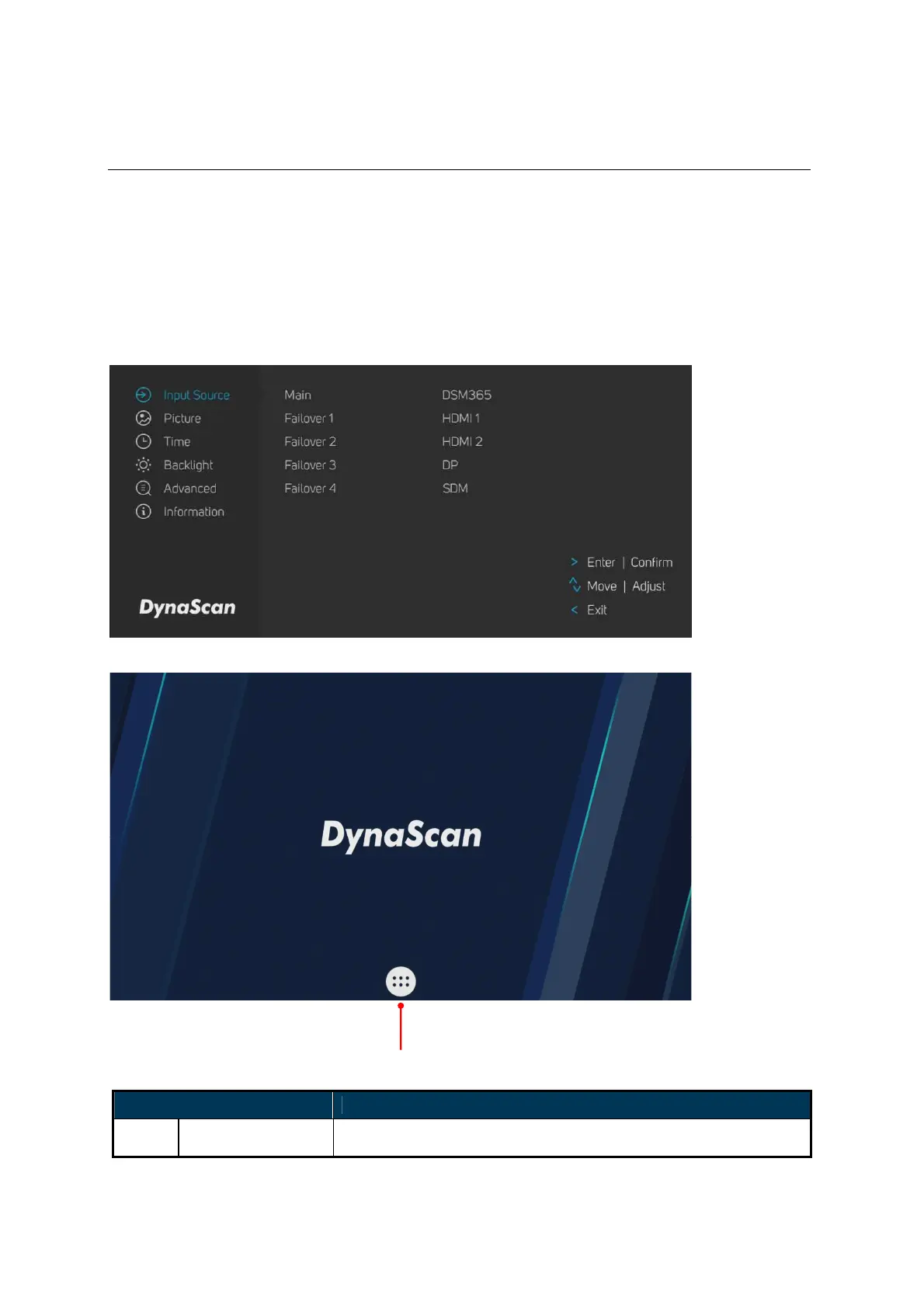
• Press the MENU button on either the rear panel control or remote control to show the OSD.
• Use the navigation arrows to select and adjust the Input Source.
[Input Source → Main → DSM365]
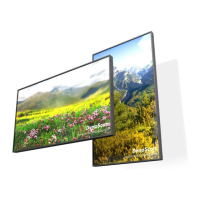
ITEM DESCRIPTION
APPS Show the Installed APPS.


 To Next Page