DS752LT5 User Manual 20
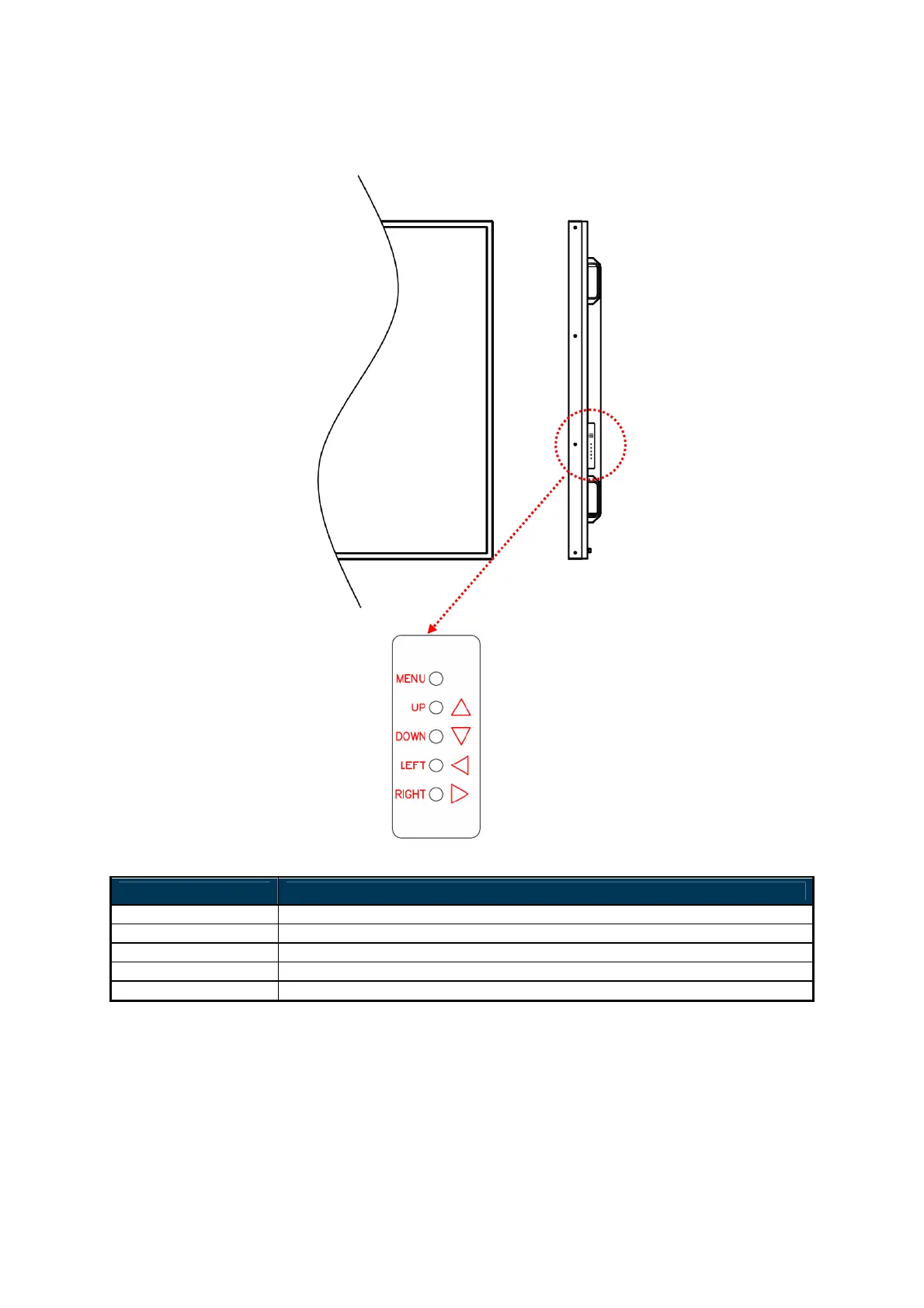
Using the built-in keypad
ITEM DESCRIPTION
MENU OSD On / Off, Power On / Off.
UP Move the cursor up or change the setting of selected item.
DOWN Move the cursor down or change the setting of selected item.
LEFT Exit the current selection.
RIGHT Select the highlighted item.



 To Next Page