Display meanings Technical data
1. Copy the rmware le onto an empty
USB stick.
2. Switch the loudspeaker off using the
power switch on the rear of the device.
3. Insert the USB stick in the USB port on
the rear side of the housing.
4. Switch the loudspeaker on (power
switch on the rear of the device).
The rmware update is performed
automatically.
The while LEDs will light in
ascending order (see above).
The procedure is completed in just
a few seconds. The loudspeaker
enters standby mode automatically.
5. Switch the loudspeaker back off and
remove the USB stick.
6. Repeat steps 2–5 with the second
loudspeaker.
Firmware update
Note
The rmware update must be
performed separately for each
loudspeaker.
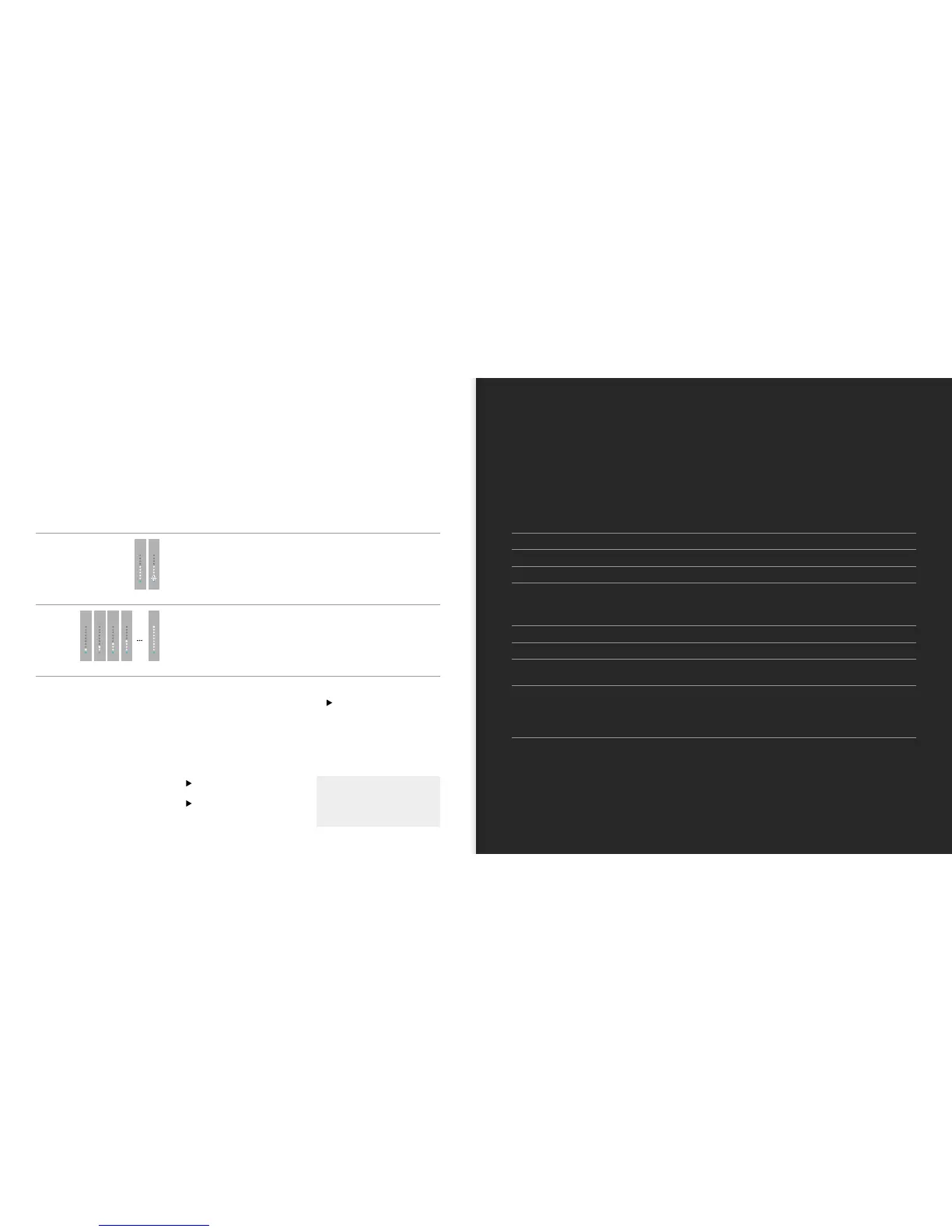
LED DISPLAY MEANINGS
Volume, mute
A number of white LEDs are illuminated.
The rst LED ashes.
The number of LEDs indicates the selected volume.
The loudspeaker is muted.
Firmware update
The white LEDs light in order. A rmware update is being performed.
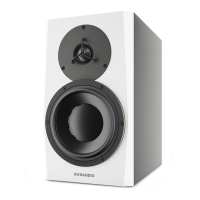
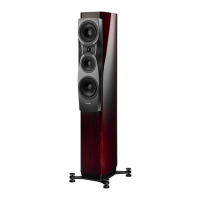
LOUDSPEAKERS FOCUS 20 XD FOCUS 30 XD FOCUS 60 XD
Frequency range (± 3 dB) 39 Hz – 24 kHz 29 Hz – 24 kHz 18 Hz – 24 kHz
Power consumption during operation
18 – 200 W 18 – 200 W 18 – 200 W
Power consumption in standby
< 1 W (with active network) < 1 W (with active network) < 1 W (with active network)
Amplier performance
Subwoofer: 150 W
Tweeter: 150 W
Subwoofer: 150 W
Midrange: 150 W
Tweeter: 150 W
Subwoofer 1: 150 W
Subwoofer 2: 150 W
Midrange: 150 W
Tweeter: 150 W
Dimensions (H x W x D)
360 x 198 x 307 mm 980 x 198 x 307 mm 1095 x 213 x 337 mm
Weight
8.65 kg 18.5 kg 27 kg
Voltage supply
100 – 120 V/220 – 240 V,
50/60 Hz
100 – 120 V/220 – 240 V,
50/60 Hz
100 – 120 V/220 – 240 V,
50/60 Hz
Inputs
Digital audio IN (16/24 bit: 44.1/48/88.2/96/176.4/192 kHz), cinch, SPDIF (75 ohm coax)
Digital audio OUT (16/24 bit: 44.1/48/88.2/96/176.4/192 kHz), cinch, SPDIF (75 ohm coax)
Analog audio IN (input sensitivity: +6 dB/0 dB/–6 dB), cinch, 1/2/4 Vrms
Service, USB, rmware upload
Wireless (bit/kHz: 16/48 and 24/96), 2.4/5.2/5.8 GHz



 To Next Page