D3 Pilot’s Guide 4-1
4. PRODUCT TOUR
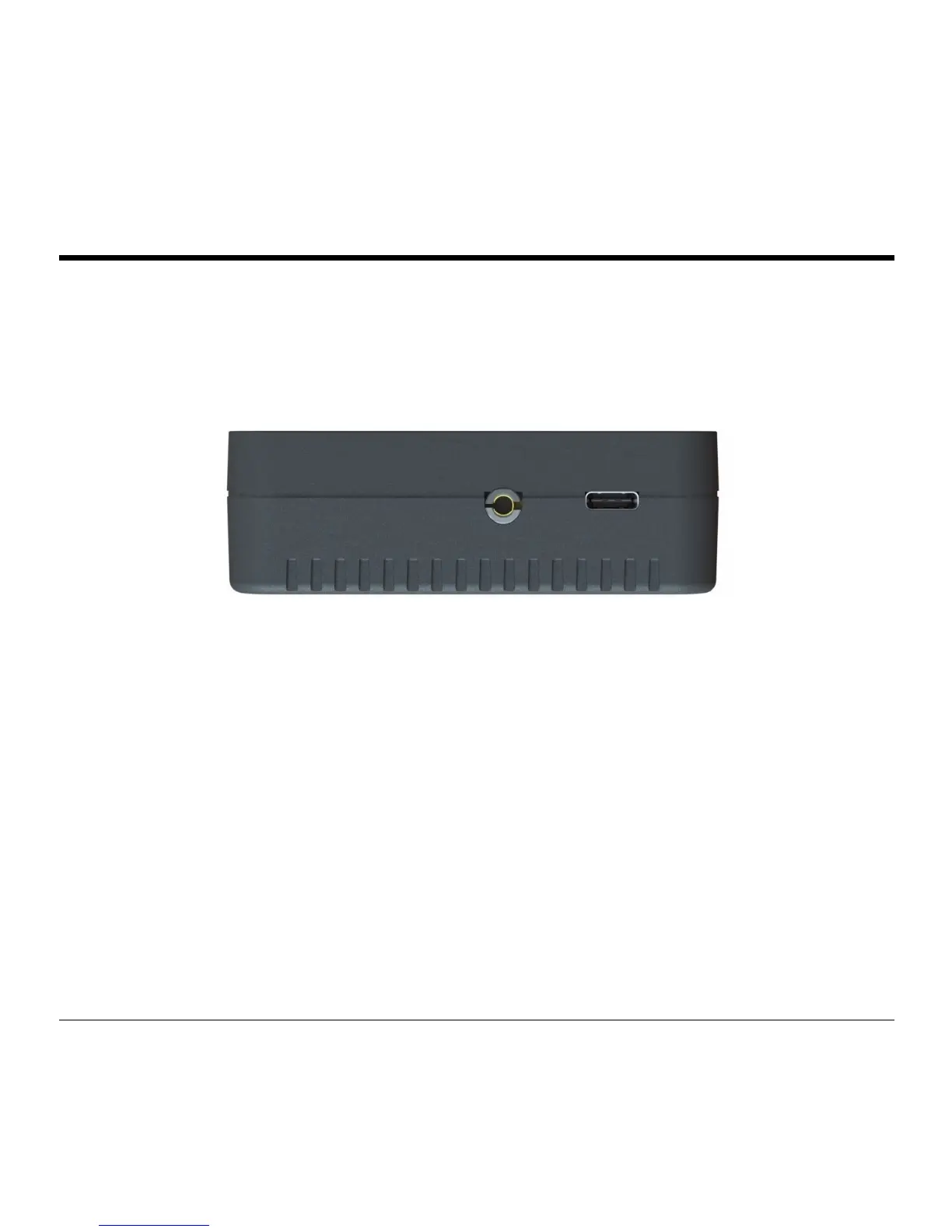
Left Side
GPS: Connection port for optional external GPS antenna.
USB-C Port: Can be used to charge unit from any USB-C power source.
Figure 1 - D3 Left Side (left to right): GPS, USB-C
Front
Power Button: Hold to power on and off.
Touchscreen: The D3 is controlled through a touchscreen interface. Touch the menu icon on the
upper left corner of the screen to access most controls and settings. Swipe left and right on the
main display to choose between various displays.



 To Next Page