
 To Next PageTo Next Page
 Need help?
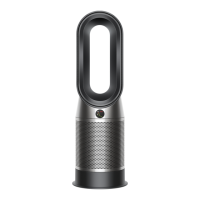
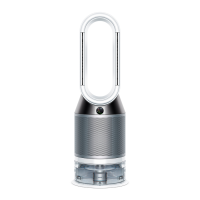
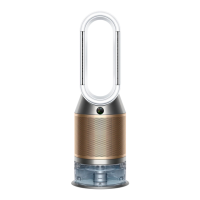
Do you have a question about the Dyson Purifier Humidify+Cool and is the answer not in the manual?
 General
| Brand | Dyson |
|---|---|
| Model | Purifier Humidify+Cool |
| Category | Air Cleaner |
| Language | English |
Explains the layout and function of buttons on the remote control.
Instructions on keeping the water tank cap dry for safety and functionality.
Steps to safely remove the water tank from the machine.
Guidance on filling the water tank with cold tap water to the maximum level.
Instructions for securely refitting the water tank and its cap.
How to put the machine into standby mode and its continuous monitoring function.
Explanation of the continuous monitoring feature and its data collection.
Steps to enable or disable the continuous monitoring feature via the remote control.
Information on the default Wi-Fi status and how to toggle it on/off.
Details on particulate matter (PM10, PM2.5), gases, and air quality readings.
Covers temperature, humidity, filter life, evaporator status, and Wi-Fi connectivity.
How to reset the filter life indicator after replacing the filter.
Instructions for cleaning the machine using a damp cloth and soft brush.
Actions to take for a continuous alert icon on the LCD screen.
How to interpret temporary alert icons and continue using the machine.