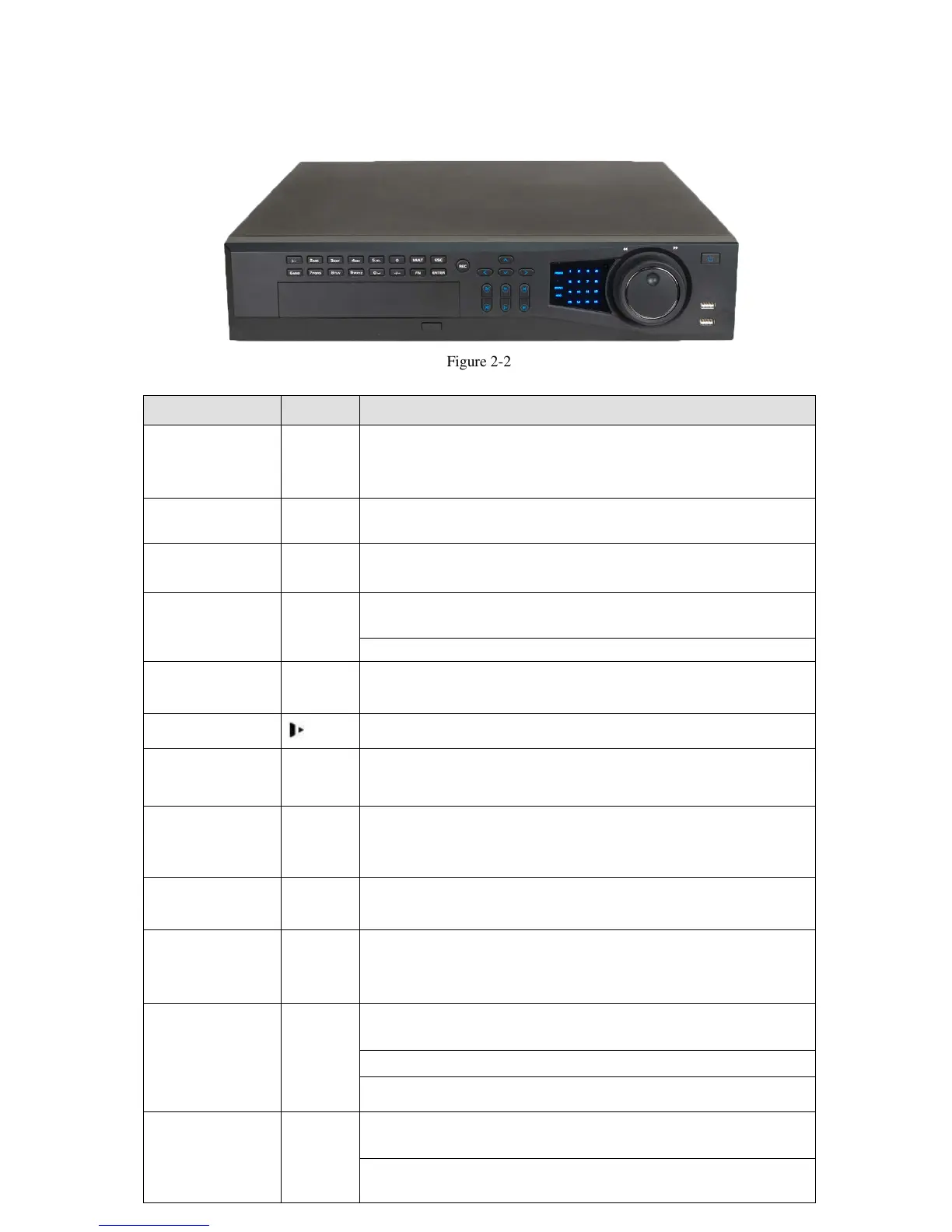
Figure 2-2
Please refer to the following sheet for front panel button information.
Name Icon Function
Power button
Power button, press this button for three seconds to boot up or
shut down DVR.
Number button 0-9
Input Arabic number
Switch channel
number Input
more than 10
-/--
If you want to input a number more than 10, please click this
button and then input.
Shift
In textbox, click this button to switch between numeral,
English(Small/Capitalized),donation and etc.
Enable or disable tour.
Fast play
Va
rious fast speeds and normal playback.
Slow play
Multiple slow play speeds or normal playback.
Play/Pause
In normal playback click this button to pause playback
In pause mode, click this button to resume playback.
Reverse/Pause
In
normal playback or pause mode, click this button to reverse
playback
In reverse playback, click this button to pause playback.
Play previous | In playback mode, playback the previous video
Play Next |
In playback mode, playback the next video
In menu setup, go to down ward of the dropdown list.
Up/
Down
、
Act
ivate current control, modify setup, and then move up and
down.
Increase/decrease numeral.
Assistant function such as PTZ menu.
Left/
Right
Shift current activated control, and then move left and right.
When playback, click these buttons to control playback bar.
ELI-PRO4-CVI-16/8 Series
This series products’ front panel is shown as below. See Figure 2-2.



 To Next Page