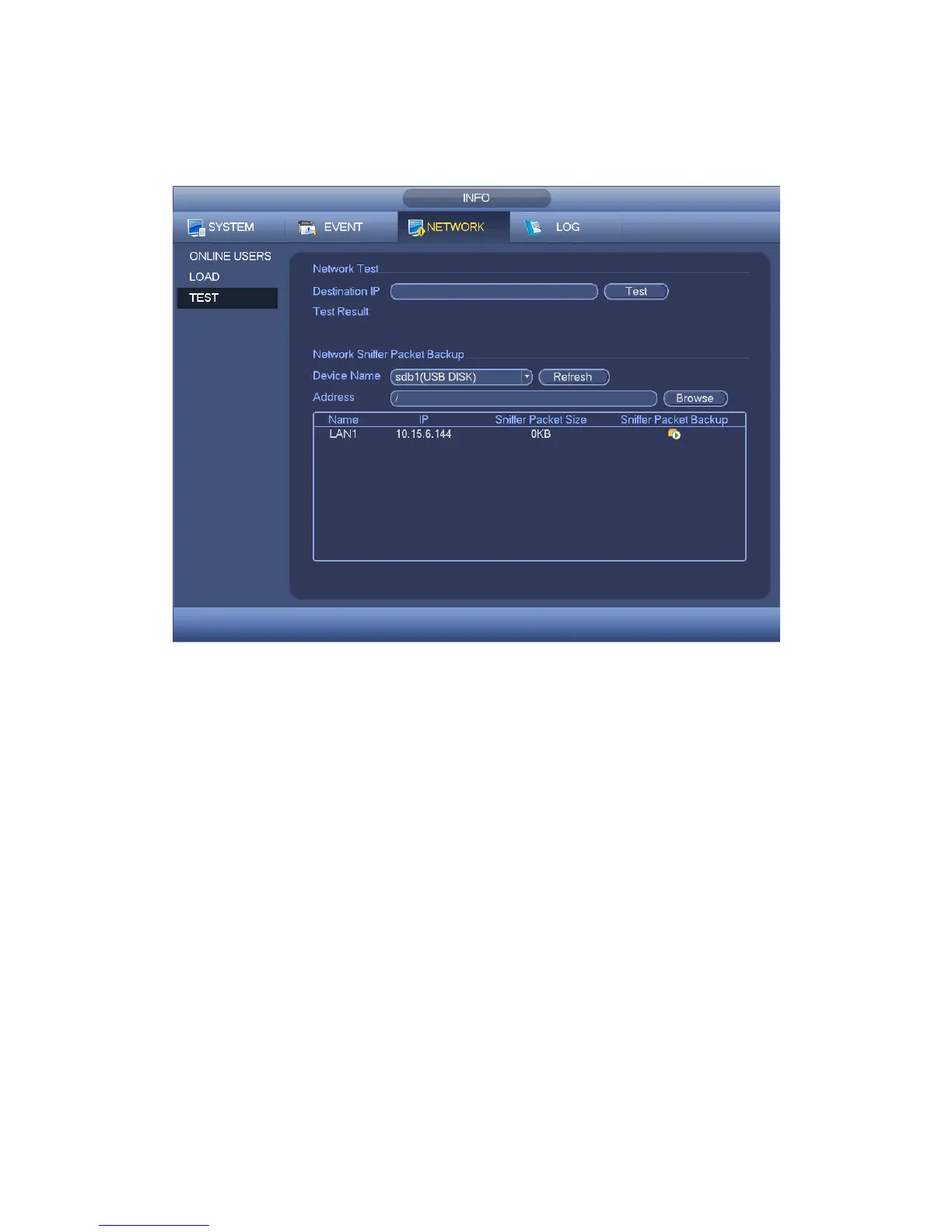
can save the packets to the specified path. The file is named after “Network adapter
name+time”. You can use software such as Wireshark to open the packets on the PC for
the professional engineer to solve complicated problems.
Figure 4-46
4.9.4 Log
4.9.4.1 Local Log
Here is for you to view system log file. System lists the following information. See Figure
4-47.
Log types include system operation, configuration operation, data management, alarm
event, record operation, account manager, log clear, file operation and etc. It optimized
reboot log. There are only three types: normal reboot, abnormal reboot and protection
reboot. 0x02、0x03、0x04 is included in the protection reboot type.
Start time/end time: Pleased select start time and end time, then click search button.
You can view the log files in a list. System max displays 100 logs in one page. It can
max save 1024 log files. Please use page up/down button on the interface or the front
panel to view more.
Backup: Please select a folder you want to save; you can click the backup button to
save the log files. After the backup, you can see there is a folder named Log_time on
the backup path. Double click the folder, you can see the log file



 To Next Page