After you go to the corresponding interface, right click mouse to go back to the
upper-level.
Figure 4-11
4.4.1 Window Switch
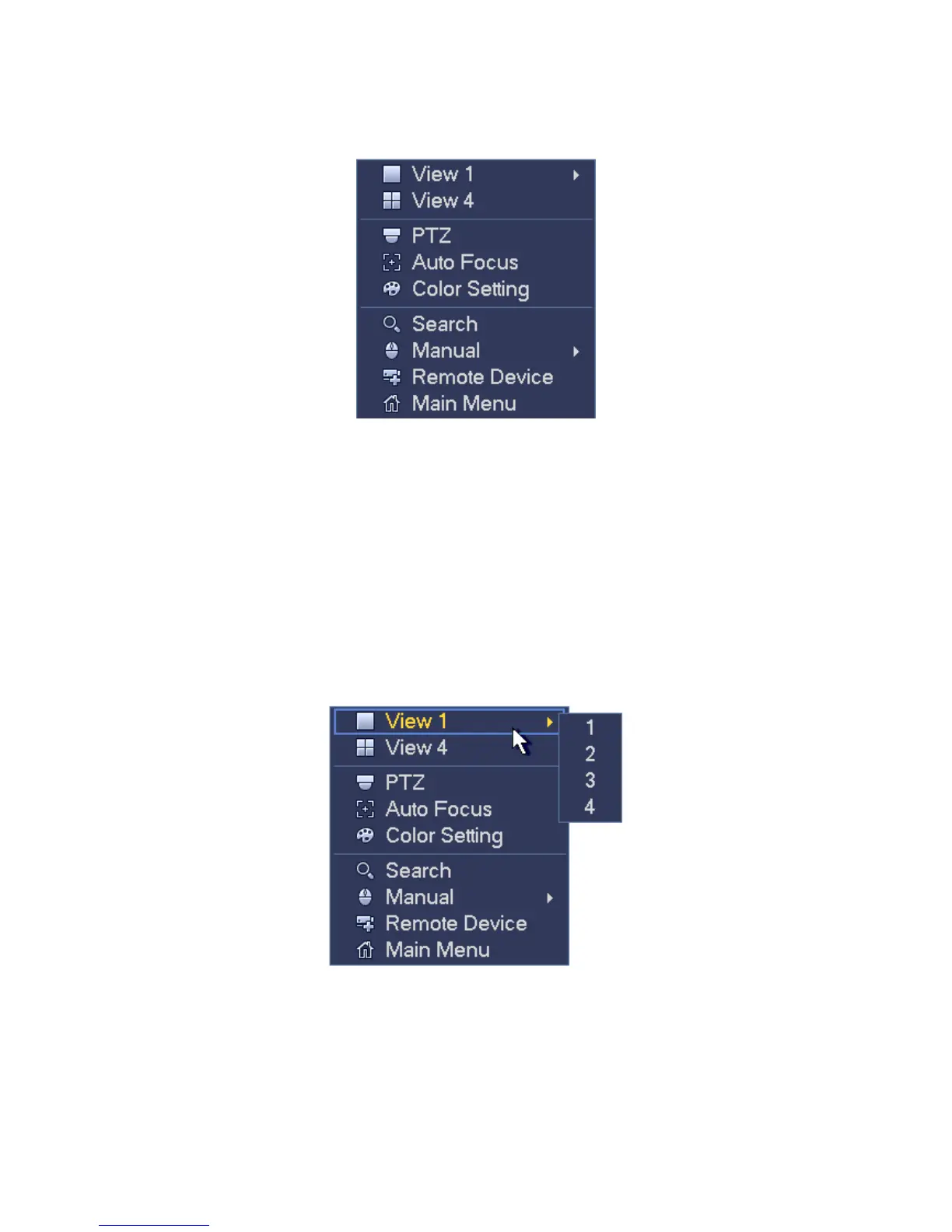
System supports 1/4/8/9-window. You can select from the dropdown list. See Figure
4-12.
Window split mode: You can select window amount and then select channels.
PTZ: Click it to go to PTZ interface.
Auto focus: Please make sure you connected network camera supports this function.
Color setting: Set video corresponding information.
Search: Click it to go to Search interface to search and playback a record file.
Record control: Enable/disable record channel.
Remote device: Click it to add remote device.
Main menu: Go to system main menu interface.
Figure 4-12
4.4.2 PTZ Control
The PTZ setup is shown as in See Figure 4-13.
Please note the commend name is grey once device does not support this function.
The PTZ operation is only valid in one-window mode.



 To Next Page