3.2.4 ELI-PRO4-CVI-16 Series
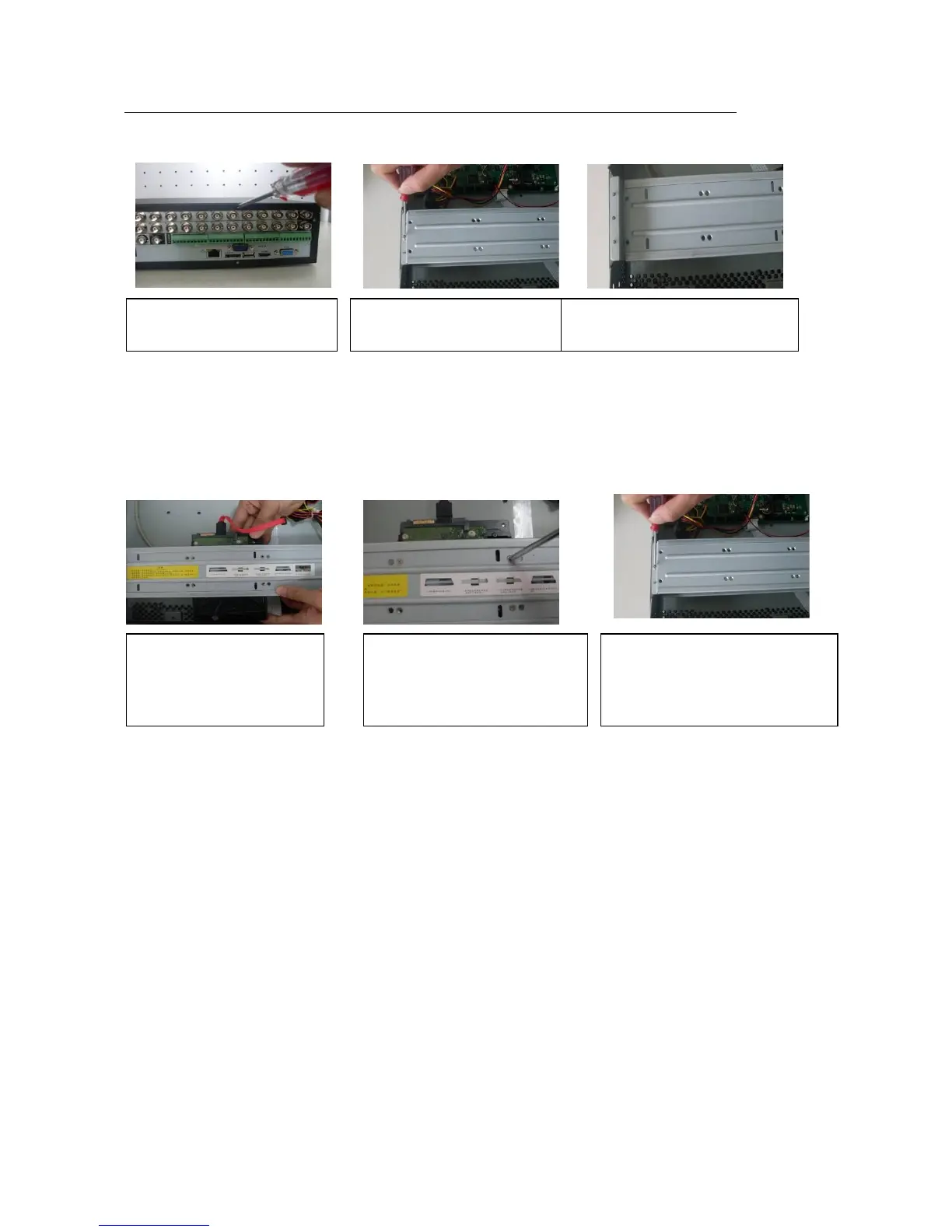
This series DVR max supports 8 SATA HDDs. Please use HDD of 7200rpm or higher.
2. Remove the HDD upper
bracket
3. Now you can see the bottom
bracket
5. U
se screws to fix HDD.
6. I
nstall the upper bracket and then
Use screws to fix HDD in the
bracket.
1. Loosen the screws of the
upper cover.
4. Line up the HDD to the
four holes of the HDD bracket.



 To Next Page